


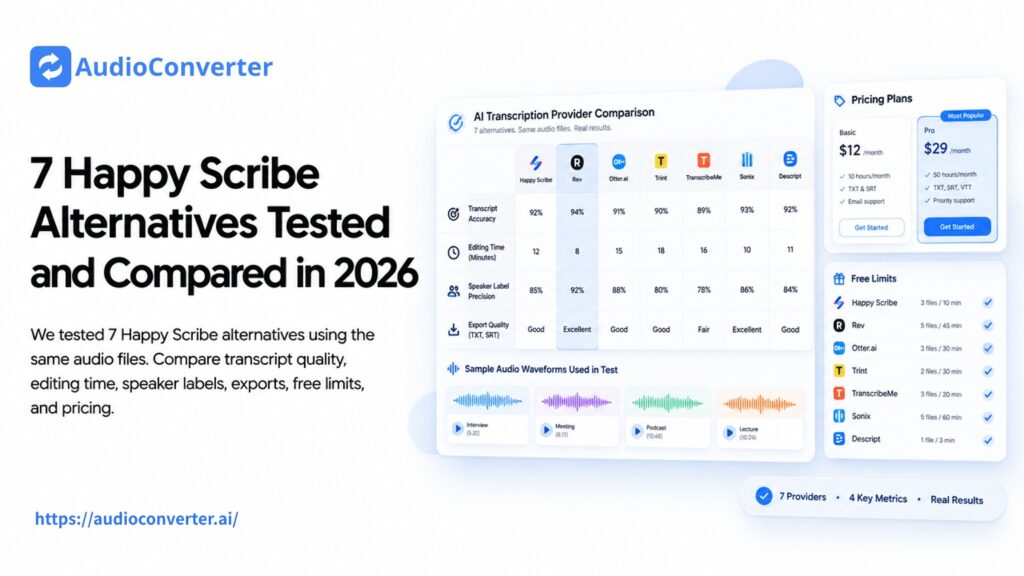
Happy Scribe combines AI transcription, subtitles, translation, meeting notes, and optional human proofreading. That range is useful, but it can also mean paying for a larger workflow than you need. A podcaster editing spoken audio, a student uploading a lecture, and a team documenting live meetings will not necessarily benefit from the same alternative.
For this guide, we compared seven Happy Scribe alternatives through the same practical workflow: upload or import a recording, review the transcript, check speaker handling, inspect export options, and calculate what continued use would cost. We focused on the work required to reach a usable result, not just the number of features on a pricing page.
If your priority is simply to transcribe audio to text from recordings, interviews, lectures, podcasts, or videos, Audio Converter AI offers the most direct starting point. TurboScribe is better suited to long files, Sonix provides a stronger professional transcript editor, Descript stands out for podcast production, and Rev remains the clearest choice when human review matters.
Happy Scribe Alternatives at a Glance
| Tool | Best for | Free access | Main advantage | Main limitation |
| Audio Converter AI | Quick audio and video transcription | Free plan available | Simple file-to-transcript workflow with speaker labels and summaries | Not a human transcription service |
| TurboScribe | Long recordings and frequent transcription | 3 transcripts per day, up to 30 minutes each | Generous long-file limits on the paid plan | Less focused on advanced media editing |
| Sonix | Professional transcript editing | 30-minute trial | Strong synchronized editor, exports, and custom vocabulary | Costs can rise with regular usage |
| Descript | Podcasts and transcript-based editing | 1 media hour per month | Edit audio and video by editing the transcript | More software than a transcript-only user needs |
| Rev | Human-reviewed transcription | 45 AI minutes per month | AI and professional human services in one platform | Human transcription becomes expensive at scale |
| VEED | Video subtitles and social content | Free plan available | Combines transcription, captions, and browser video editing | Free and lower-tier limits affect regular production |
| Otter.ai | Live meetings and collaborative notes | 300 minutes per month | Real-time notes, summaries, and meeting workflows | Free users get only 3 lifetime file imports |
How We Compared These Happy Scribe Alternatives
Transcription accuracy changes with the microphone, background noise, accents, vocabulary, and number of speakers. A universal accuracy score would therefore be misleading. Instead, we used a repeatable workflow checklist that reflects what happens after a recording is made.
We considered:
- Audio and video upload support
- Speaker labels and timestamps
- Transcript correction workflow
- TXT, DOCX, PDF, SRT, and VTT exports
- Support for long files and multiple languages
- Free-plan restrictions
- Paid pricing and overage structure
- Whether the product is designed for files, meetings, subtitles, or media editing
The most important measure was practical fit. A powerful editor may be worth paying for when the transcript becomes a podcast or finished video. It may be unnecessary when the goal is only to extract clean, editable text.
Why Look for an Alternative to Happy Scribe?
Happy Scribe is still a strong choice for multilingual transcription and subtitle production. Its free plan includes a short trial for uploaded-file transcription, while paid plans add more AI minutes, subtitle formats, AI tools, and collaboration. Human proofreading is available separately.
The reason to switch is usually not that Happy Scribe cannot transcribe a file. It is that another product fits a narrower job better.
You may want an alternative if:
- You need a fast transcript without a complete subtitle workspace.
- You regularly process recordings longer than your plan allowance.
- You want to edit a podcast or video directly from its transcript.
- You need human-reviewed text for legal, research, or publication work.
- You mainly document live meetings rather than upload media files.
- You prefer a simpler free workflow for occasional transcription.
With that in mind, here is how the seven alternatives compare.
1. Audio Converter AI — Best for Quick File Transcription
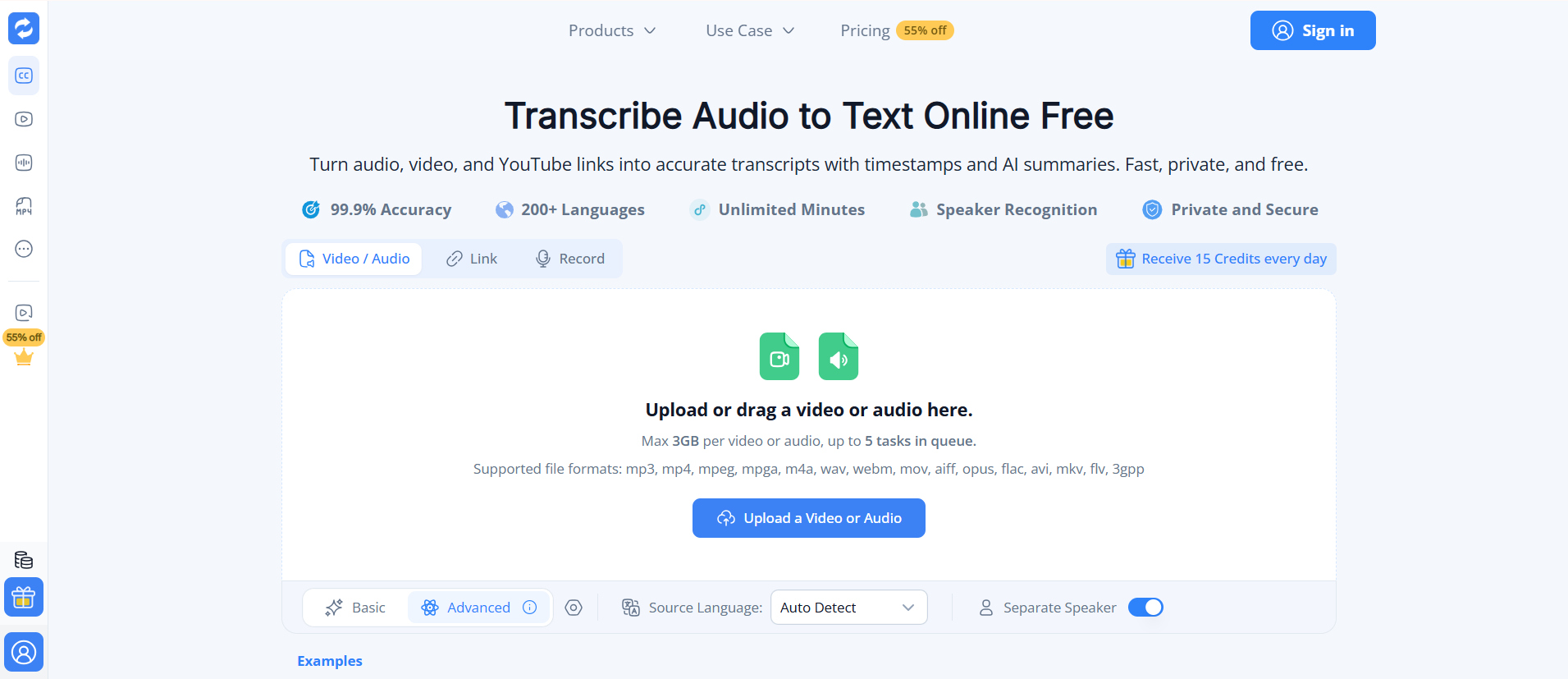
Audio Converter AI is the most straightforward option in this comparison for turning an existing recording into editable text. You can upload common formats including MP3, MP4, M4A, WAV, MOV, FLAC, and WebM, or submit a supported media URL. The current upload interface accepts files up to 3 GB and supports multiple queued tasks.
The result includes timestamps, speaker separation, editable text, and an AI summary. This makes the workflow useful for interviews, lectures, meetings, podcasts, and videos without requiring users to begin inside a meeting bot or video editor.
The main advantage is focus. If you want to transcribe audio to text, review the result, and reuse it for notes, captions, or an article, there are fewer unrelated production tools to navigate. A free plan is available, and the site states that no credit card is required to begin.
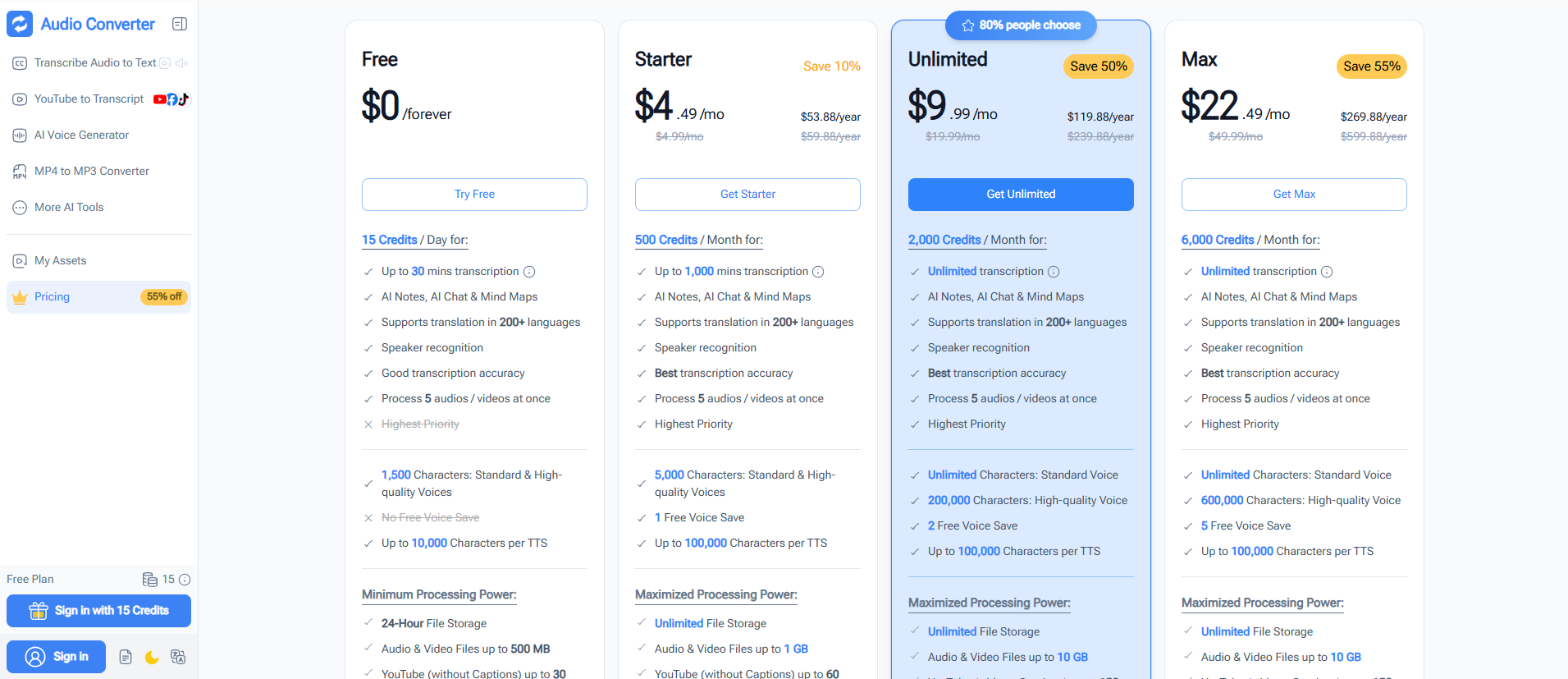
The trade-off is that Audio Converter AI does not replace Happy Scribe's professional human transcription service or its deeper subtitle-production controls. Choose it when speed and a simple browser workflow matter more than broadcast subtitle formatting or human proofreading.
Best for: Students, interviewers, educators, podcasters, and occasional file transcription.
2. TurboScribe — Best for Long Recordings
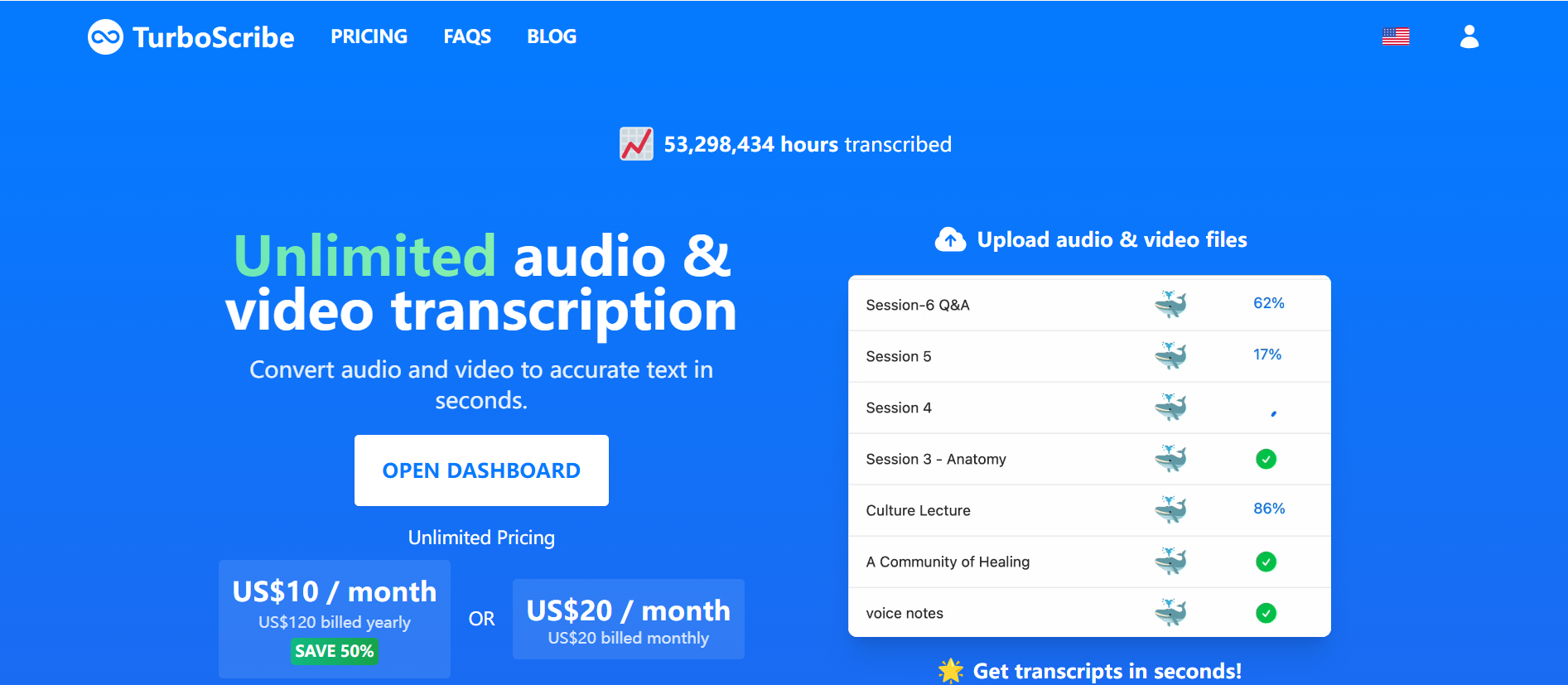
TurboScribe is built around high-volume automated transcription. Its free plan allows three transcripts per day, with each upload limited to 30 minutes. The Unlimited plan is advertised at $10 per month when billed yearly and raises the maximum file length to 10 hours or 5 GB, with batch uploads and translation into more than 130 languages.
That makes TurboScribe appealing when the main problem is volume. Long lectures, research interviews, webinars, and podcast archives can quickly consume the monthly minutes included with many competitors. TurboScribe's plan is easier to understand if you expect to process files regularly.
The workflow is still centered on automated transcription. Users who need detailed subtitle styling, a full video editor, or professional human review may find Happy Scribe, VEED, or Rev more suitable. Free jobs also receive lower processing priority.
Choose TurboScribe over Happy Scribe when long uploads and predictable high-volume usage matter more than an end-to-end subtitle or meeting workspace.
Best for: Researchers, students, creators, and teams with many hours of recorded material.
3. Sonix — Best for Professional Transcript Editing
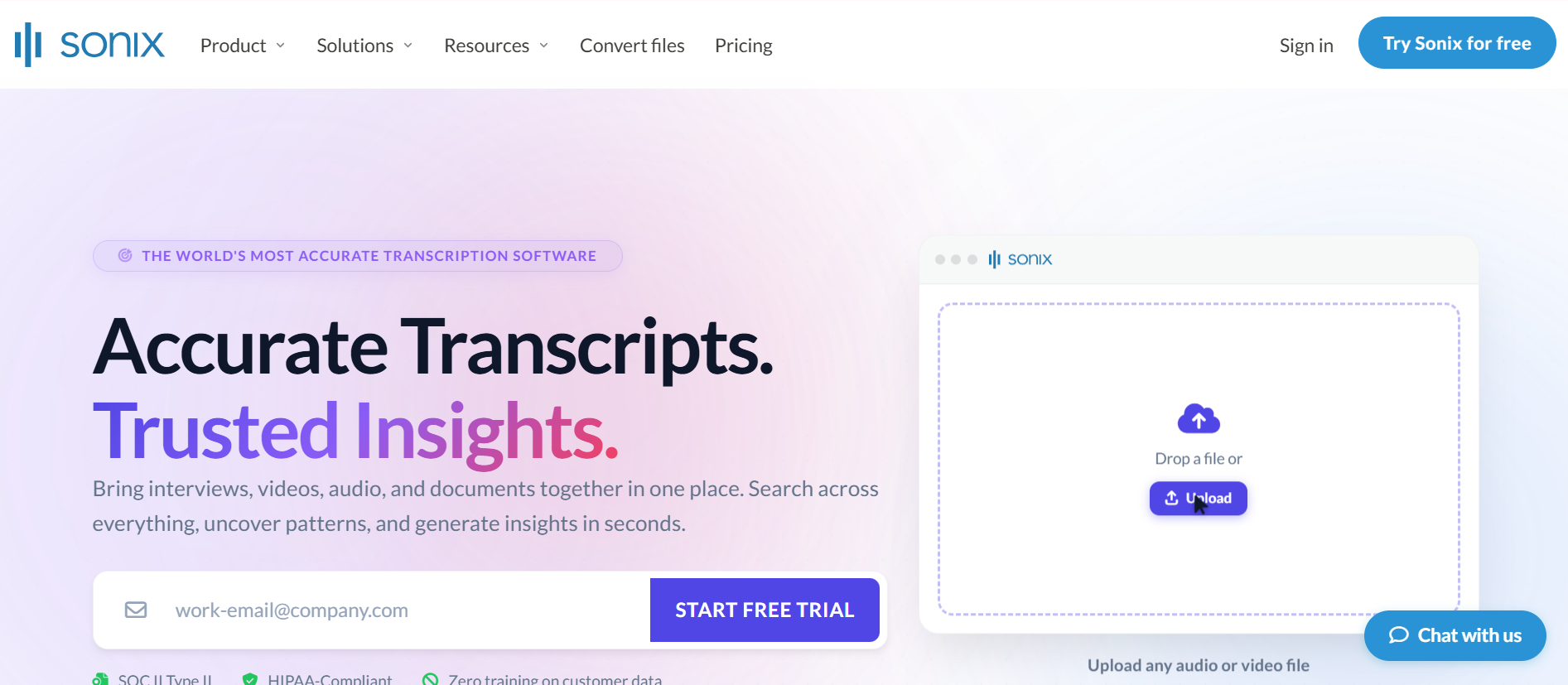
Sonix is a strong Happy Scribe alternative for users who expect to spend time correcting and organizing transcripts. Its browser editor synchronizes text with the recording, making it easy to play the relevant audio from a word or sentence. It also supports speaker labels, timestamps, custom dictionaries, automated subtitles, and exports including DOCX, PDF, TXT, SRT, and VTT.
The platform currently advertises transcription in more than 50 languages. New users receive a 30-minute trial without a credit card. After that, pay-as-you-go transcription costs $10 per hour, while the Core plan starts at $25 per month with five included hours.
Sonix is especially useful for technical interviews, research, and multilingual projects where names and specialist vocabulary require correction. The editor and export range are more important here than having the cheapest initial transcript.
The downside is cost structure. Occasional users may like pay-as-you-go pricing, but subscriptions and additional usage can add up. Happy Scribe remains stronger when optional human proofreading and a larger subtitle-localization workflow are essential.
Best for: Journalists, researchers, agencies, and multilingual content teams.
4. Descript — Best for Podcasts and Transcript-Based Editing
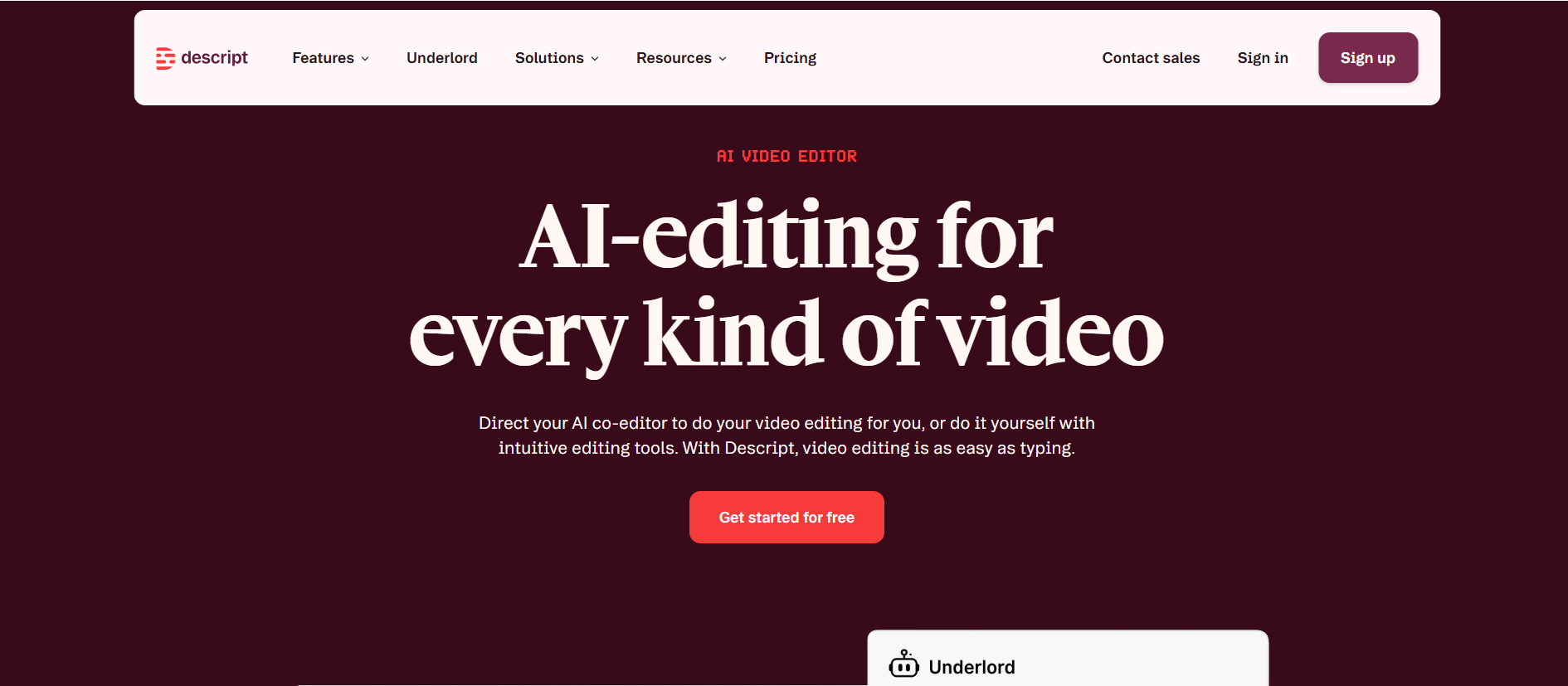
Descript treats the transcript as an editing surface. Delete a sentence from the text and the matching section can be removed from the audio or video. That makes it fundamentally different from tools that stop after producing a document.
For podcasters and interview-led video teams, Descript combines transcription with multitrack editing, filler-word removal, captions, clips, screen recording, and Studio Sound. It supports transcription in 25 languages and can identify multiple speakers. The free plan includes one media hour per month, while the Hobbyist plan starts at $16 per person per month when billed annually and includes 10 media hours.
Descript is the better Happy Scribe alternative when the transcript is only the beginning of production. It can reduce the need to move between a transcription service, audio editor, and clip-making tool.
However, the interface and credit system are unnecessary if you only want text. Users processing large volumes should also watch both media-hour and AI-credit limits rather than comparing the headline subscription price alone.
Best for: Podcasters, video creators, course producers, and teams editing spoken media.
5. Rev — Best for Human-Reviewed Accuracy
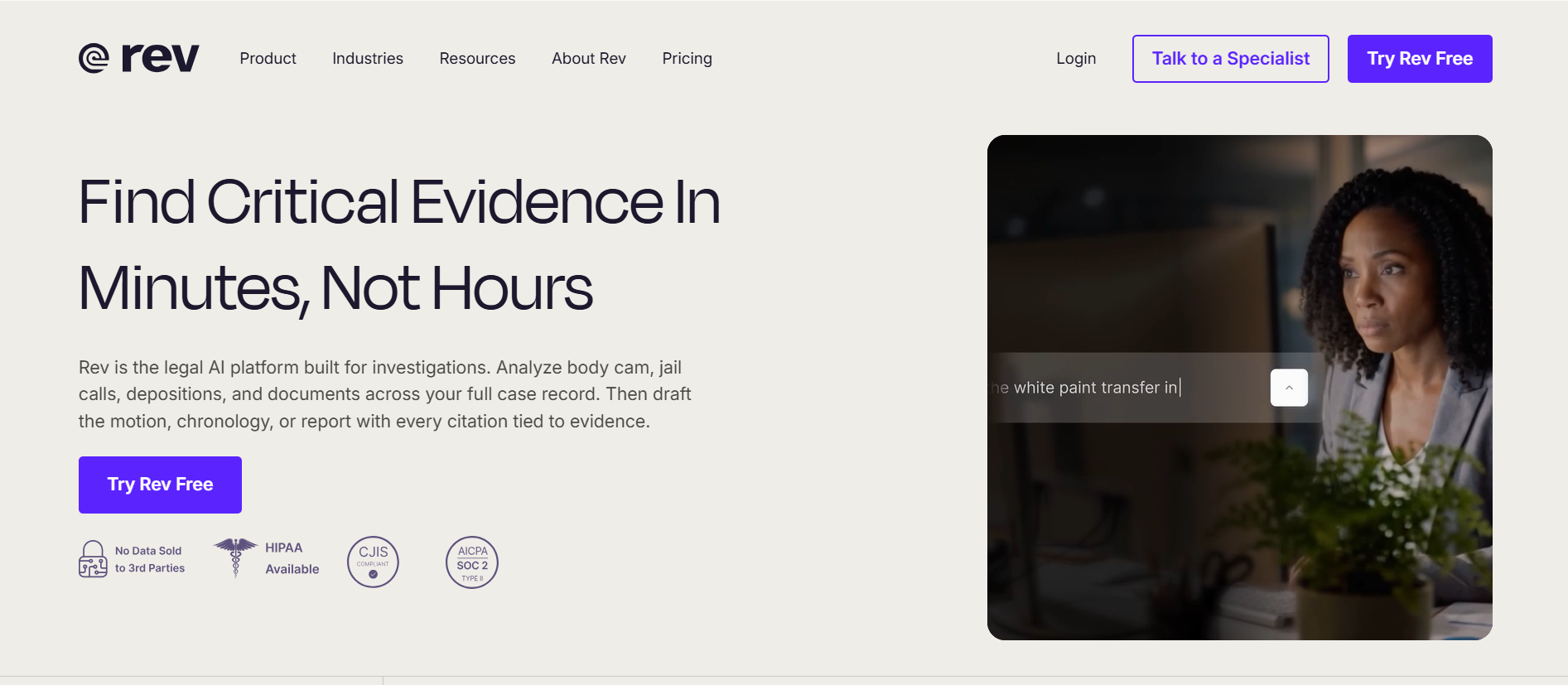
Rev is the clearest option when a usable transcript must go beyond an automated first draft. It offers AI transcription as well as professional human transcription, captions, and subtitles. The free plan includes 45 AI transcription or caption minutes per month, and pay-as-you-go AI transcription starts at $0.25 per minute.
Human transcription starts at $1.99 per minute. Rev advertises 99% accuracy for that service, with an interactive editor and optional add-ons such as verbatim text and additional timestamping. This makes it a practical choice for quoted interviews, research, legal work, accessibility, and public-facing material where correction risk costs more than the service.
Rev is not the economical choice for large quantities of everyday audio. One hour of human transcription starts at roughly $119 before add-ons. For internal notes or searchable drafts, an automated platform will usually be more efficient.
Choose Rev over Happy Scribe when human verification is the deciding requirement. Choose a lower-cost AI tool when you are prepared to review the transcript yourself.
Best for: Legal, academic, media, and accessibility workflows requiring human review.
6. VEED — Best for Video Subtitles and Social Content
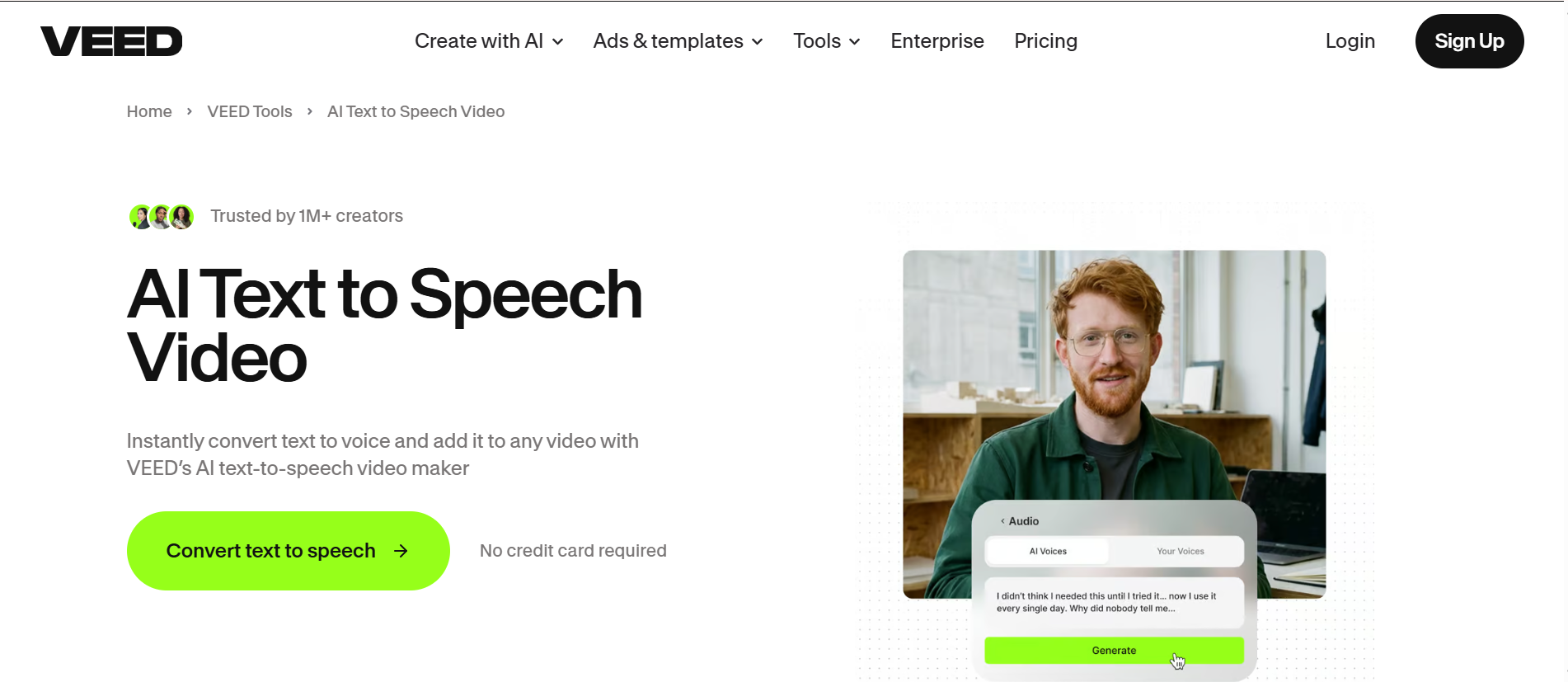
VEED is primarily a browser-based video editor, but transcription and subtitles are central to its workflow. It can turn audio or video into text, generate automatic captions, translate subtitles, and place styled captions directly onto a video.
This makes VEED a useful alternative for creators whose final deliverable is a YouTube video, tutorial, Reel, Short, or social clip rather than a transcript document. Users can move from spoken footage to captions and visual editing without exporting the text to separate software.
A free plan is available, although regular creators should check current export, watermark, subtitle, and AI-credit limits before committing. VEED's pricing page now combines several creative and generative features, so the value depends on whether you will use the broader video toolkit.
Happy Scribe remains the more specialized choice for professional transcription, human proofreading, and subtitle localization. VEED is the better fit when captions are one step inside a larger video-editing process.
Best for: YouTubers, marketers, educators, and social video creators.
7. Otter.ai — Best for Live Meetings
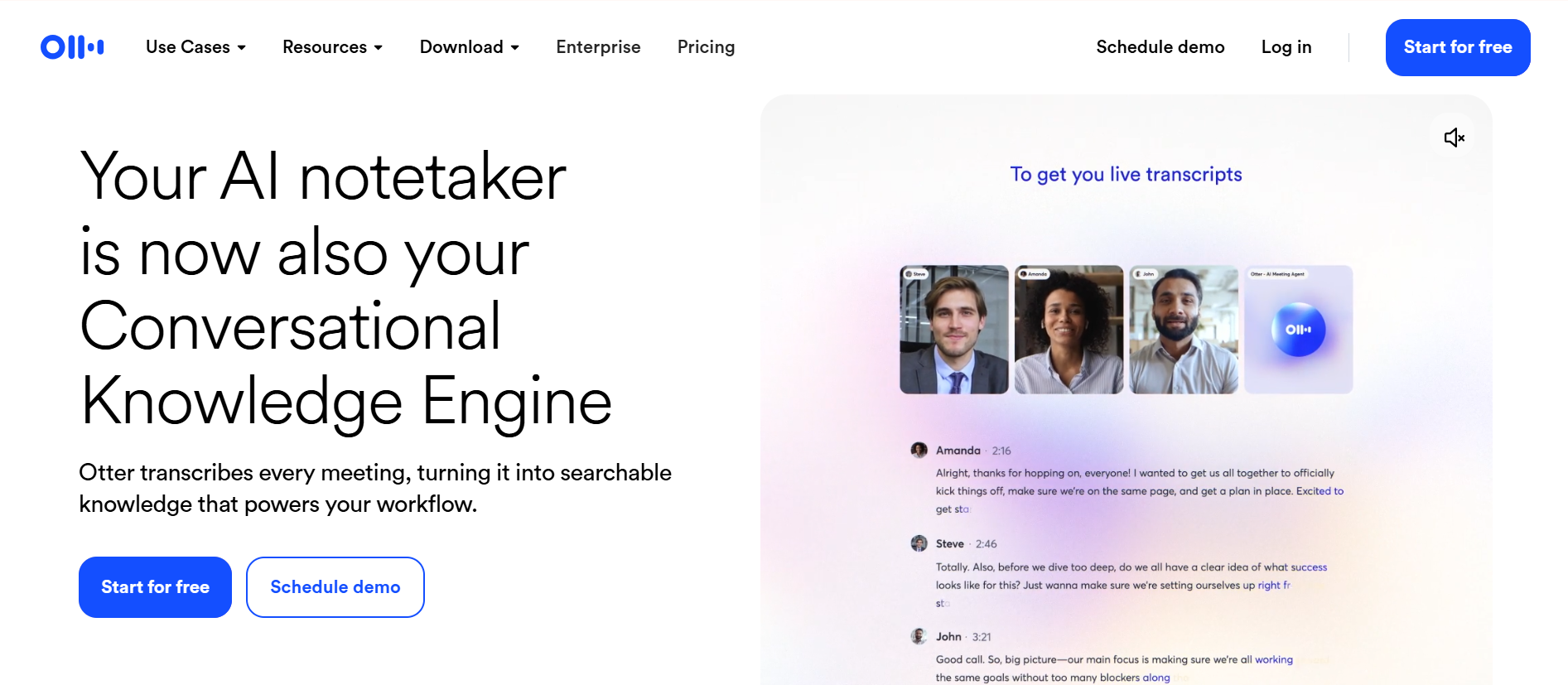
Otter.ai is the most meeting-focused product on this list. It records and transcribes Zoom, Microsoft Teams, and Google Meet conversations, identifies speakers, creates summaries, and lets teams search and discuss previous meetings.
The Basic plan includes 300 monthly transcription minutes, but it allows only three lifetime imports of prerecorded audio or video files. Pro expands in-app recording time and allows 10 file imports per month, while Business adds unlimited imports and longer meetings.
That distinction matters. Otter is convenient when transcription begins with a live conversation and ends with notes, decisions, and action items. It is less suitable for creators who regularly upload podcasts, subtitle videos, or export multilingual caption files.
Choose Otter over Happy Scribe for recurring meetings and collaborative follow-up. Choose Happy Scribe, Sonix, or Audio Converter AI when uploaded recordings and publishable outputs are the priority.
Best for: Sales calls, interviews, classes, internal meetings, and collaborative notes.
Which Happy Scribe Alternative Should You Choose?
The right answer depends on what you need after the audio ends.
- Choose Audio Converter AI when you want a simple browser workflow for recordings, videos, interviews, lectures, and podcasts.
- Choose TurboScribe when long files and high monthly volume are the main concerns.
- Choose Sonix when transcript correction, custom vocabulary, and professional exports matter.
- Choose Descript when you want to edit a podcast or video by editing its transcript.
- Choose Rev when the final text needs professional human review.
- Choose VEED when the transcript becomes styled captions inside a finished video.
- Choose Otter.ai when your work begins with live meetings and ends with shared notes.
Happy Scribe still makes sense for users who need transcription, subtitle editing, translation, meetings, and optional human services in one platform. The alternatives become more compelling when one narrower workflow matters more than having everything together.
Frequently Asked Questions
What is the best free Happy Scribe alternative?
Audio Converter AI is a practical free starting point for uploaded audio and video files. TurboScribe is useful when three daily transcripts of up to 30 minutes are enough, while Otter offers 300 monthly minutes for live meetings but restricts prerecorded file imports. The best free option therefore depends on whether you are processing files, long recordings, or meetings.
Is there a Happy Scribe alternative for long audio files?
TurboScribe is the clearest choice for very long recordings because its paid plan advertises uploads of up to 10 hours or 5 GB. Audio Converter AI currently accepts files up to 3 GB, while other services may limit either file duration or the monthly minutes included in a plan.
Which Happy Scribe alternative is best for podcasts?
Descript is the strongest option when you need to edit the podcast itself because it connects transcript edits to the underlying audio. Audio Converter AI is simpler when you only need the transcript, timestamps, speaker labels, or a summary. Sonix is useful when detailed transcript cleanup and multiple export formats matter.
Which alternative is best for MP3 and MP4 transcription?
Audio Converter AI, TurboScribe, Sonix, and Rev all accept common audio and video formats. Audio Converter AI provides the most direct file-to-text workflow, while Sonix offers a deeper professional editor and Rev adds the option of human transcription.
Which Happy Scribe alternative offers human transcription?
Rev offers both AI and professional human transcription. Human service starts at $1.99 per minute, so it is best reserved for work where quotes, terminology, accessibility, or compliance justify the additional cost.
Is TurboScribe better than Happy Scribe?
TurboScribe can be a better value for users who process long recordings or large volumes of automated transcription. Happy Scribe is more complete for subtitle editing, translation, meeting notes, and optional human proofreading. Neither is universally better; they solve different workflow problems.
Is Happy Scribe better than Otter.ai?
Happy Scribe is generally a better fit for uploaded media, subtitles, translation, and multilingual publishing. Otter.ai is better suited to live meeting transcription, automated notes, and team collaboration. Users who primarily upload audio files should also consider Otter's file-import limits.
Final Verdict
The best Happy Scribe alternative is the one that removes work after transcription. Descript helps creators edit the media, Rev reduces risk through human review, Otter organizes meetings, and Sonix provides a capable correction environment. For a fast way to transcribe audio to text from common recordings and videos, Audio Converter AI offers the most focused place to begin.