


Knowing how to transcribe audio can turn hours of recordings into text you can search, quote, and share. Meetings, lectures, interviews, and voice memos all pile up as audio that is easy to record but hard to use. Audio Converter AI changes that: it turns any recording into a clean transcript in minutes. This guide walks you through how to transcribe audio the smart way, step by step, so you can stop re-listening and start reading. Once you learn how to transcribe audio, every recording you own becomes a resource instead of a chore.
What Is Audio Transcription?
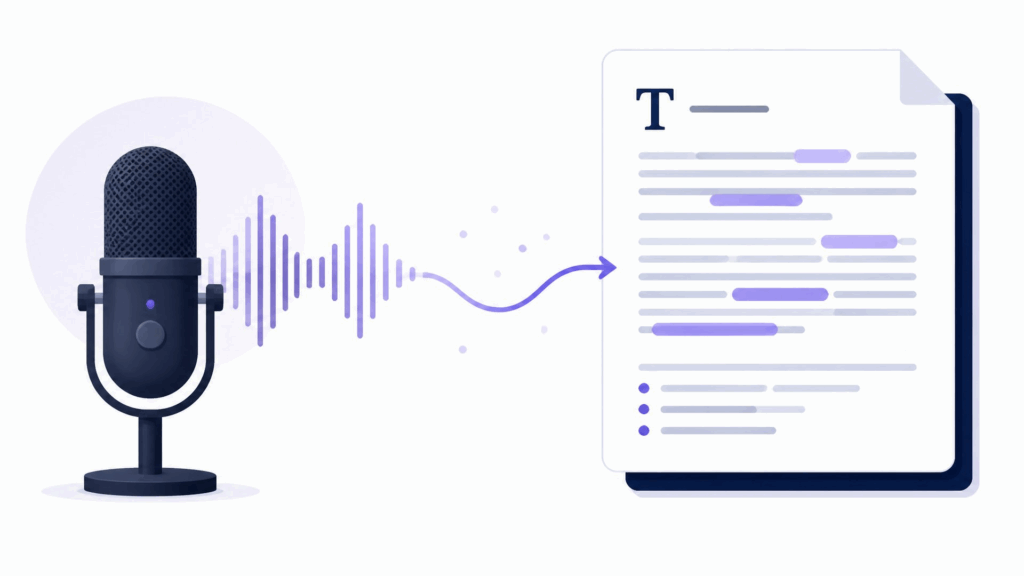
Audio transcription is the process of turning spoken words into written text. That text can come from a meeting, a lecture, an interview, a podcast, or a voice note. Learning how to transcribe audio means getting that recording out of your ears and onto a page, where you can search it, edit it, and share it. The output is a document you can actually use instead of an audio file you have to sit through. Whether you are a student, a professional, or a creator, transcription turns time you spent listening into something you can act on. Once you see how to transcribe audio in action, you will wonder why you ever re-listened to anything.
Key Benefits of Transcribing Audio
A transcript is more useful than the recording it came from in a few concrete ways. You can search it for a single phrase. You can skim it in seconds instead of listening for an hour. You can quote it accurately in an email or a report. And you can store it as a small text file instead of a large audio file. These benefits are why how to transcribe audio is one of the most useful skills you can add to your workflow, and why so many people make a point of learning how to transcribe audio properly.
Audio Transcription vs. Manual Note-Taking
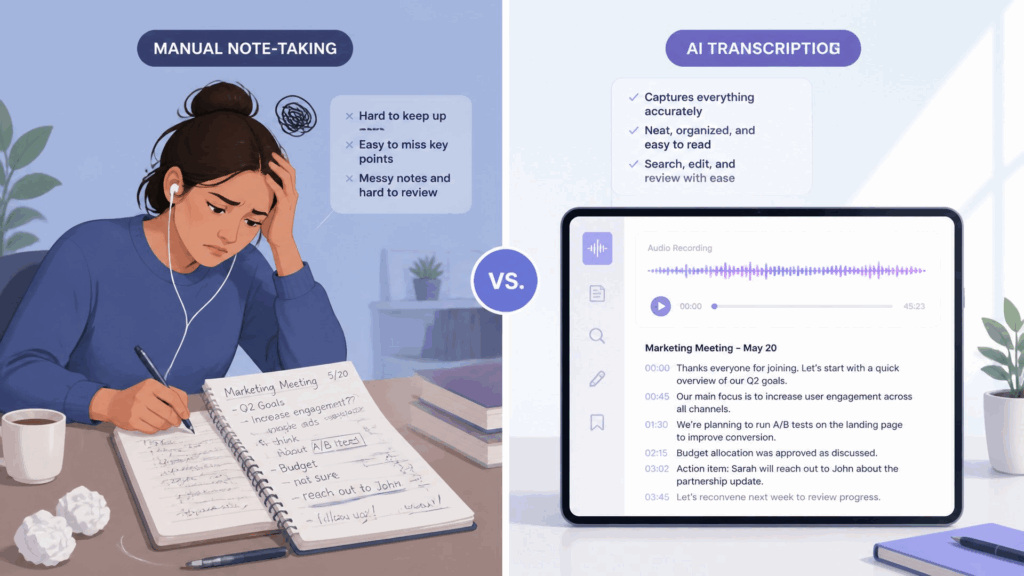
Manual note-taking asks you to split your attention between listening and writing, and you always miss something. Transcription lets you capture everything, then decide later what matters. When you learn how to transcribe audio with a tool like Audio Converter AI, you get a complete, accurate record without the distraction of trying to write while you listen. That is the difference between a partial note and a full record, and it is the core reason people learn how to transcribe audio in the first place.
| Aspect | AI transcription | Manual note-taking |
| Completeness | Captures every word | Misses details while writing |
| Speed | Minutes for a full recording | Hours of slow playback |
| Accuracy | High, with an editable draft | Limited by handwriting speed |
| Searchability | Fully searchable text | Hard to find anything later |
| Focus | Listen first, review later | Split attention in the moment |
Why Transcribe Audio?
There are plenty of reasons to turn audio into text, but three stand out, and each one is a reason to finally learn how to transcribe audio. Whether you are trying to save time, stay organized, or get more out of the content you already record, the payoff is immediate.
Turn Recordings into Searchable Text
An audio file is a black box. A transcript is searchable. Once you know how to transcribe audio, you can jump to the exact moment a decision was made, find every mention of a keyword, or pull a quote without scrubbing through the timeline by hand. That alone saves hours every week, and it is the most obvious payoff of how to transcribe audio.
Make Content Accessible
Transcripts make your audio available to people who prefer reading, who are deaf or hard of hearing, or who simply cannot listen right now. When you learn how to transcribe audio, you lower the barrier for everyone, which is both good practice and, in many cases, a requirement. Accessibility is reason enough to make how to transcribe audio part of your routine.
Repurpose Audio into New Content
A podcast episode, a webinar, or a talk can become a blog post, a summary, or social media posts once it is text. Knowing how to transcribe audio is the first step in that chain: you turn one recording into many pieces of reusable content. That is the quiet power of how to transcribe audio, and it is why creators keep coming back to it.
How to Transcribe Audio: Step-by-Step Guide with Audio Converter AI
Now for the hands on part. Here is how to transcribe audio using Audio Converter AI, in five simple steps. Follow them once and you will have a repeatable workflow for every how to transcribe audio task that comes your way.
Step 1: Upload Your Audio File
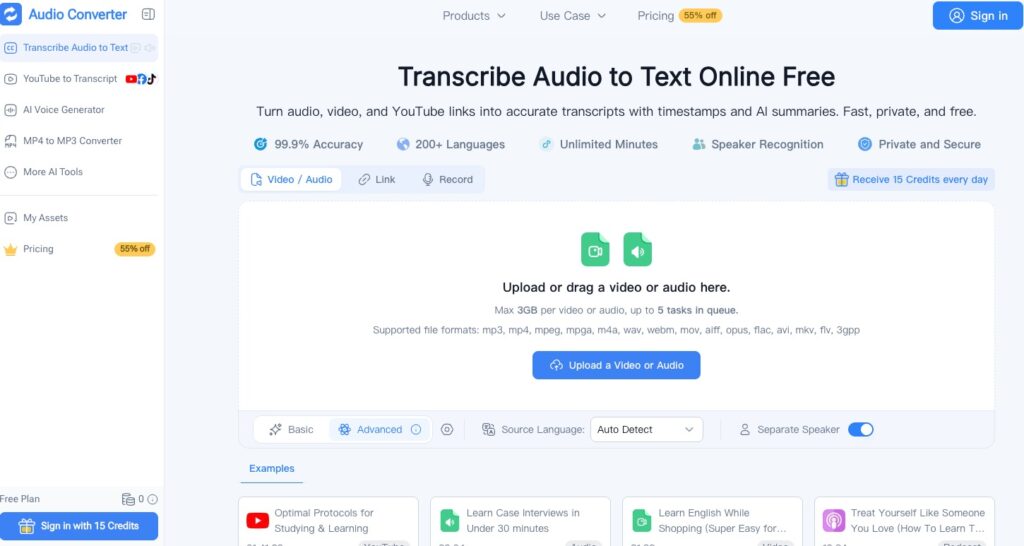
Open Audio Converter AI and upload your recording. It accepts the common audio formats, so you do not need to convert anything first. Drag in a meeting recording, a lecture, an interview, or a voice memo, and move on. You can also record directly if you prefer, or paste audio from a link. Getting started with how to transcribe audio should be this simple, and the upload step should take you no more than a few seconds.
Step 2: Choose Language and Settings
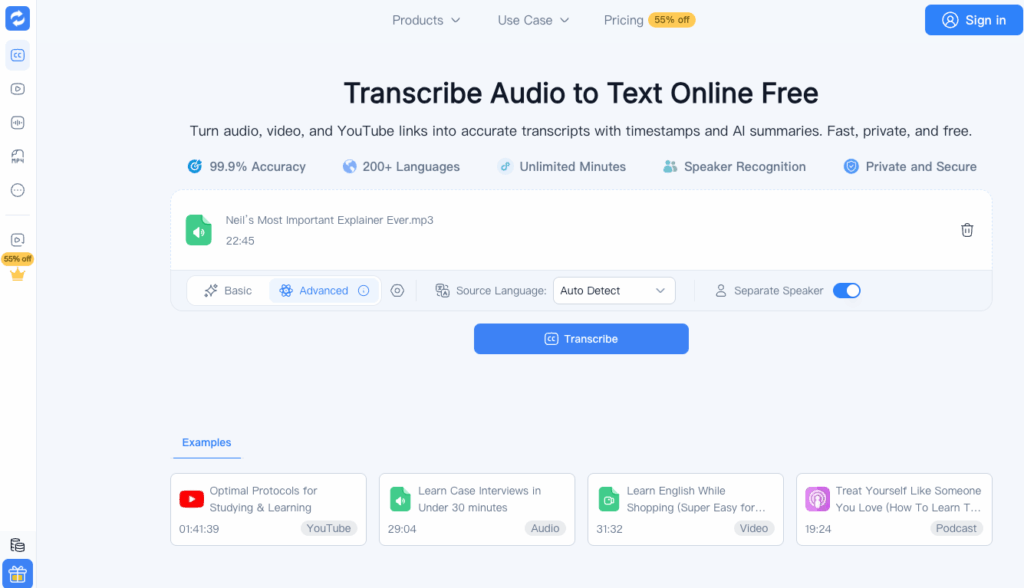
Pick the language of the audio and any settings that matter for your use case. If the recording has multiple speakers, make sure speaker detection is on so you can tell who said what. This small setup step is what separates a clean transcript from a messy one, and it is a big part of how to transcribe audio well.
Step 3: Run AI Transcription
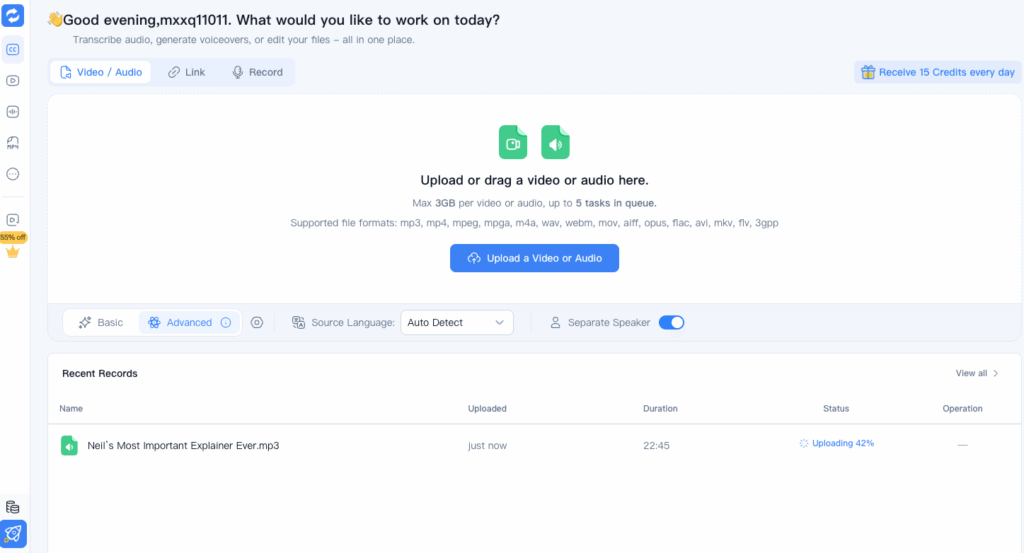
Hit transcribe and let the AI do the heavy lifting. In a few minutes you get a full transcript with timestamps and speaker labels, so you know exactly who said what and when. If your recording has several speakers, the tool separates them automatically, which makes reviewing a long meeting far easier. This is the step where how to transcribe audio stops being a chore and becomes a button click, which is exactly the experience Audio Converter AI is built to deliver.
Step 4: Review and Edit the Transcript
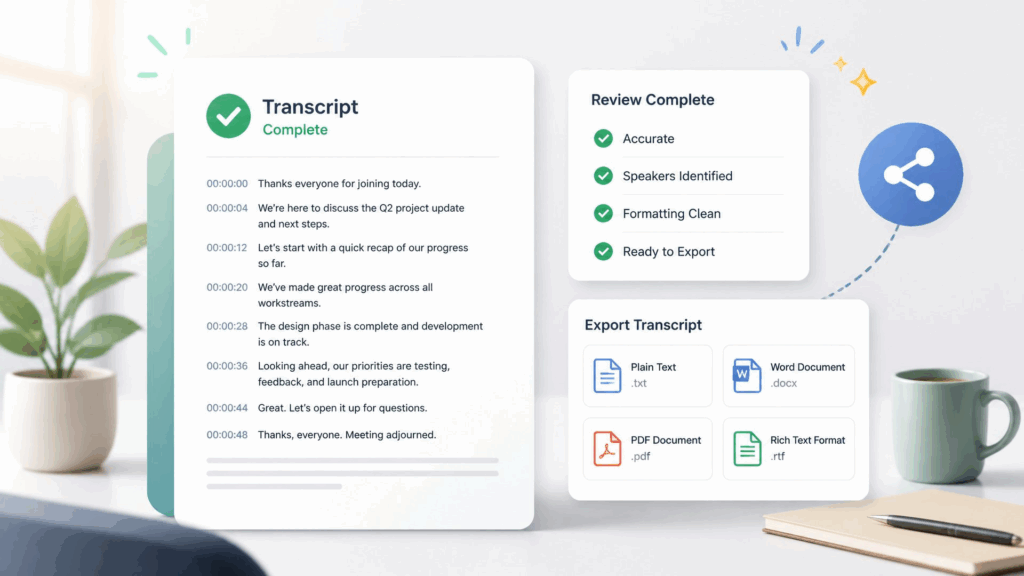
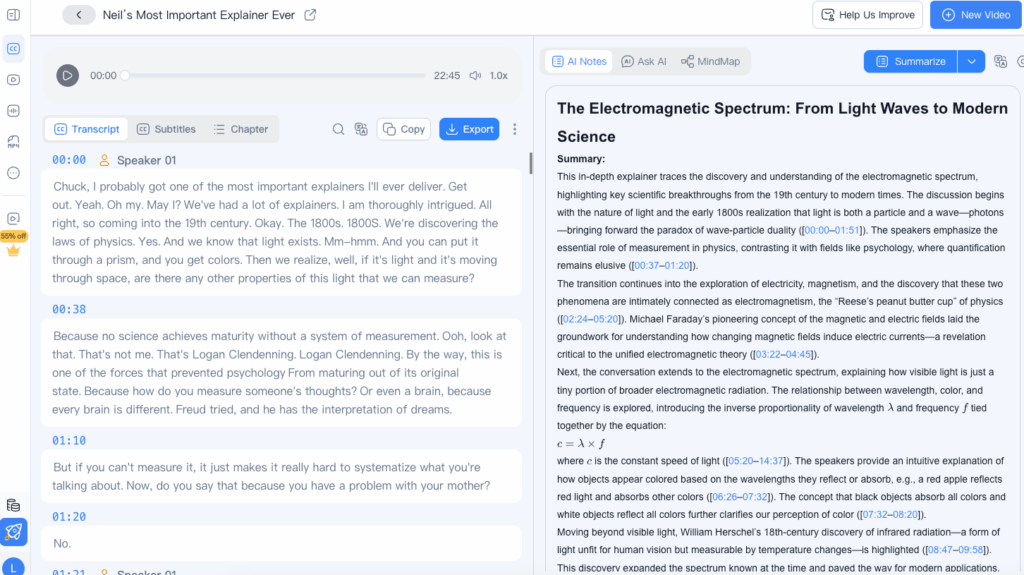
Read through the draft and fix anything the AI got wrong, especially names, numbers, and jargon. No automated system is perfect, but the edit usually takes a few minutes rather than a full retyping marathon. This is where how to transcribe audio really pays off: you get 90 percent of the way for free.
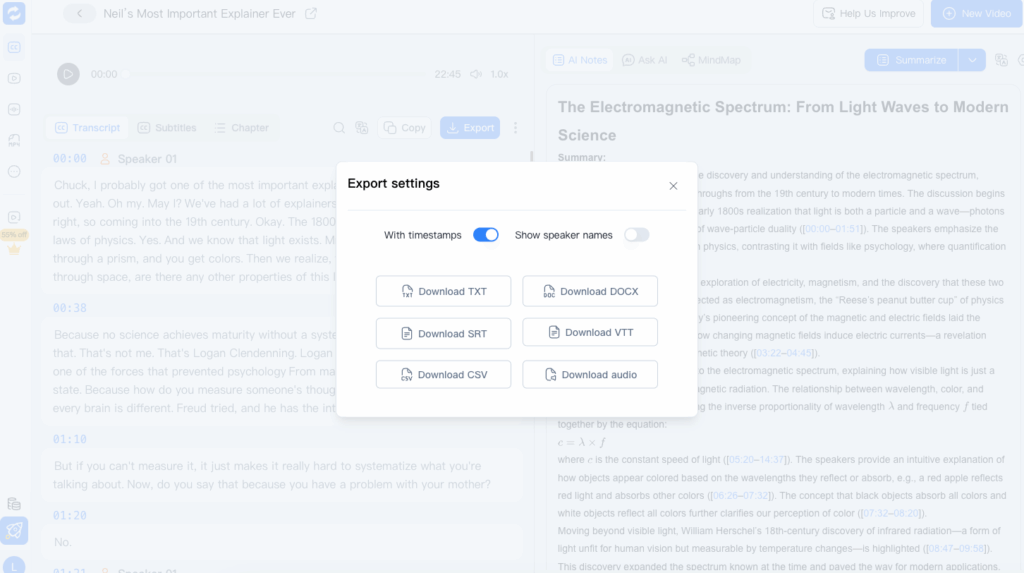
Step 5: Export and Share
When the transcript reads cleanly, export it as text or a document and put it to work. Attach it to your notes, share it with your team, or turn it into the next piece of content. You can also export subtitles or a captions file if you are working with video. Because the whole flow is quick, learning how to transcribe audio means you can do it on demand instead of batching it as a chore.
Pro Tips for Better Transcription Results with Audio Converter AI
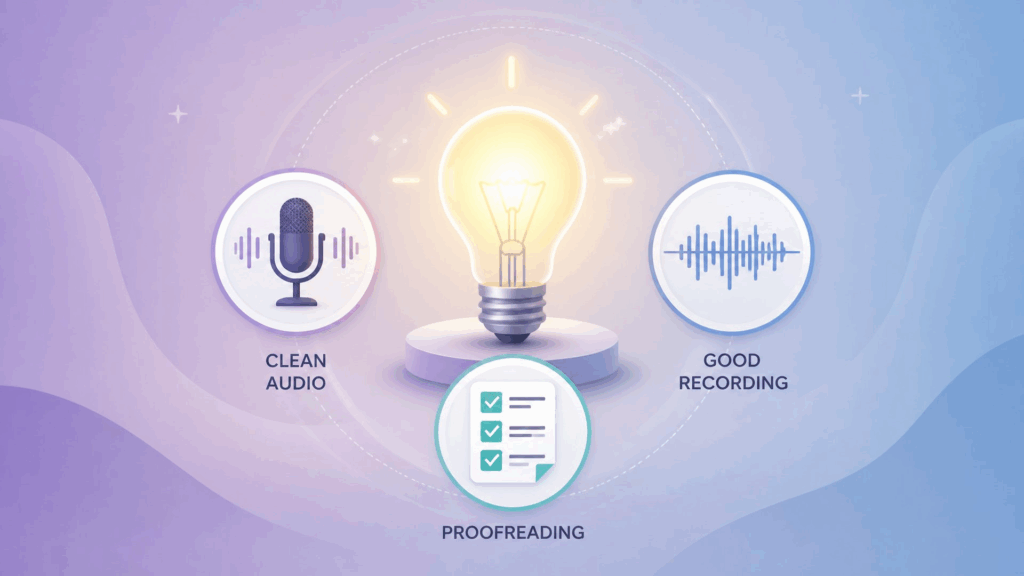
A good tool gets better with a little technique. These three habits will push your accuracy higher, and they apply no matter how to transcribe audio fits into your day.
Tip 1: Record Clean Audio for Maximum Accuracy
The biggest lever on accuracy is the recording itself. Speak clearly, reduce background noise, and avoid talking over other people. Clean audio in means a clean transcript out, which means less editing. It is the cheapest accuracy improvement available when you transcribe audio, and it costs nothing to do. Clean input is the single most important factor in how to transcribe audio accurately.
Tip 2: Use a Good Microphone
If you control the recording, use a decent microphone and place it close to the speaker. A better signal makes the AI's job dramatically easier. This matters most for anything you plan to transcribe audio from regularly, like a podcast or a recurring meeting. A good microphone is a small investment that makes how to transcribe audio far more reliable.
Tip 3: Proofread Names, Numbers, and Jargon
AI transcription is strong, but proper nouns and specialized terms are where it most often slips. After you transcribe audio, spend a minute checking names, numbers, and industry jargon against the source, especially anything unusual like product codes, people's names, or technical acronyms. It is a small step that keeps your transcript professional, and it is part of how to transcribe audio responsibly.
Real-World Examples: How People Use Audio Converter AI
Nothing makes the value clearer than seeing it in action. Here are two common ways people use Audio Converter AI when they need to transcribe audio, and both show how to transcribe audio in a real routine.
Example 1: A Student Transcribing Lecture Recordings
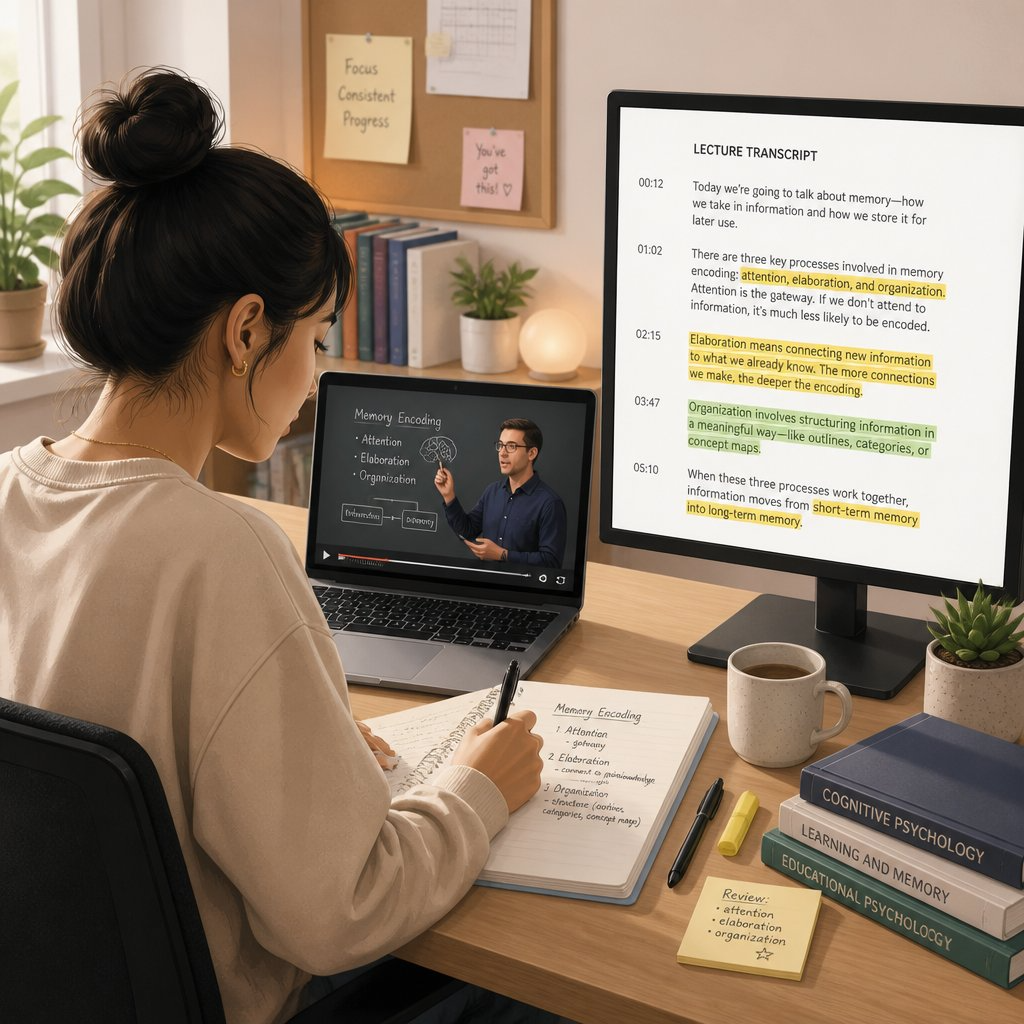
A student records lectures and wants notes she can actually study from. Instead of handwriting notes during class, she uploads the recordings to Audio Converter AI and gets clean transcripts she can search and highlight. She can jump straight to the section the professor emphasized, pull key definitions, and build a study guide in a fraction of the time. Reviewing for exams becomes a matter of skimming text instead of re-listening to hours of audio. That is the whole point of learning how to transcribe audio as a student.
Example 2: A Journalist Transcribing Interviews
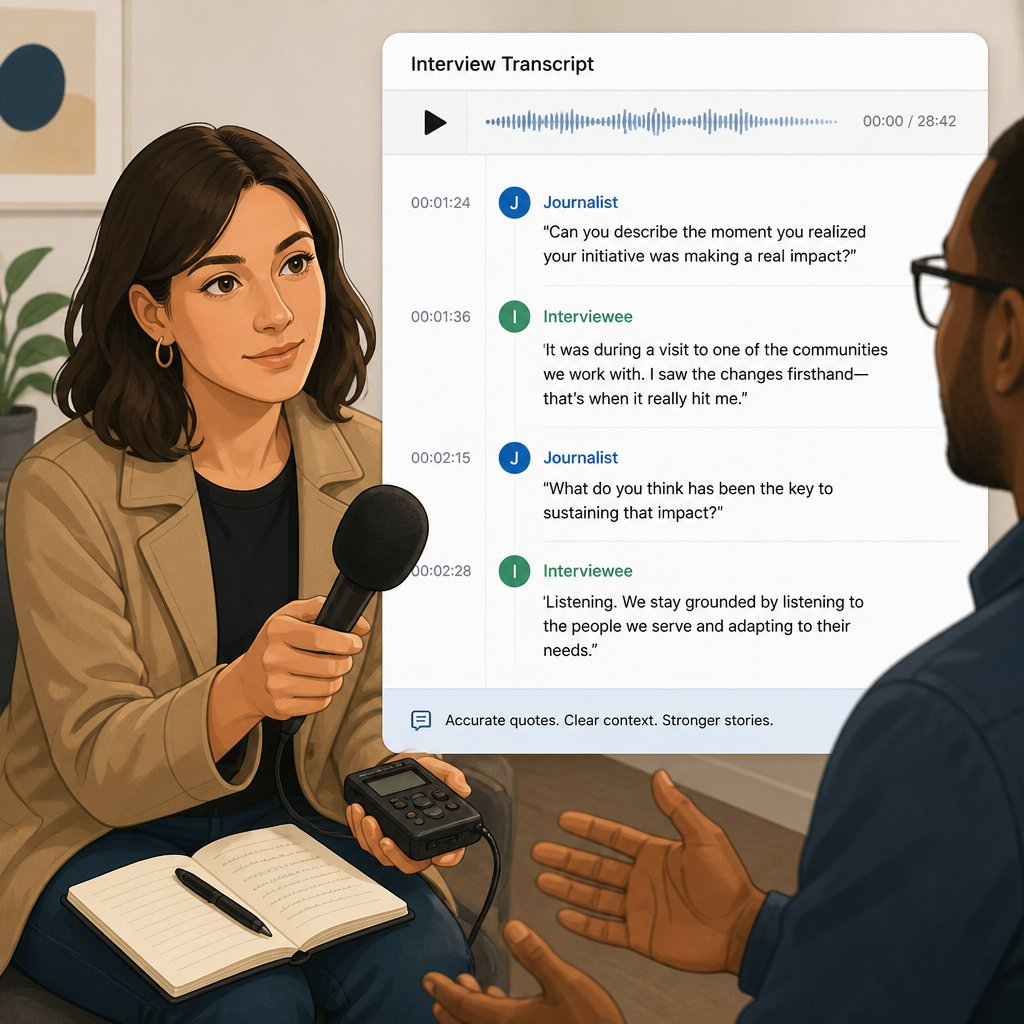
A journalist records interviews and needs accurate quotes. She uploads each recording, gets a transcript with speaker labels and timestamps, and pulls exact quotes without scrubbing through audio. What used to take an afternoon of playback now takes minutes, which is exactly why knowing how to transcribe audio is a superpower for anyone who works with interviews.
Frequently Asked Questions
Here are the questions people ask most often about the feature.
How Accurate Is Audio Converter AI?
Accuracy depends on audio quality and how clear the speech is, but Audio Converter AI handles clean recordings with a high degree of accuracy. Clear, single-speaker audio typically produces the best results, while heavy background noise or overlapping voices will need a little more cleanup. No automated system is perfect, which is why the transcript is editable so you can fix names, numbers, and jargon in a fast review pass after you transcribe audio. That review step is a normal part of how to transcribe audio well, and it is how to transcribe audio responsibly at scale.
Which Audio Formats Can I Transcribe?
Audio Converter AI accepts the common audio formats, so you can transcribe audio from most recordings without converting files first. Whether it is a voice memo, a meeting recording, or a podcast episode, you can drop it in and get text back, which keeps how to transcribe audio simple no matter the source. Whatever you record, how to transcribe audio stays the same three clicks.
How Fast Is the Transcription?
Most recordings return a full transcript in minutes, not hours or days. The exact time depends on the length of the audio, but the point stands: you go from recording to editable text in roughly the time it takes to grab a coffee. That speed is the biggest reason people learn how to transcribe audio instead of hiring a human, and it is what makes how to transcribe audio a daily habit rather than a special project.
Can I Transcribe Audio in Multiple Languages?
Yes. Audio Converter AI supports multiple languages, so you can transcribe audio in the language it was recorded, which is essential for anyone who works across languages or with international teams. Knowing how to transcribe audio across languages is a real edge for global teams, and it is one more reason how to transcribe audio keeps gaining fans.
Conclusion
Learning how to transcribe audio does not have to mean sitting through hours of playback, pausing to scribble notes, or hiring someone to do it for you. With Audio Converter AI, any recording becomes searchable, editable text in minutes. The whole point of how to transcribe audio is to make that happen without friction. Whether you are a student turning lectures into study notes or a journalist turning interviews into accurate quotes, knowing how to transcribe audio changes how you work with everything you record. Stop re-listening and start reading: upload your audio, and let Audio Converter AI turn it into text you can actually use. So stop reading about how to transcribe audio and start doing it. That is everything you need to know about how to transcribe audio. Once you try how to transcribe audio with Audio Converter AI, you will wonder how you ever managed without it. Master how to transcribe audio once, and every recording you make becomes more valuable. Once how to transcribe audio is second nature, you will reach for it without thinking.