

Otter AI remains a capable choice for recording, transcribing, and summarizing online meetings. However, it is not the best fit for every workflow.
Some people need to transcribe existing interviews, podcasts, lectures, or video files without installing a meeting bot. Others need stronger privacy controls, more languages, CRM automation, human-reviewed transcripts, or tools for editing audio and video after transcription.
The best Otter AI alternative therefore depends less on the longest feature list and more on where your audio comes from and what you plan to do with the transcript.
This guide compares eight alternatives across capture methods, free-plan limits, language support, integrations, privacy controls, and practical use cases.
Best Otter AI Alternatives at a Glance
| Tool | Best for | Capture method | Free option | Main limitation |
| Audio Converter AI | Existing audio and video files | File upload | Yes | No automatic meeting bot |
| Fathom | Free online meeting transcription | Meeting capture | Yes | Advanced AI features are limited |
| Fellow | Privacy and team administration | Bot and bot-free capture | Limited | Free plan has lifetime limits |
| Fireflies.ai | CRM and sales workflows | Bot, extension, app, and uploads | Yes | Advanced AI may require credits |
| Notta | Multilingual transcription | Meetings, uploads, and mobile | Yes | Free recordings are limited |
| Rev | Human-reviewed transcription | File upload and recording | Yes | Human transcription is expensive |
| Descript | Podcast and video editing | Upload and remote recording | Yes | More complex than a basic transcriber |
| Plaud | Phone calls and in-person conversations | Dedicated hardware | Device purchase required | Hardware and subscription costs |
For existing recordings, Audio Transcriber AI provides the most direct workflow. For recurring online meetings, Fathom, Fellow, and Fireflies are stronger choices. Specialized products such as Rev, Descript, and Plaud make more sense when transcription is only one part of a larger workflow.
Why Look for an Otter AI Alternative?
Otter’s free Basic plan includes 300 monthly transcription minutes, a 30-minute limit per conversation, and three lifetime file imports. It supports Zoom, Microsoft Teams, Google Meet, mobile recording, AI summaries, and speaker identification. Paid plans increase the limits and add integrations and administrative features.
Those capabilities are enough for many users, but several common situations can justify choosing something else.
You Already Have an Audio or Video File
A meeting assistant is unnecessary when the content has already been recorded. Researchers, students, journalists, podcasters, and creators may simply want to upload a file, receive a transcript, and export it.
For this workflow, file size, supported formats, processing friction, timestamps, speaker labels, and export options matter more than calendar integration.
You Do Not Want a Bot in Every Meeting
Meeting bots can automate recording, but they also appear as participants. That may feel intrusive during client calls, interviews, or sensitive internal discussions.
Some alternatives offer desktop capture, browser extensions, or file uploads instead. However, bot-free recording does not remove the responsibility to notify participants and obtain consent when required.
You Need More Languages
According to its current documentation, Otter transcribes English, Spanish, French, German, Japanese, and Simplified Chinese. It can only transcribe one selected language at a time, with a limited French-English switching exception.
Global teams may need broader language support, bilingual transcription, or transcript translation. Language count alone is not enough: accents, mixed-language speech, names, and technical vocabulary can still affect results.
You Need a Specialized Workflow
A sales team may care most about CRM synchronization. A legal researcher may need human verification. A podcast producer may want to edit audio by editing text. Someone recording face-to-face conversations may need dedicated hardware.
No single tool is best at all of these jobs.
How We Compared These Alternatives
We evaluated each product using its current product documentation, pricing information, supported capture methods, stated privacy controls, and suitability for common transcription workflows.
The main comparison factors were:
- How audio is captured
- Support for uploaded files
- Speaker identification and timestamps
- Language coverage
- Summary and follow-up features
- Export options
- Integrations
- Free-plan restrictions
- Pricing complexity
- Data retention and administrative controls
- Situations where the product is not a good fit
We avoided assigning a universal numerical score. Comparing a meeting bot, a file transcriber, an editing suite, and a physical recorder with one combined score would create a false sense of precision.
Accuracy also depends heavily on the recording. Background noise, overlapping speakers, microphone distance, accents, and specialist terminology can change the result. Test your shortlist with your own audio before making a long-term commitment.
1. Audio Converter AI: Best for Flexible File-Based Transcription
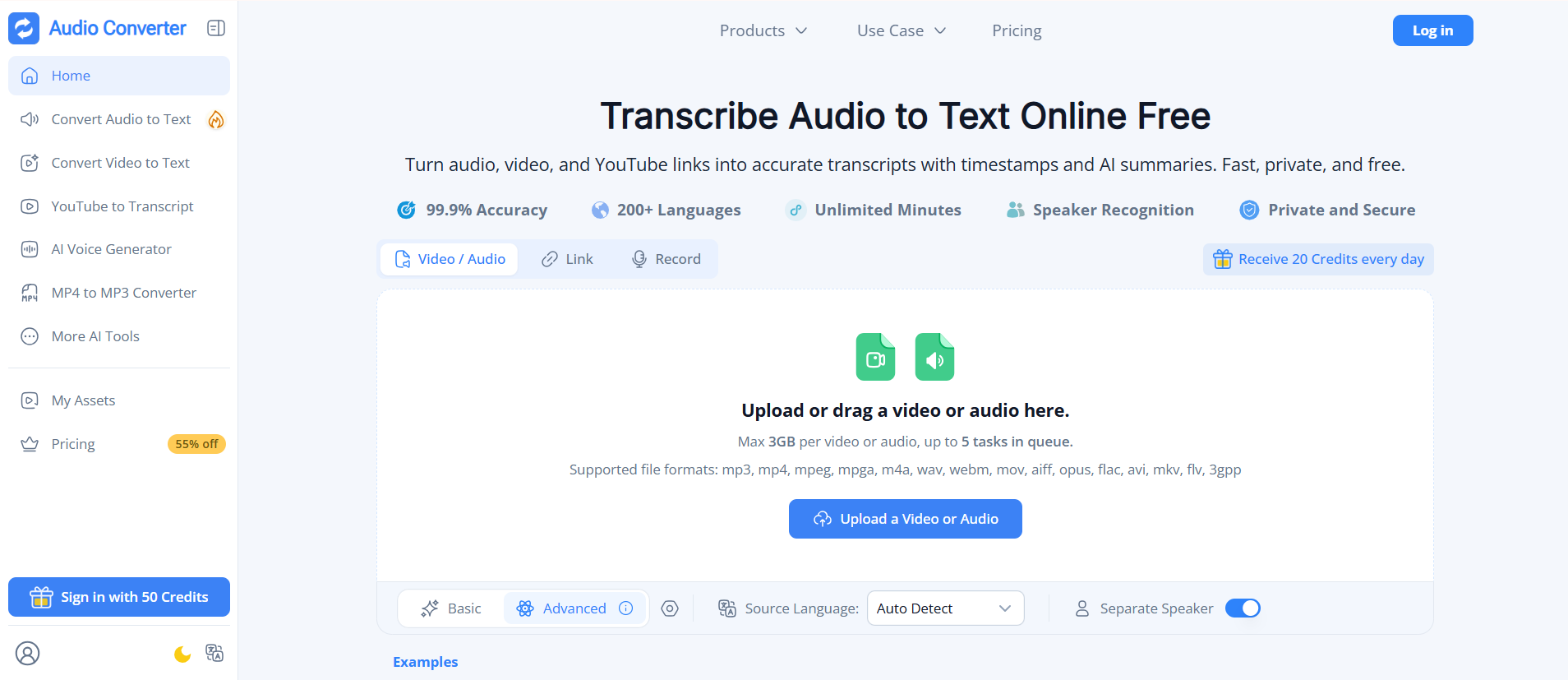
Audio Converter AI is built for users who already have audio or video content they need to transcribe. Instead of connecting a calendar or inviting a bot to a meeting, users can upload a local file, paste a supported media link, or record audio directly in the browser.
The platform supports common formats including MP3, MP4, MPEG, MPGA, M4A, WAV, WebM, MOV, etc. Maximum file size depends on the selected plan: the free plan supports files up to 500MB, Starter increases the limit to 1GB, and Growth and Professional plans support audio or video files up to 5GB.
Audio Converter AI supports transcription in more than 200 languages, along with automatic language detection, speaker recognition, timestamps, AI-generated summaries, and transcript chat. Completed transcripts can be reviewed and edited before being exported as TXT, DOCX, SRT, VTT, or CSV files, with the option to include timestamps.
When Audio Converter AI Works Best
Choose it for:
- Recorded interviews and research sessions
- Lectures, classes, and webinars
- Podcasts and voice notes
- Downloaded Zoom, Google Meet, or Microsoft Teams recordings
- YouTube videos and supported media links
- Multilingual transcription
- Subtitle creation in SRT or VTT format
- Large audio and video files
- Users who do not want a bot joining their meetings
Audio Converter AI is less suitable for organizations that need a bot to attend every scheduled meeting automatically, manage company-wide recording policies, sync meeting notes directly to a CRM, or provide specialized sales-conversation analytics.
It is best understood as a flexible, file-first alternative to Otter rather than a direct replacement for every part of Otter’s meeting collaboration workspace.
Pros
- Works entirely in the browser
- No meeting bot or calendar connection required
- Accepts local files, media links, YouTube content, and browser recordings
- Supports audio and video files up to 5GB on eligible plans
- Supports more than 200 languages
- Includes speaker recognition, timestamps, summaries, and transcript chat
- Exports transcripts as TXT, DOCX, SRT, VTT, and CSV
Cons
- Does not automatically attend scheduled meetings
- Maximum file size varies by plan
- Fewer team administration and CRM workflow features than meeting-focused platforms
- Does not offer human-produced transcription
2. Fathom: Best Free Alternative for Online Meetings
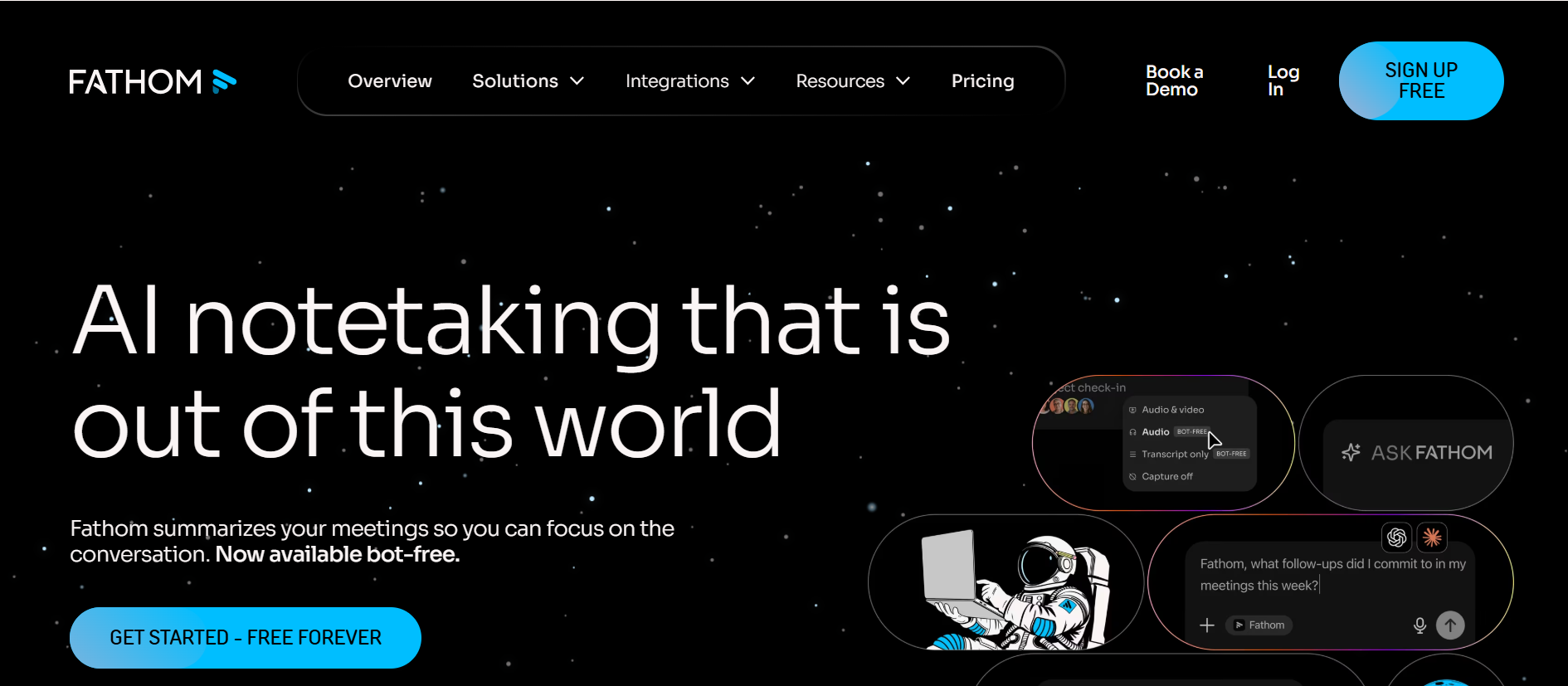
Fathom is one of the strongest free Otter alternatives for people whose work happens primarily on Zoom, Google Meet, and Microsoft Teams.
Its individual free plan includes unlimited recordings, transcription, and storage. Current documentation says the free tier provides advanced summaries and related AI features for the first five calls each month, after which users receive a more basic summary experience.
Fathom produces meeting summaries, action items, searchable transcripts, and shareable clips. Paid plans add unlimited advanced summaries, more customization, team workspaces, coaching features, and additional administrative controls.
Pros
- Generous individual free plan
- Unlimited meeting recordings and storage
- Fast summaries and action items
- Works with major meeting platforms
- Shareable clips and searchable meeting history
Cons
- Advanced AI features are limited on the free tier
- Team features require paid plans
- File-first transcription is not its primary workflow
3. Fellow: Best for Privacy Controls and Regulated Teams
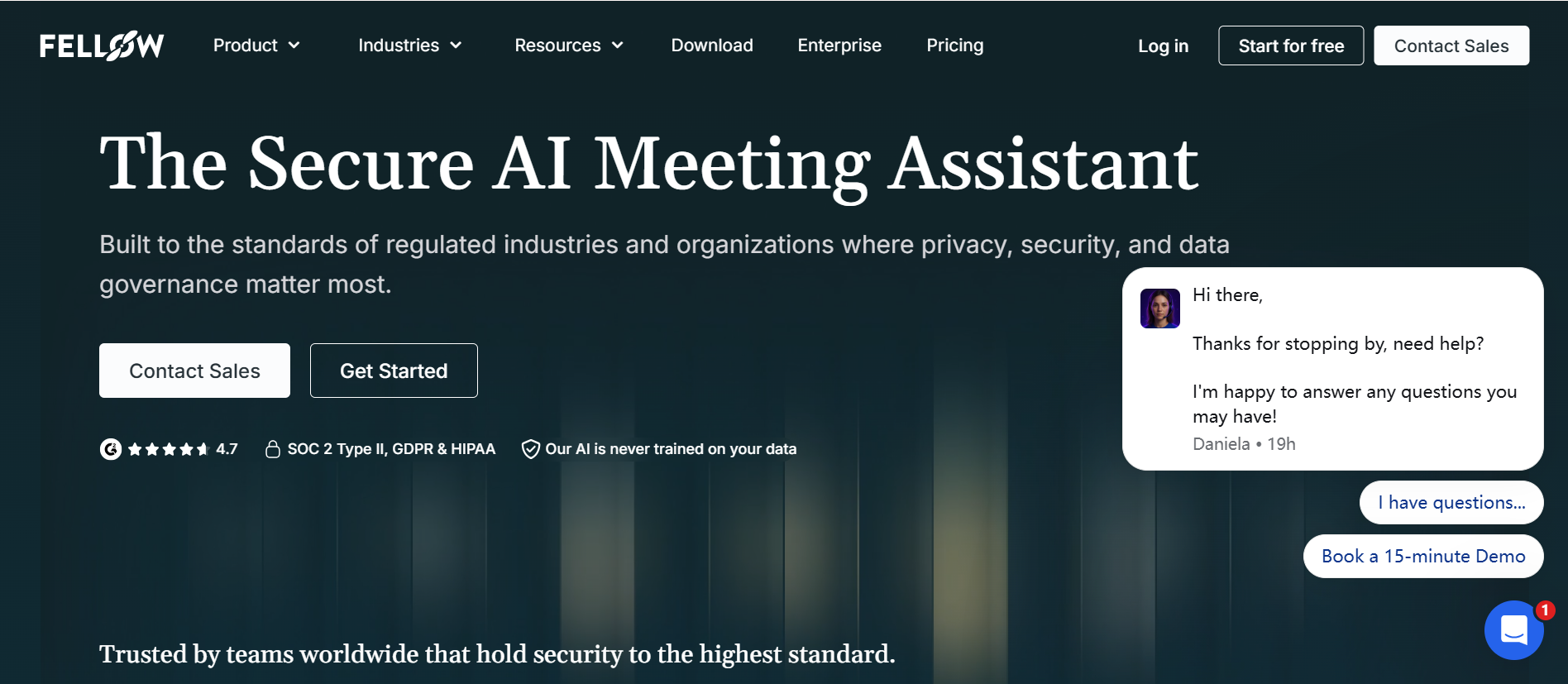
Fellow combines AI transcription with meeting agendas, action items, integrations, and detailed administrative controls.
It supports bot-based and bot-free recording, audio and video uploads, AI summaries, meeting search, and transcription in 99 languages. Its privacy-focused features include recording permissions, transcript redaction, retention controls, and organization-level policies on higher plans.
The free plan is useful for evaluating the product but includes only five AI notes and five recordings per user for the lifetime of the account. The Team plan currently starts at $7 per user per month when billed annually, while Business starts at $15 and adds more extensive meeting and administration features.
Pros
- Bot and bot-free recording options
- Strong meeting governance features
- Agendas, summaries, and action items
- Broad language coverage
- Integrations with project and CRM tools
Cons
- Restrictive free-plan lifetime limits
- Advanced controls require higher plans
- More setup than a basic file transcriber
4. Fireflies.ai: Best for CRM and Sales Workflows
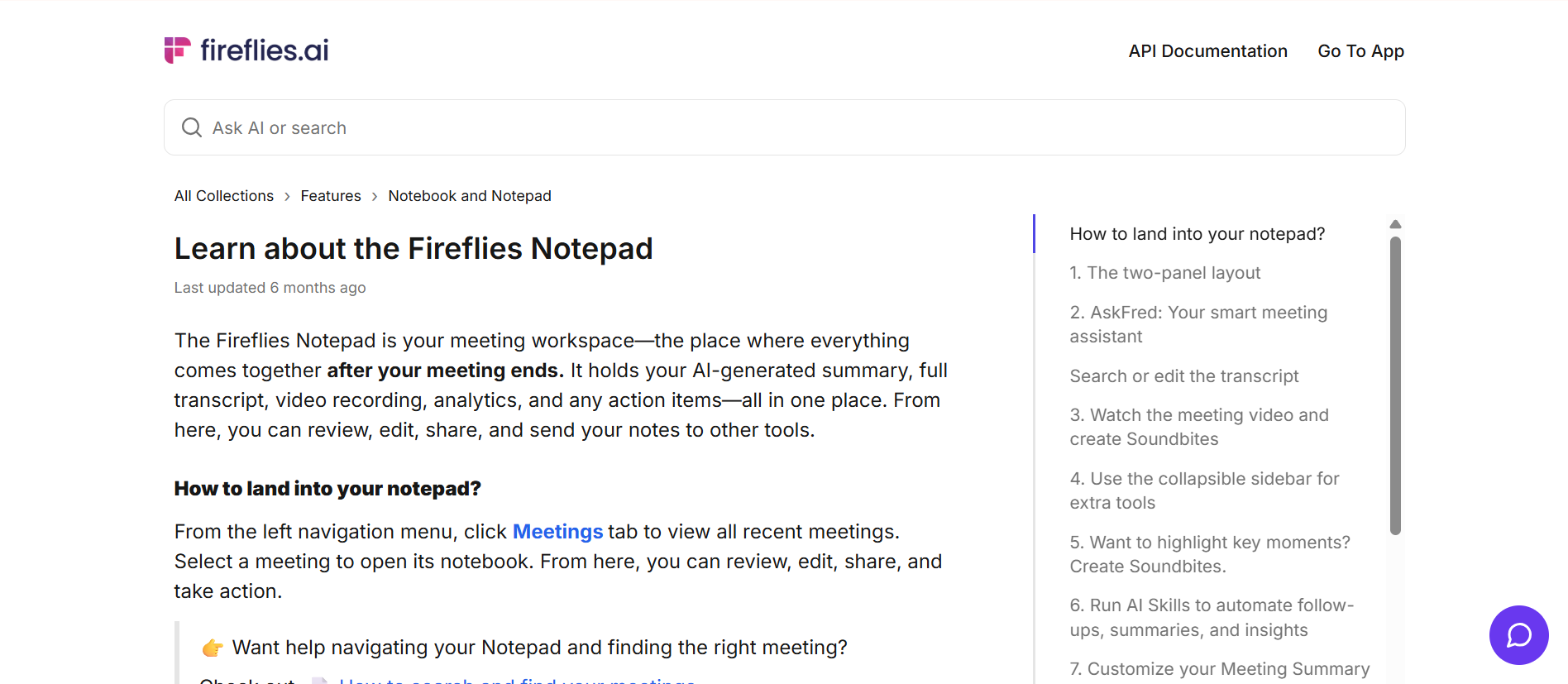
Fireflies.ai is designed to move meeting information into the systems teams already use. It connects with platforms such as Salesforce, HubSpot, Slack, Notion, and project-management tools.
Fireflies can join online meetings as a bot, record through supported extensions and apps, or process uploaded audio and video files. It supports more than 100 languages and provides transcripts, summaries, search, action items, talk-time analysis, and conversation intelligence.
The Pro plan currently starts at $10 per user per month with annual billing, while Business starts at $19. The free tier provides a way to test core features, although storage and AI feature limits apply.
Pros
- Deep CRM and workflow integrations
- Multiple recording and upload methods
- Broad language support
- Conversation analytics
- Search across meeting history
Cons
- Advanced AI credits can complicate costs
- The interface may feel excessive for simple transcription
- A visible bot may still be used in some workflows
5. Notta: Best for Multilingual Transcription
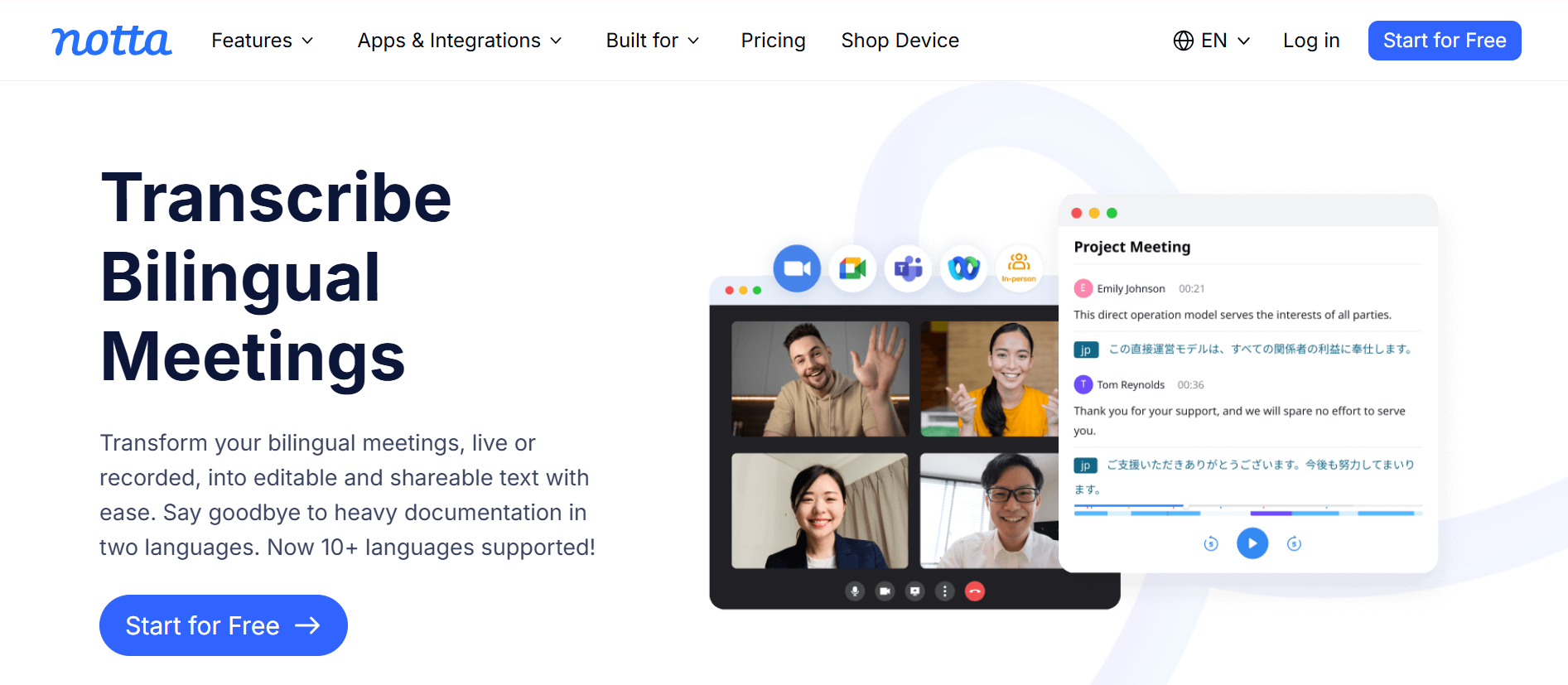
Notta supports online meetings, uploaded files, mobile recording, browser capture, and bot-free desktop recording. This flexibility makes it useful for global teams that work across different environments.
Its free plan includes 120 transcription minutes per month, but each conversation is limited to three minutes. That makes the free tier suitable for testing rather than serious ongoing use.
The Pro plan currently starts at $8.17 per month when billed annually and includes 1,800 monthly transcription minutes with recordings of up to five hours. Business adds unlimited transcription, team administration, integrations, and video meeting capture.
Pros
- Strong multilingual focus
- Web, desktop, mobile, and browser capture
- Online meetings and file uploads
- Speaker identification
- Useful individual paid plan
Cons
- Free recordings are capped at three minutes
- Translation may cost extra
- AI features use separate credits or quotas
6. Rev: Best When Human Transcription Is Available
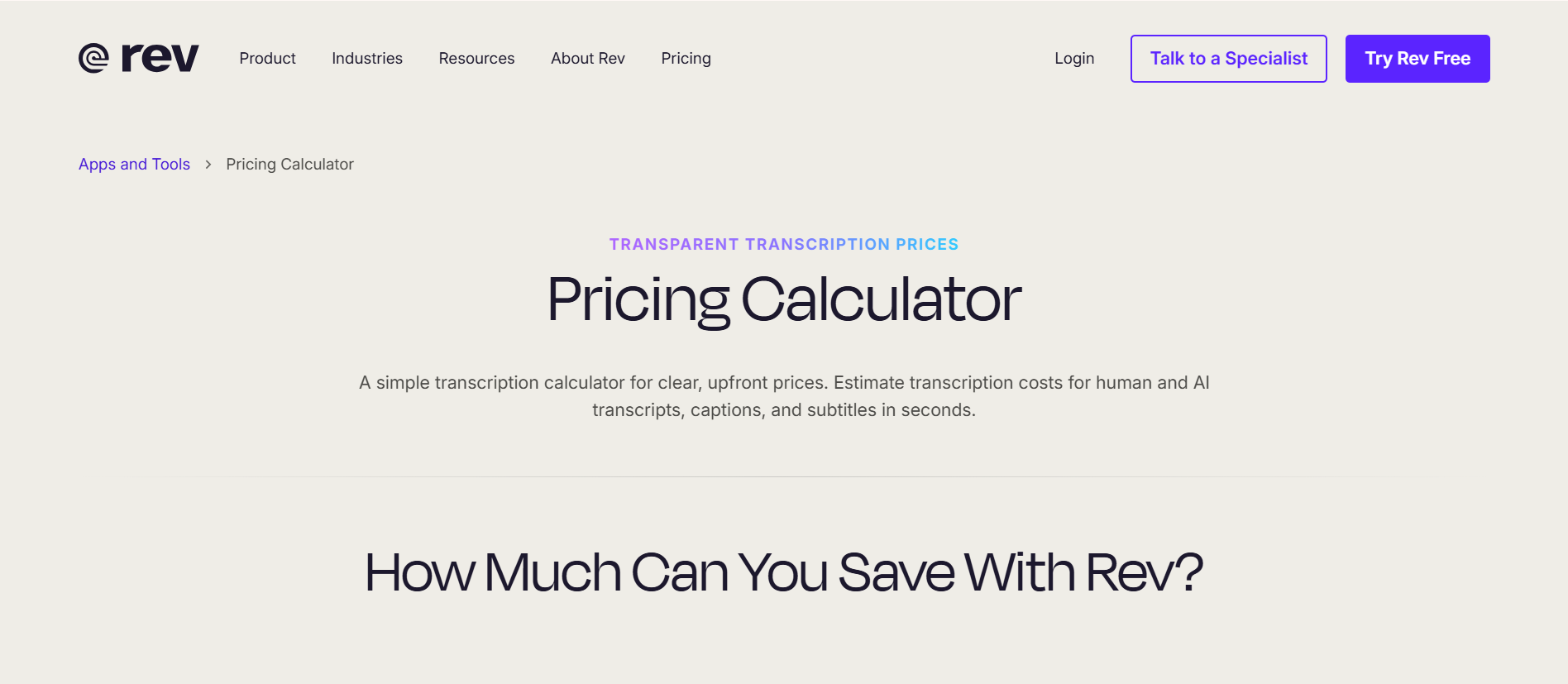
Rev stands apart because users can move from AI transcription to human-reviewed services when accuracy matters more than speed or cost.
The free plan currently includes 45 AI transcription or caption minutes per month. Paid subscriptions provide larger AI allowances and investigative workflow features. Human transcription starts at $1.99 per audio minute, with additional charges for options such as verbatim formatting, timestamps, rush delivery, or a second expert review.
Pros
- AI and human transcription options
- Appropriate for high-stakes recordings
- Clear per-minute human pricing
- Professional formatting options
- Mobile recording and file uploads
Cons
- Human transcription is costly
- Not focused on everyday meeting productivity
- Add-ons can increase the final price considerably
7. Descript: Best for Podcasts and Video Editing
Descript is an audio and video editor built around a transcript. Delete a sentence from the text, and Descript removes the corresponding section from the media.
This makes it fundamentally different from Otter. Otter helps people remember and search meetings; Descript helps creators turn recordings into finished content.
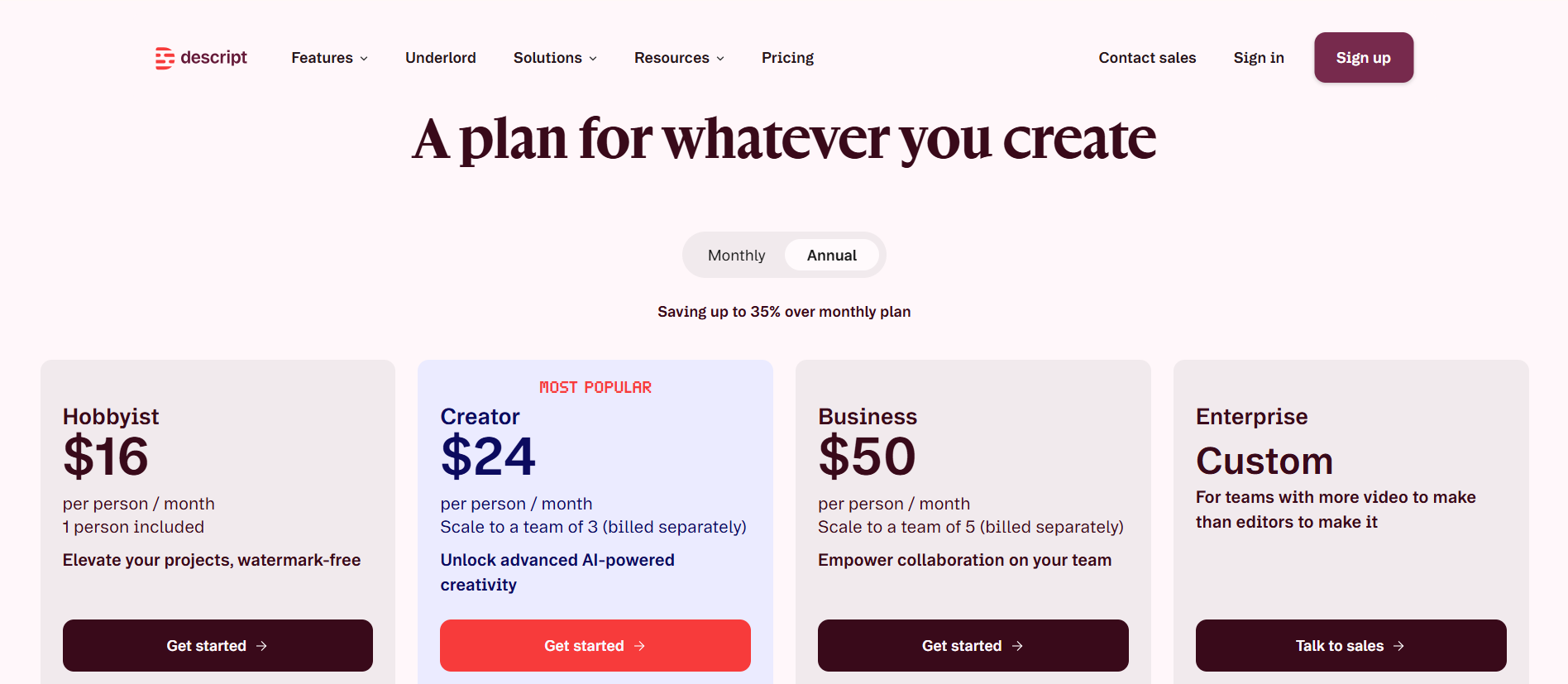
Descript includes transcription, filler-word removal, captions, screen recording, collaborative editing, audio enhancement, clips, and AI-assisted production tools. The free plan includes 60 media minutes per month. Hobbyist currently starts at $16 per person per month with annual billing, while Creator starts at $24.
Pros
- Edit audio and video through text
- Built-in captions and content tools
- Useful audio cleanup features
- Collaborative production workflow
- Free plan for evaluation
Cons
- More complex than a basic transcriber
- Monthly media and AI limits
- Not designed as a CRM-connected meeting assistant
8. Plaud: Best for Phone Calls and In-Person Conversations
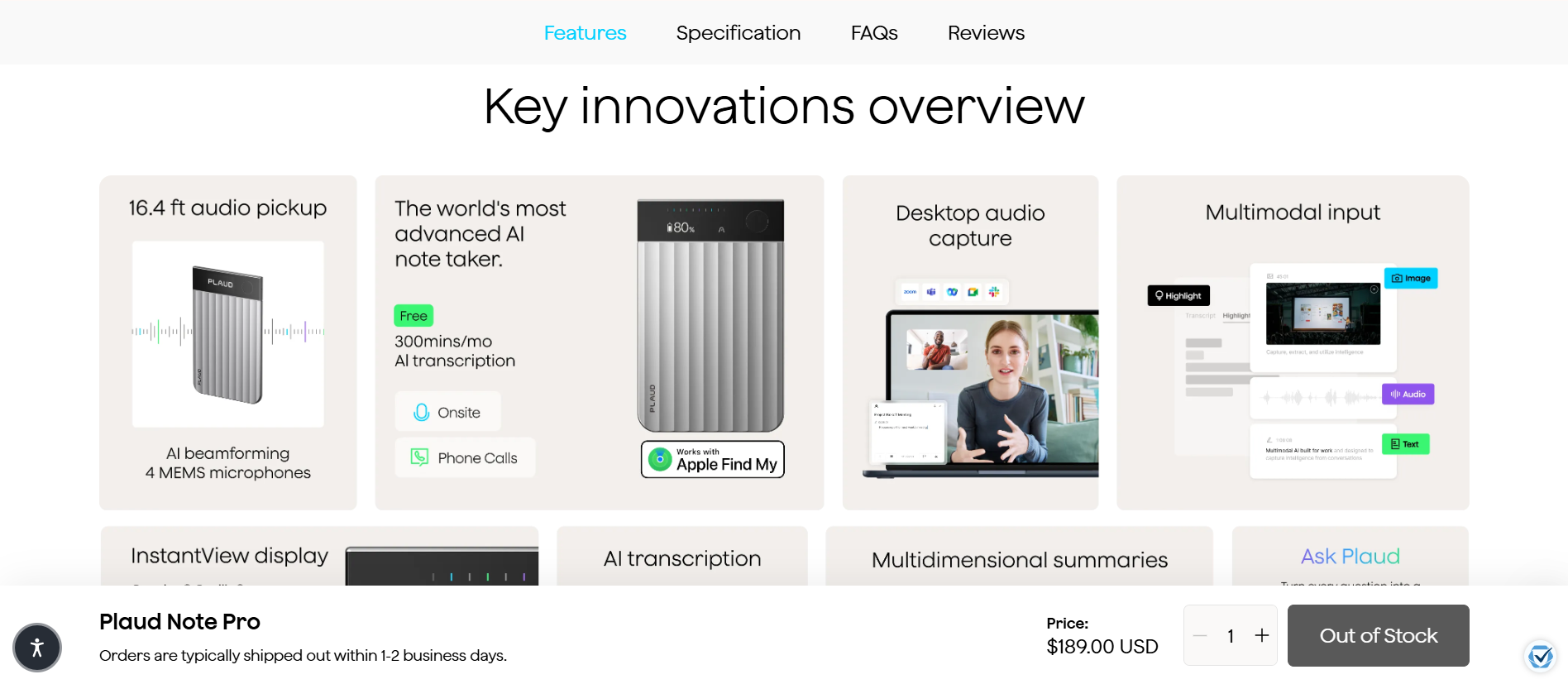
Plaud combines dedicated recording hardware with AI transcription and summaries.
Unlike a conventional meeting bot, a Plaud device can capture conversations in a room or record supported phone-call workflows. Recordings then sync with the Plaud app, web platform, or desktop experience for transcription, summaries, templates, and follow-up questions.
Every Plaud recorder currently includes 300 transcription minutes per month. The Pro plan provides 1,200 monthly minutes for $99.99 per year, while Unlimited costs $239.99 per year. These subscription costs are separate from the price of the recording device.
Pros
- Captures phone and in-person conversations
- Does not need to join as a meeting bot
- Dedicated recording hardware
- AI summaries and searchable history
- Free monthly transcription allowance with a device
Cons
- Requires hardware purchase
- Subscription needed for higher volume
- Less convenient for teams standardized on meeting platforms
Privacy Questions to Ask Before Choosing
Transcription tools process conversations that may contain personal, confidential, or commercially sensitive information. A compliance logo alone does not answer every privacy question.
Ask each provider:
- Is uploaded or recorded content used to train AI models?
- How long are audio files and transcripts retained?
- Can users permanently delete their data?
- Which third-party subprocessors receive the content?
- Where is the data stored and processed?
- How are participants informed that recording has started?
- Which controls are available for administrators?
- Does the provider offer the agreements required by your organization?
For regulated or highly sensitive material, involve the appropriate legal, privacy, or security reviewer before adopting any transcription service.
Frequently Asked Questions
What Is the Best Alternative to Otter AI?
The best alternative depends on the workflow. Audio Transcriber AI is suited to existing files, Fathom to free online meeting capture, Fellow to privacy-conscious teams, and Fireflies to CRM automation. Specialized options include Notta for multilingual transcription, Rev for human review, Descript for editing, and Plaud for in-person recording.
What Is the Best Free Otter AI Alternative?
Fathom is one of the strongest free choices for recurring Zoom, Google Meet, and Microsoft Teams calls because it offers unlimited recordings and transcription for individuals.
For an existing recording, Audio Transcriber AI provides a more direct upload-based workflow without requiring a meeting bot.
Is There an Otter Alternative Without a Meeting Bot?
Yes. Audio Transcriber AI works with uploaded files, while Descript and Rev also process existing media. Fellow, Fireflies, Notta, and Fathom offer bot-free capture options in some apps or configurations. Plaud uses dedicated hardware for phone and in-person conversations.
Check how each bot-free mode captures audio and whether it is available on your operating system and plan.
Which Otter Alternative Is Best for Multiple Languages?
Notta is a strong option for multilingual transcription and translation workflows. Fellow and Fireflies also support substantially more transcription languages than Otter.
Do not choose based only on the advertised number. Test the exact language, regional accent, speaker combination, and technical vocabulary used in your recordings.
Can Otter AI Alternatives Transcribe Uploaded Files?
Yes, but the limits vary widely. Audio Transcriber AI is designed around file uploads. Notta, Rev, Descript, Fellow, and Fireflies also accept uploaded media.
Otter supports file imports, but its free plan currently allows only three lifetime imports, while Pro allows ten per month. Users with frequent existing files should compare upload limits separately from live-meeting allowances.
Are AI Transcription Tools Accurate?
They can perform well on clear recordings, but no AI transcriber is perfectly accurate. Noise, cross-talk, poor microphones, accents, uncommon names, and technical language increase errors.
Review important transcripts against the recording. Use human verification when mistakes could create legal, medical, financial, or reputational consequences.