


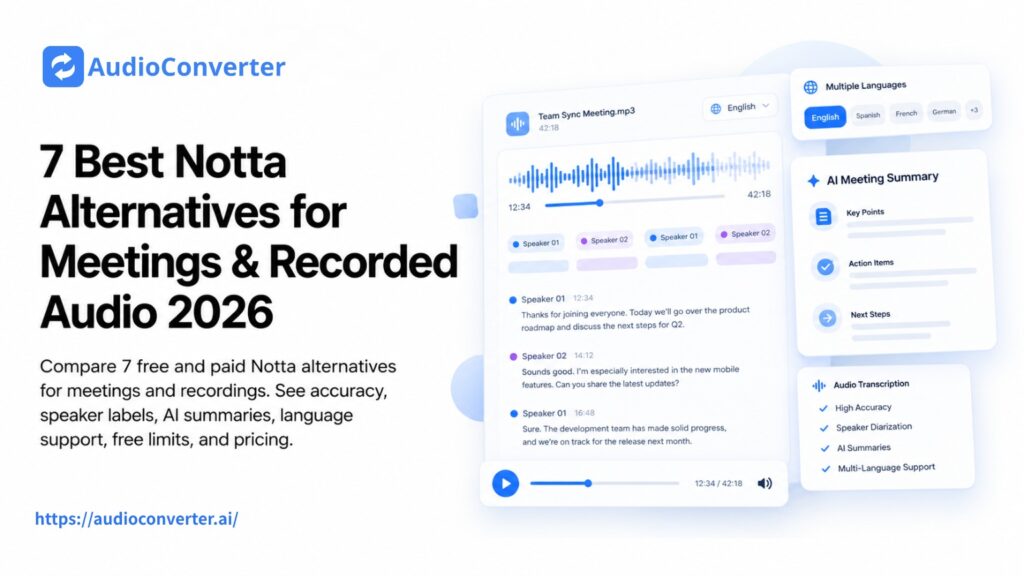
Notta is a capable AI transcription and meeting note-taking tool, but it is not the right fit for every workflow.
Its free plan includes 120 transcription minutes per month, but each conversation is limited to three minutes. Paid plans increase the recording allowance and add more AI summaries, file uploads, and team features. However, you may still want an alternative if you need longer free recordings, stronger sales integrations, human-reviewed transcripts, or a simpler way to process audio files without inviting a bot into every meeting.
If your main goal is to transcribe audio to text after a meeting, interview, lecture, or podcast has already been recorded, you may not need a full meeting assistant at all.
This guide compares seven Notta alternatives for both live meetings and recorded audio. Instead of relying on a single “accuracy percentage,” we consider the features that affect real-world results: language support, speaker identification, recording limits, AI summaries, export options, editing tools, and price.
Quick Answer: What Is the Best Notta Alternative?
The best choice depends on what you need to do:
- Audio Converter AI: Best for uploaded recordings and bot-free meeting notes
- Fathom: Best free option for live online meetings
- Fireflies.ai: Best for sales teams and CRM workflows
- tl;dv: Best for reviewing and comparing multiple meetings
- Otter.ai: Best for live transcription and collaborative notes
- Happy Scribe: Best for multilingual transcription and human review
- Descript: Best for editing podcasts, interviews, and recorded video
Notta Alternatives Compared
| Tool | Best for | Free access | Speaker labels | AI summaries | Main limitation |
| Audio Converter AI | Recorded meetings and uploaded media | Available | Yes | Yes | Does not join live meetings |
| Fathom | Free live meeting notes | Unlimited recording and transcription | Yes | Yes | Mainly designed for video meetings |
| Fireflies.ai | Sales and CRM teams | Unlimited transcription with storage limits | Yes | Limited on free plan | Advanced features require paid plans |
| tl;dv | Meeting libraries and cross-call insights | Unlimited recordings with usage limits | Yes | Limited on free plan | Best features are on higher tiers |
| Otter.ai | Live notes and team collaboration | 300 minutes per month | Yes | Yes | Only three lifetime file imports on free plan |
| Happy Scribe | Multilingual and reviewed transcripts | 10-minute AI trial | Yes | Meeting notes available | Paid minutes can become expensive |
| Descript | Transcript-based audio and video editing | Limited free access | Yes | Content-focused AI tools | More complex than a basic transcriber |
Accuracy varies with background noise, microphone quality, accents, overlapping speech, and specialist vocabulary. For an accurate comparison, upload the same 10-minute sample to two or three tools and check names, numbers, speaker changes, and technical terms.
Why Look for an Alternative to Notta?
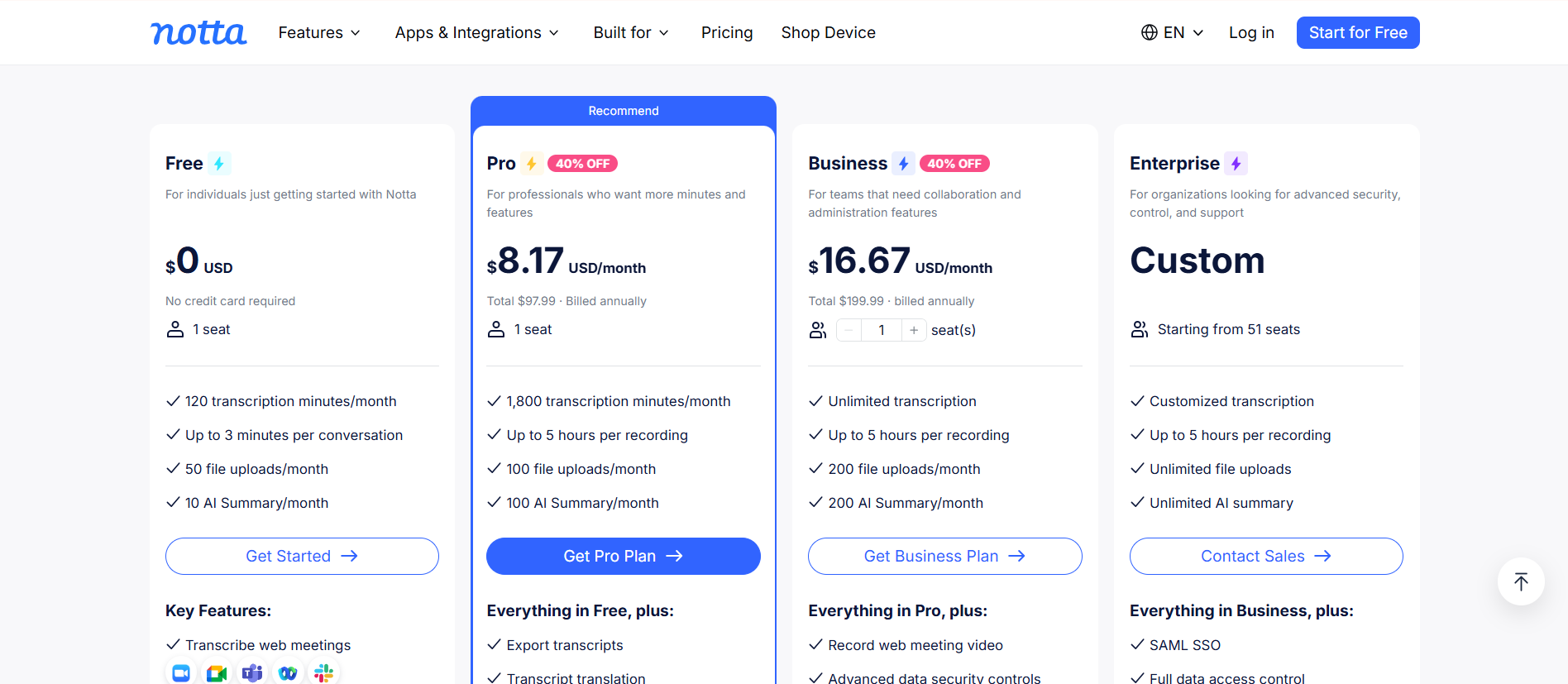
According to Notta’s current pricing, its free plan provides 120 transcription minutes per month, 50 file uploads, and 10 AI summaries. The important restriction is the three-minute maximum per conversation.
That makes the free plan useful for short tests, but less practical for a 30-minute interview or a one-hour meeting.
Notta Pro starts at $8.17 per month when billed annually and includes 1,800 transcription minutes per month, recordings of up to five hours, 100 file uploads, and 100 AI summaries. Business starts at $16.67 per user per month when billed annually and adds unlimited transcription.
You may prefer another tool if you need:
- Longer free meetings or recordings
- A workflow without a visible meeting bot
- Better CRM and sales automation
- Human proofreading for important transcripts
- Podcast or video editing after transcription
- More control over uploaded audio and video files
- Simpler one-time transcription without a team workspace
How We Compared These Notta Alternatives
This ranking is based on currently published features and plan information rather than an invented universal accuracy score.
We compared each product across six areas:
- Transcription workflow: Live meeting capture, file uploads, or both
- Speaker identification: Whether different speakers can be separated and renamed
- AI notes: Summaries, decisions, action items, and follow-up content
- Language support: Especially for multilingual teams and recordings
- Free limits and pricing: Minutes, file imports, storage, and paid-plan restrictions
- Best-fit use case: Meetings, sales calls, interviews, lectures, podcasts, or media production
1. Audio Converter AI: Best for Recorded Audio Without a Meeting Bot
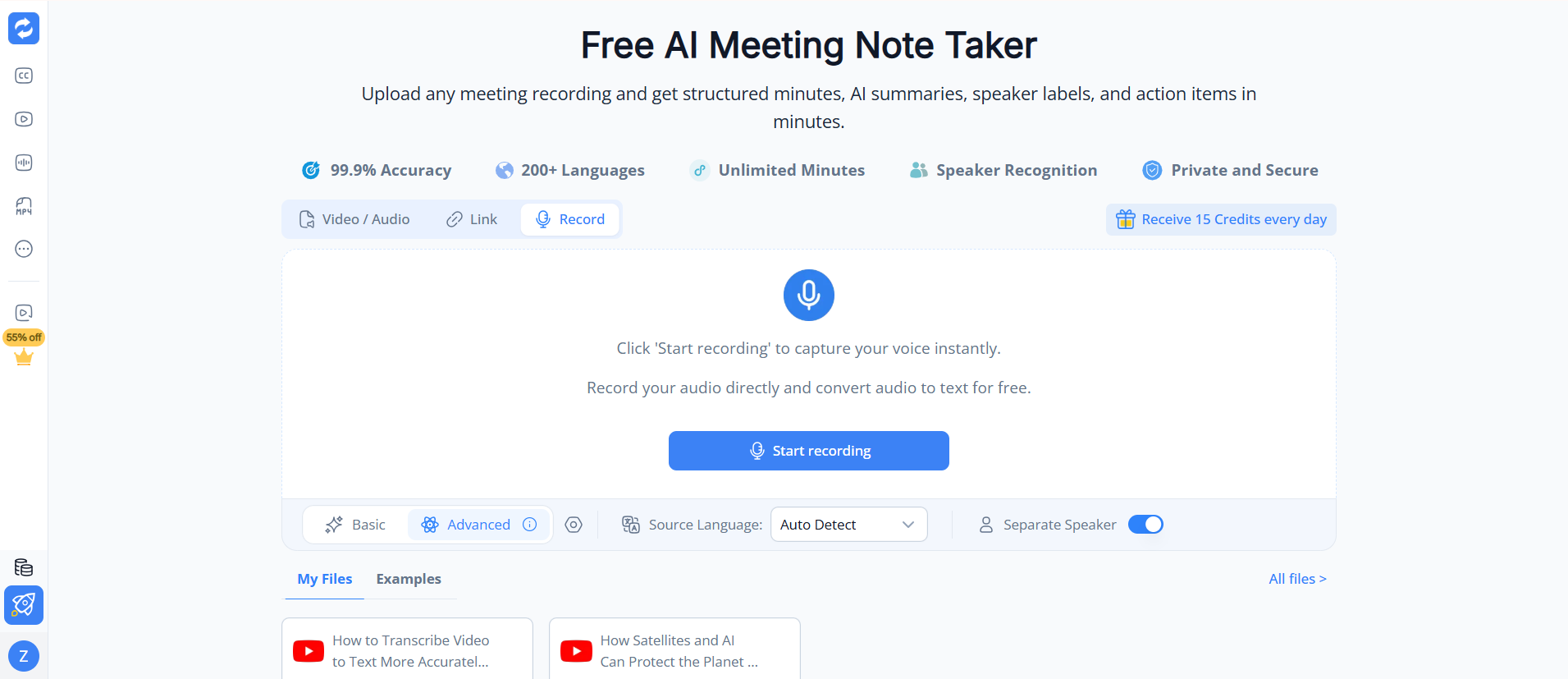
Audio Converter AI is the best Notta alternative on this list for people who already have an audio or video recording and do not need an assistant to join the live meeting.
You can upload a file, paste a supported media link, or record audio directly. Its AI Meeting Note Taker can turn the recording into a transcript, identify speakers, generate an AI summary, extract action items, and organize the conversation into structured meeting notes.
This is a different workflow from Notta, Fathom, or Fireflies. Instead of connecting a calendar and sending a bot into a call, you process the recording after the meeting. It is useful when a meeting bot would be distracting, prohibited, or unnecessary.
You can also use it to transcribe audio to text for interviews, lectures, voice memos, webinars, and podcasts, not only online meetings.
Advantages
- No meeting-platform integration is required
- Supports recorded audio and video
- Includes speaker labels, summaries, and action items
- Suitable for meetings, interviews, lectures, and podcasts
- Simpler than setting up a complete meeting workspace
Disadvantages
- It does not automatically join live Zoom, Teams, or Google Meet calls
- It offers fewer CRM and sales automation features than Fireflies
- Teams that need real-time captions may prefer Otter
Best for: Users with existing recordings who want a transcript and structured notes.
Not ideal for: Sales teams that need automatic meeting attendance, CRM syncing, and live coaching.
2. Fathom: Best Free Notta Alternative for Live Meetings
Fathom is a strong free alternative for people who primarily use Zoom, Google Meet, or Microsoft Teams.
Its free plan includes unlimited meeting recordings, storage, and transcription. Fathom’s help center currently lists support for 38 transcription languages. Free users receive advanced summaries for their first five calls each month, followed by a more general summary format.
Unlike tools that limit free transcription to a small number of monthly minutes, Fathom makes it possible to record regular meetings without constantly monitoring a minute allowance.
Advantages
- Unlimited recordings and transcription on the free plan
- Supports Zoom, Google Meet, and Microsoft Teams
- Generates summaries, highlights, and action items
- Good option for individual professionals
- Searchable meeting history
Disadvantages
- Designed mainly for online meetings rather than general audio conversion
- Advanced summary formats become limited after five free calls per month
- Its visible meeting assistant may not suit every client call
Best for: Individuals who want a generous free live meeting assistant.
Not ideal for: Processing a large archive of podcasts, lectures, or downloaded recordings.
3. Fireflies.ai: Best for Sales and CRM Workflows
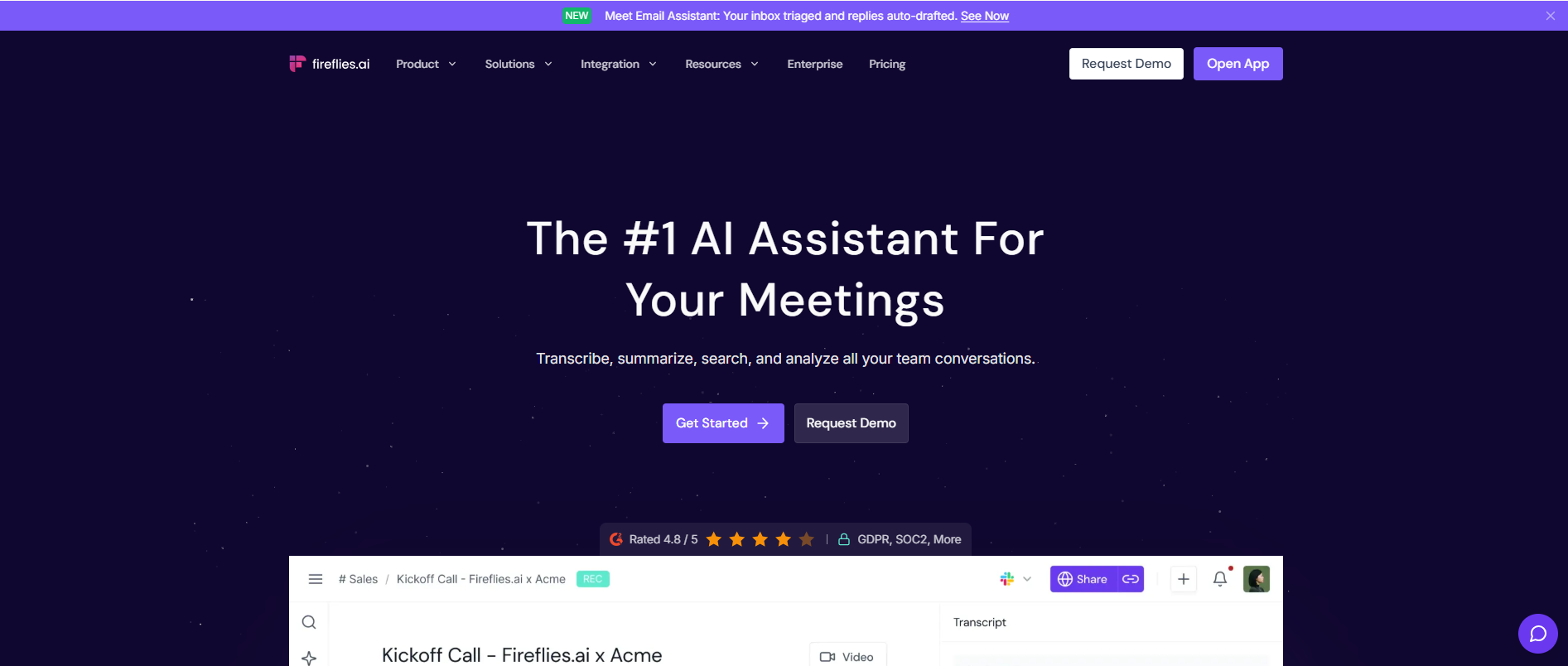
Fireflies.ai is built for organizations that want meeting transcripts to feed into sales, recruiting, support, and customer-success workflows.
It can join Zoom, Google Meet, and Microsoft Teams meetings, transcribe uploaded audio and video, generate summaries, and send conversation data to connected business tools. It supports more than 100 languages and includes live transcription options.
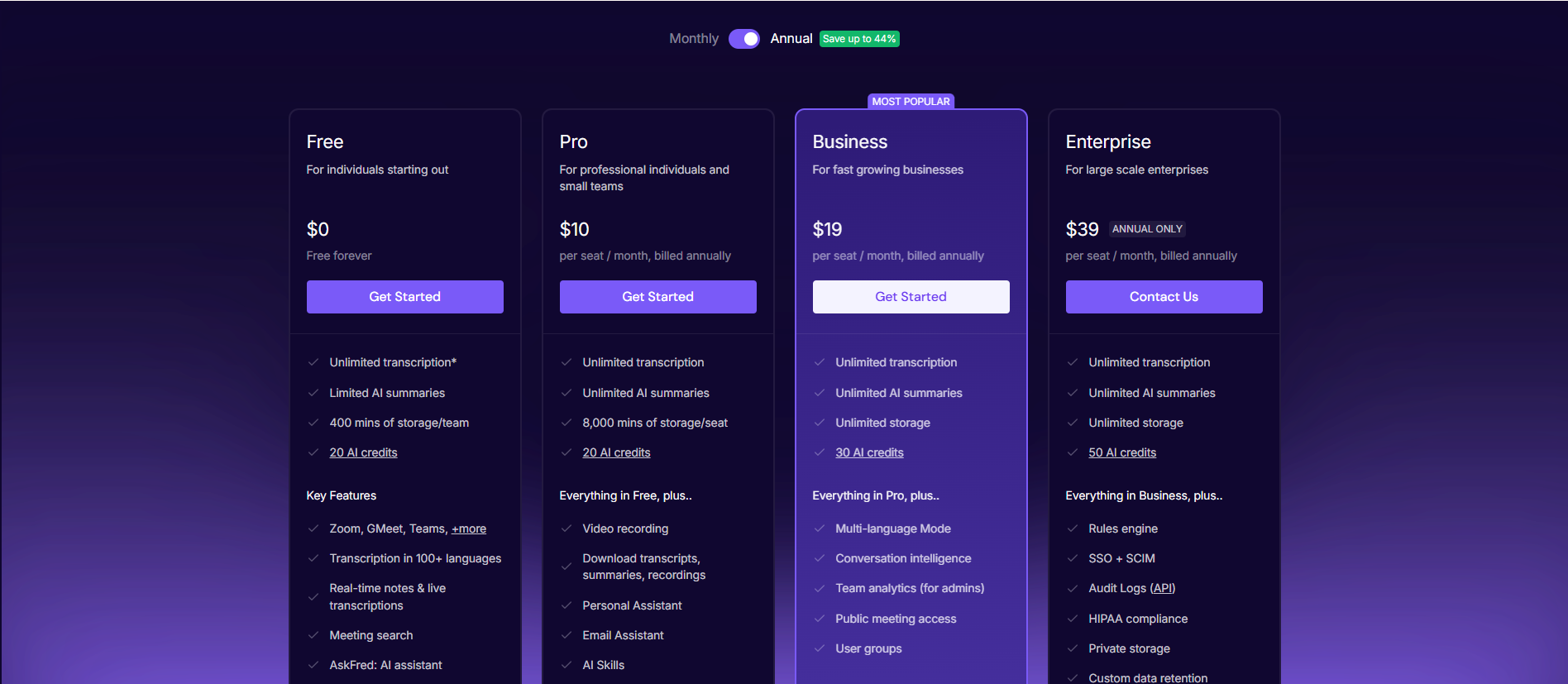
According to Fireflies’ pricing page, the free plan offers unlimited transcription, limited AI summaries, 20 AI credits, and 400 minutes of team storage. Pro starts at $10 per user per month with annual billing and adds unlimited AI summaries plus 8,000 minutes of storage per seat.
Advantages
- Combines live meetings with file uploads
- More than 100 supported languages
- Strong CRM and automation integrations
- Conversation search and team analytics
- Suitable for customer-facing teams
Disadvantages
- Free storage is limited
- The interface can feel excessive for one-time transcription
- Conversation intelligence and advanced analytics require higher plans
Best for: Sales, recruiting, support, and customer-success teams.
Not ideal for: Someone who only needs to convert an occasional audio file into text.
4. tl;dv: Best for Reviewing Multiple Meetings
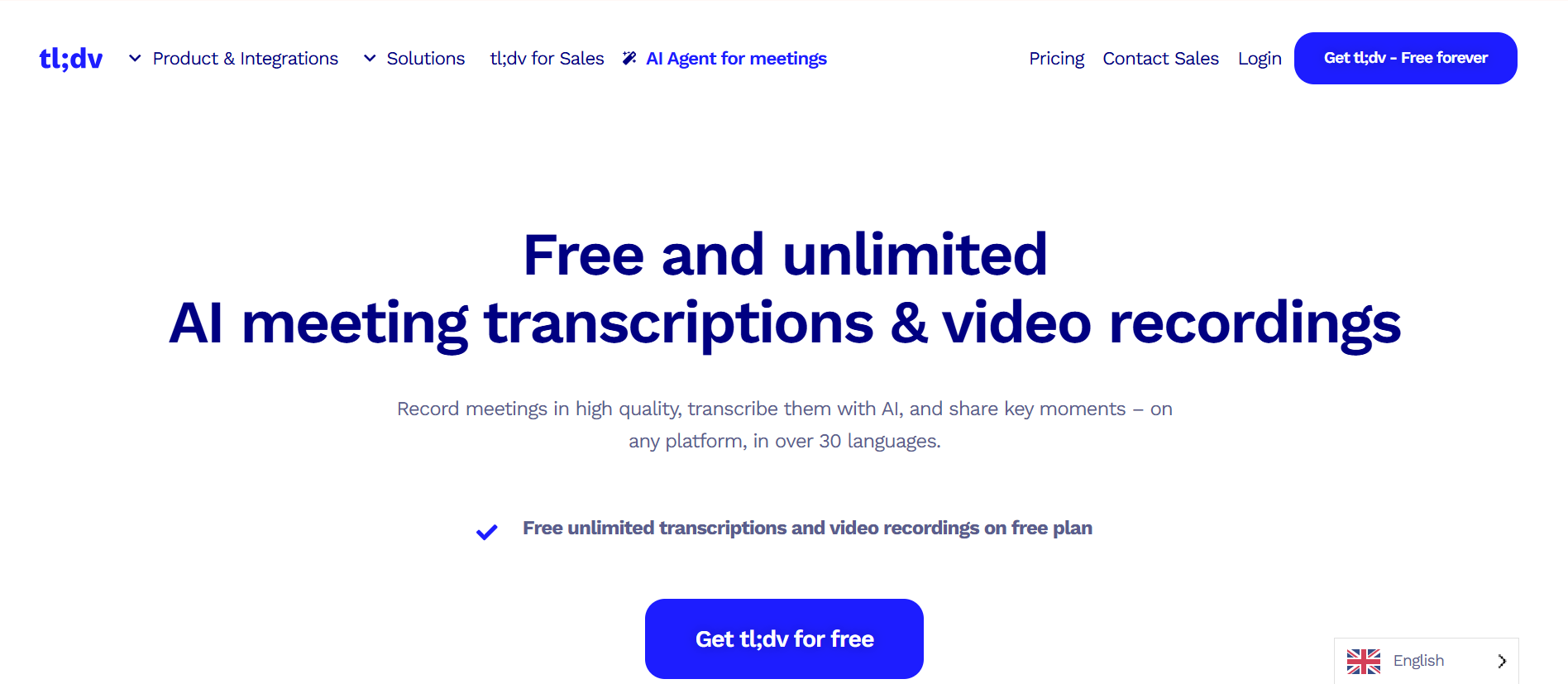
tl;dv is a useful Notta alternative for teams that need to search, compare, and extract patterns from many video meetings.
It records Zoom, Google Meet, and Microsoft Teams calls, creates speaker-labelled transcripts, generates notes, and lets users ask questions across their meeting library. Managers can use it to find recurring objections, customer requests, or discussion themes across different calls.
The free plan includes unlimited meeting recordings and transcripts in more than 30 languages. It also includes AI notes for 10 meetings, 10 Ask AI queries, and five file uploads. tl;dv publishes fair-use thresholds, including up to 40 recordings per week on the free plan.
The Pro plan starts at $18 per user per month with annual billing and adds unlimited uploads, storage, and AI notes. See tl;dv’s product information for current details.
Advantages
- Unlimited meeting recordings on the free plan
- Cross-meeting search and analysis
- Records video as well as audio
- Useful for product research and sales-call review
- Supports the three major meeting platforms
Disadvantages
- Free AI notes and file uploads are limited
- Some of its most valuable analysis features require paid plans
- Less suitable for users who do not hold regular online meetings
Best for: Teams that want to identify patterns across many conversations.
Not ideal for: Simple audio-file transcription or real-time captions.
5. Otter.ai: Best for Live Transcription and Collaborative Notes
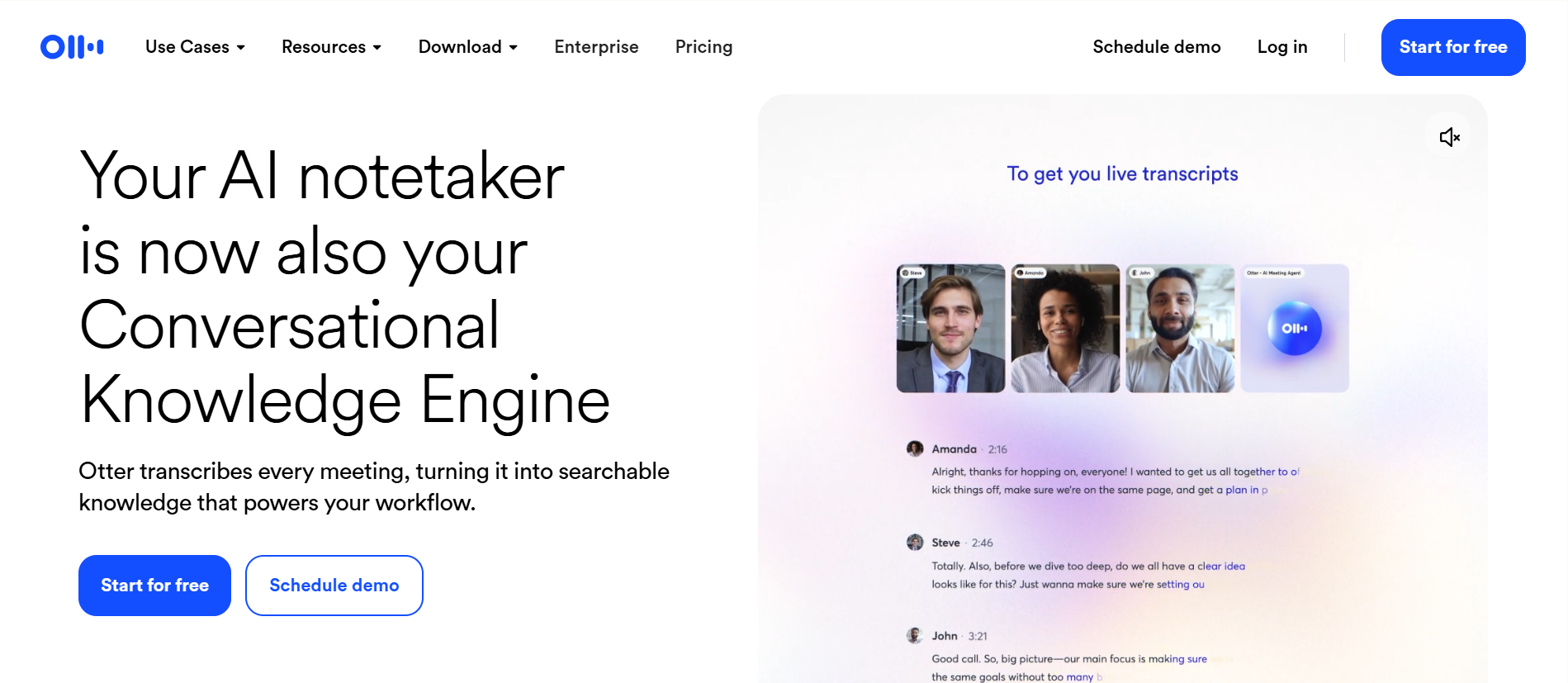
Otter is one of Notta’s closest competitors. Both products combine live transcription, speaker identification, meeting bots, summaries, and collaborative notes.
The biggest strength of Otter is its real-time experience. Participants can follow the transcript as a conversation happens, highlight important sections, leave comments, and assign action items.
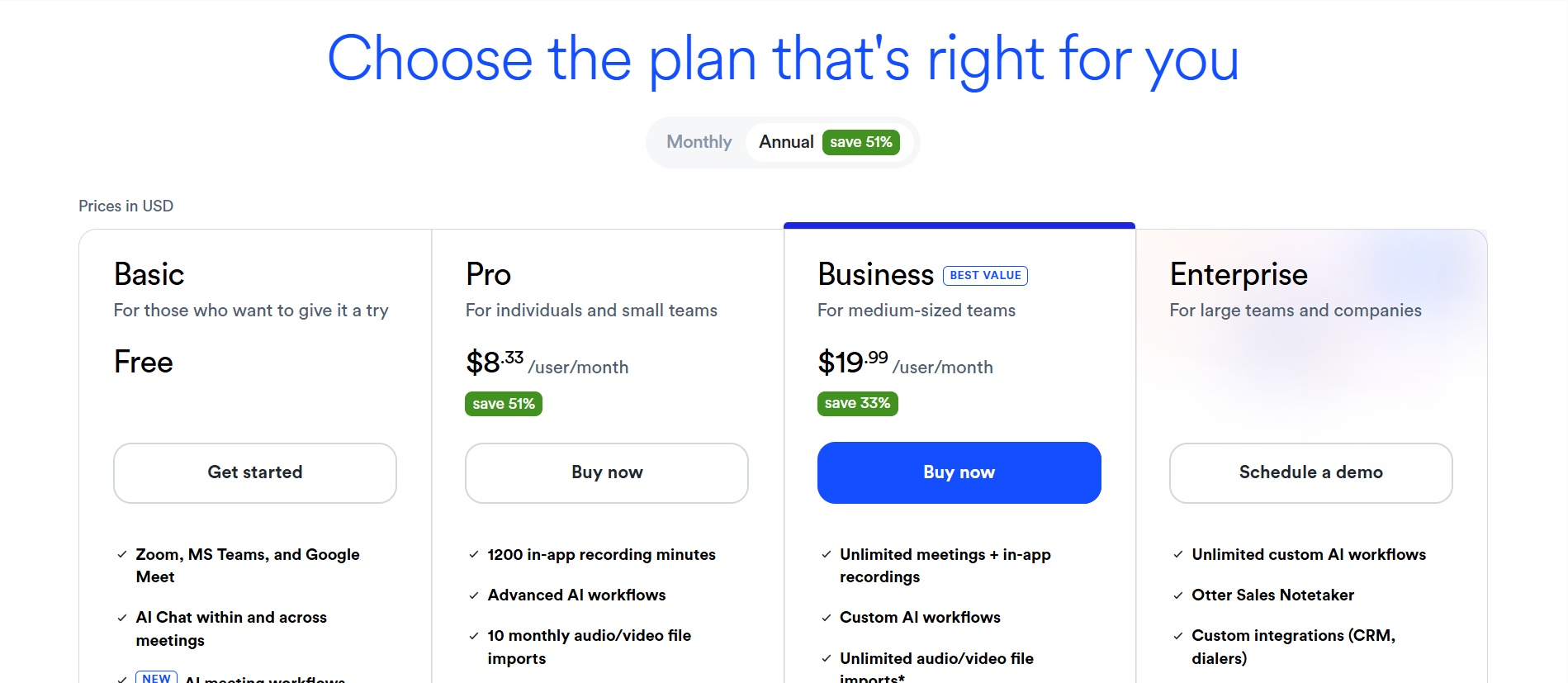
The Otter Basic plan includes 300 transcription minutes per month, a maximum of 30 minutes per conversation, and three lifetime audio or video file imports. Otter Pro costs $8.33 per user per month with annual billing and increases the allowance to 1,200 minutes, 90 minutes per meeting, and 10 monthly file imports.
Otter currently supports transcription in English, Spanish, French, German, Japanese, and Chinese.
Advantages
- Strong live transcription experience
- Real-time comments, highlights, and collaboration
- Speaker identification and custom vocabulary
- Supports Zoom, Teams, and Google Meet
- Mobile and desktop recording options
Disadvantages
- Free users receive only three lifetime file imports
- Fewer transcription languages than some alternatives
- Pro meetings are limited to 90 minutes
- Better suited to live conversations than media archives
Best for: English-speaking or supported-language teams that collaborate during meetings.
Not ideal for: Multilingual media libraries or frequent file-based transcription on the free plan.
6. Happy Scribe: Best for Multilingual and Human-Reviewed Transcripts
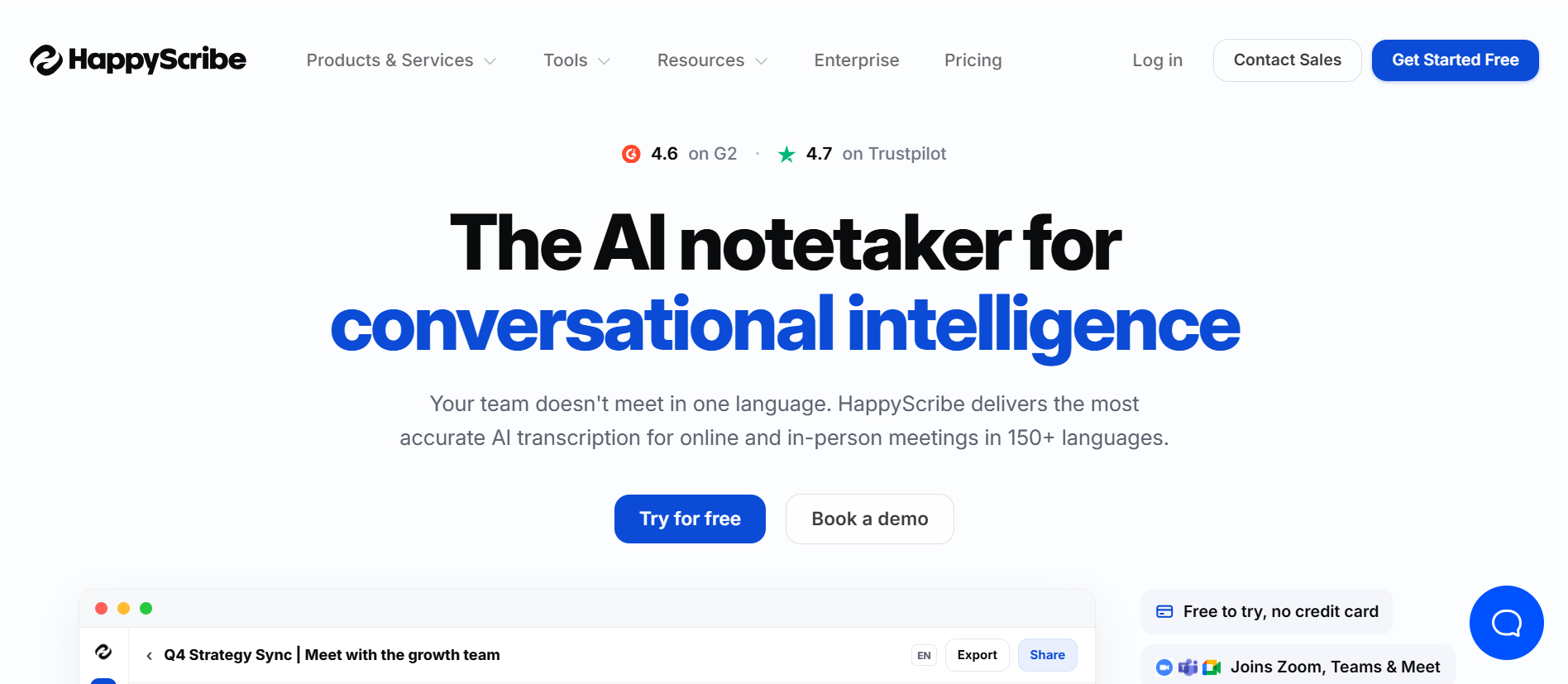
Happy Scribe is a better Notta alternative when transcript quality matters enough to justify human proofreading.
It supports more than 60 languages and dialects and offers both automatic transcription and human-reviewed services. This makes it useful for interviews, research, documentaries, subtitles, legal recordings, and content that will be published.
The free plan provides a 10-minute trial for AI transcription, subtitling, or translation. Its meeting recorder can handle unlimited meetings, with each free recording limited to 45 minutes. Human proofreading starts at approximately $2 per minute for English, according to Happy Scribe’s official plan guide.
Advantages
- More than 60 languages and dialects
- Automatic and human-reviewed options
- Strong subtitle and export tools
- Speaker detection
- Suitable for publication-ready media
Disadvantages
- The free AI trial is only 10 minutes
- Human review is significantly more expensive than AI transcription
- Less focused on sales automation and live team workflows
Best for: Multilingual content and transcripts that require human checking.
Not ideal for: Teams looking for a permanently free meeting assistant.
7. Descript: Best for Editing Podcasts and Recorded Video
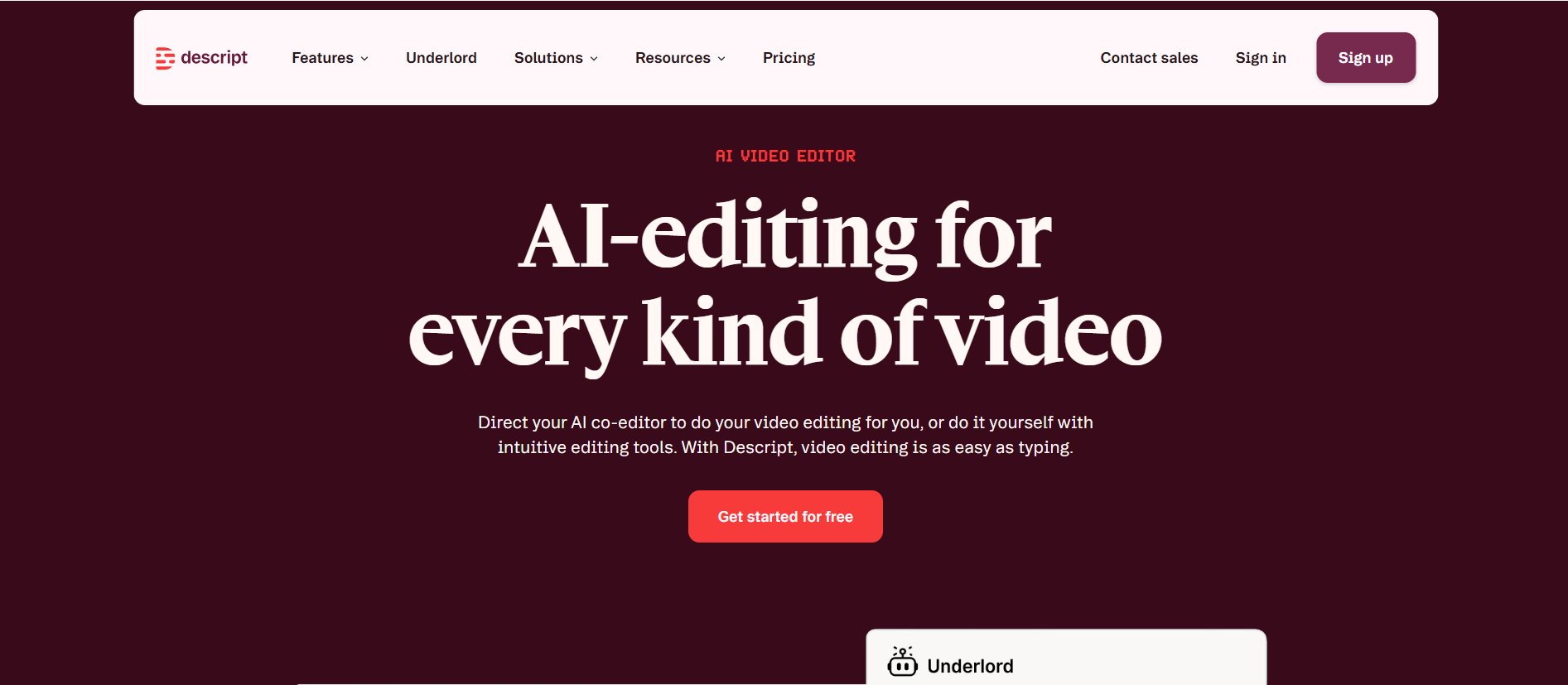
Descript is more than a transcription service. It is an audio and video editor that uses the transcript as the editing interface.
Delete a sentence from the transcript, and the corresponding audio or video can be removed. Descript also provides filler-word removal, captions, Studio Sound, clip creation, screen recording, and text-based podcast editing.
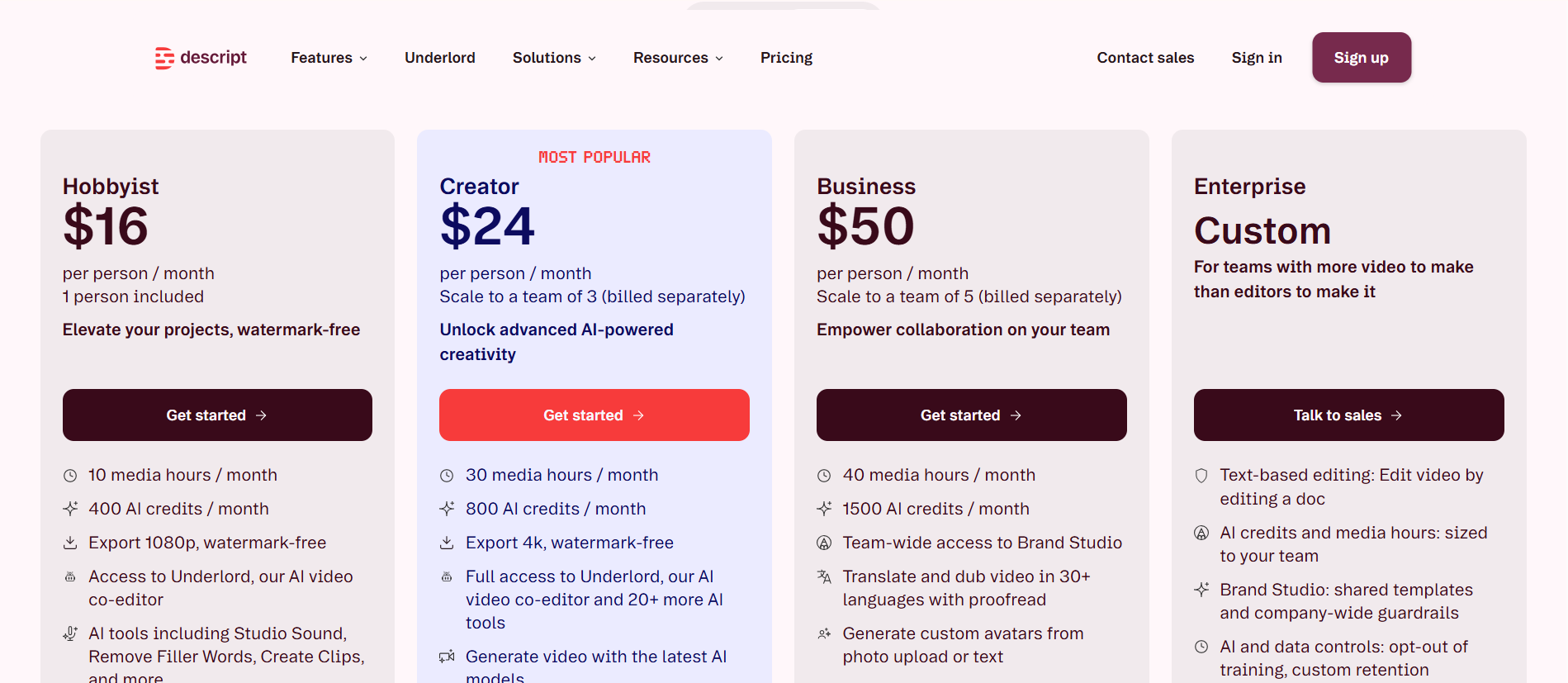
Its Hobbyist plan starts at $16 per person per month with annual billing and includes 10 media hours and 400 AI credits per month. Creator starts at $24 and includes 30 media hours and 800 AI credits. Current limits are available on the Descript pricing page.
Advantages
- Edit audio and video by editing text
- Useful for podcasts, interviews, and video content
- Includes captions and audio enhancement tools
- Can turn long recordings into shorter clips
- Combines transcription and post-production
Disadvantages
- More expensive than a basic transcription tool
- Has a steeper learning curve
- Not primarily designed to attend and summarize daily meetings
- AI credits and media hours require monitoring
Best for: Creators who need to edit and publish recorded content after transcription.
Not ideal for: Teams that only need simple meeting minutes and action items.
Which Notta Alternative Should You Choose?
Choose based on the source of your audio and what needs to happen after transcription.
Choose Audio Converter AI if:
- You already have an audio or video file
- You do not want a bot in the meeting
- You need speaker labels, a summary, and action items
- You want a simple workflow for meetings, lectures, or interviews
Choose Fathom if:
- Most of your conversations happen in Zoom, Meet, or Teams
- You want unlimited free recording and transcription
- You mainly need summaries for individual meetings
Choose Fireflies.ai if:
- Meeting data needs to sync with a CRM
- You manage a sales or customer-success team
- You need analytics across many customer conversations
Choose tl;dv if:
- You want to compare findings across multiple meetings
- Video recording is important
- You need a searchable research or call library
Choose Otter.ai if:
- Live transcription is more important than file uploads
- Team members collaborate on notes during meetings
- Your meetings use one of Otter’s supported languages
Choose Happy Scribe if:
- You need multilingual transcripts or subtitles
- The final transcript will be published
- You want the option of human proofreading
Choose Descript if:
- Transcription is the first step in editing a podcast or video
- You want to remove filler words and create clips
- You need production tools, not just meeting notes
Frequently Asked Questions
What is the best free Notta alternative?
Fathom is one of the strongest free alternatives for live meetings because its free plan includes unlimited recording, storage, and transcription.
For an existing audio or video file, Audio Converter AI offers a more direct workflow because you can process the recording without connecting a calendar or inviting a meeting bot.
Is there a Notta alternative without a meeting bot?
Yes. Audio Converter AI can process an existing recording after the meeting. Upload the audio or video to generate a transcript, speaker labels, a summary, and action items.
Happy Scribe and Descript also support file-based workflows, although they are aimed more at professional transcription and media editing.
Which Notta alternative is best for recorded audio?
Audio Converter AI is the most straightforward choice when your main input is an existing meeting, interview, lecture, voice note, or podcast recording.
Descript is better if you also need to edit the recording. Happy Scribe is more appropriate when the final transcript requires human proofreading.
Which alternative supports the most languages?
Fireflies lists support for more than 100 languages, while Happy Scribe supports more than 60 languages and dialects. Fathom supports 38 languages, and tl;dv supports more than 30.
The number of supported languages does not guarantee equal accuracy in every language. Test your actual accents, terminology, and recording conditions before purchasing a plan.
Are AI transcription tools completely accurate?
No. Results are affected by noise, microphone distance, overlapping speech, accents, names, and industry vocabulary.
A useful test is to review names, numbers, dates, speaker changes, and technical terms in a representative recording. A tool that works well for a clean English webinar may perform differently on a multilingual team call recorded in a noisy room.
Is Notta still worth using?
Yes. Notta remains a practical all-in-one option for users who need meeting recording, file transcription, speaker identification, AI summaries, and support for major meeting platforms.
An alternative becomes more attractive when one workflow matters more than the full package—for example, unlimited free meetings, CRM integration, human proofreading, media editing, or bot-free transcription.
Final Verdict
There is no single Notta alternative that is best for every user.
Fathom is the strongest free choice for live meetings. Fireflies is better for sales automation, while tl;dv works well for analysis across multiple calls. Otter provides a polished real-time transcript, Happy Scribe offers human review, and Descript is the better choice for editing podcasts and videos.
For people who already have a recording and simply want to transcribe audio to text, generate speaker labels, and extract structured notes without inviting another bot into the call, Audio Converter AI is the most direct place to start.