


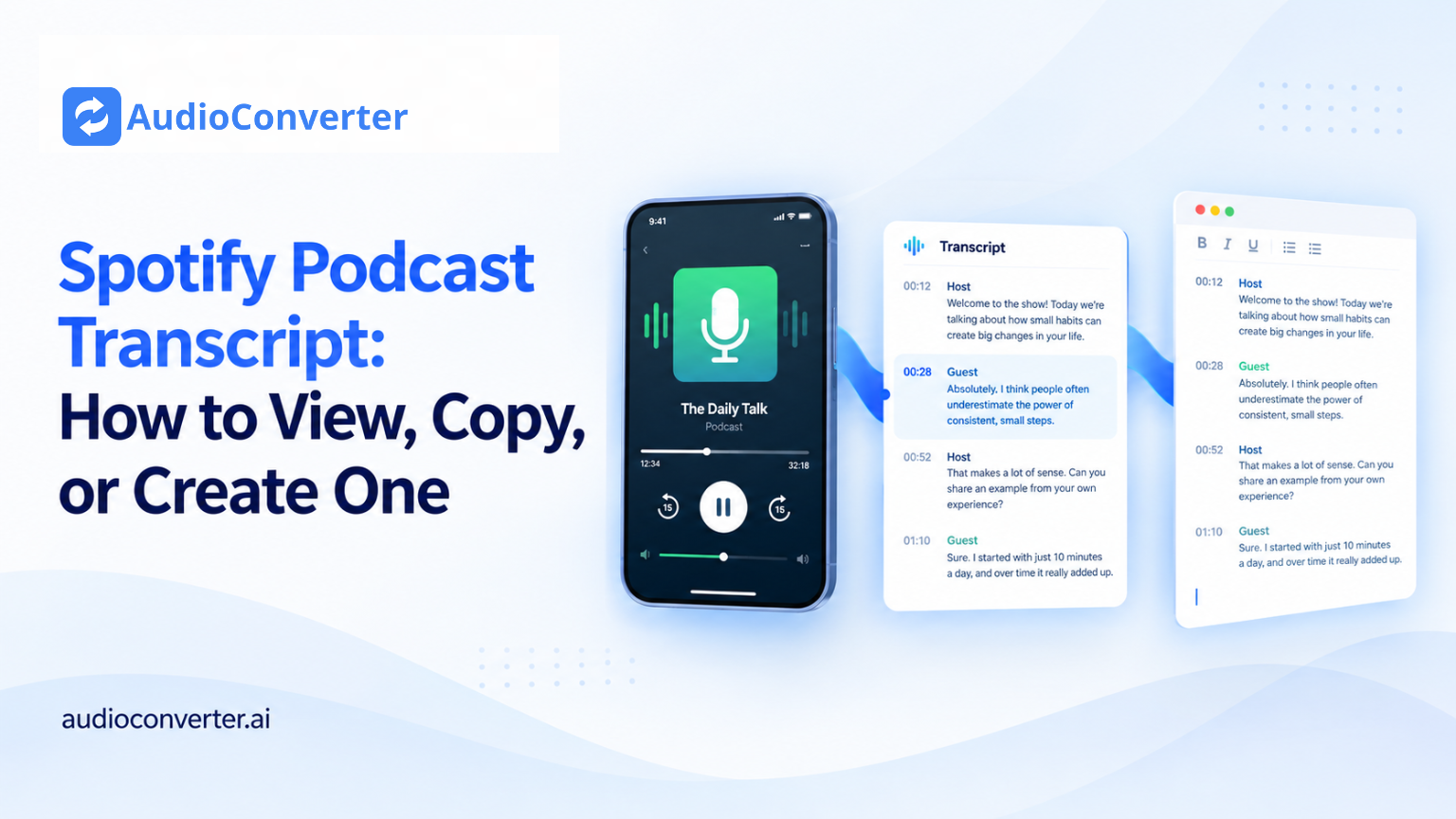
Need the words from a Spotify podcast without replaying the same section over and over? There are two practical ways to get a Spotify podcast transcript:
- Open Spotify's built-in transcript when the episode has one.
- Create your own transcript from an audio file or an authorized direct audio link when Spotify does not provide one.
The first option is quickest for reading along. The second is better when you need searchable text, speaker labels, timestamps, a summary, or a file you can edit and reuse.
Quick answer: Play the episode in the Spotify mobile app, open the full Now Playing screen, and scroll down. If the episode supports transcripts, you will see an episode transcript or read-along section. If it is not there, the episode probably does not have a transcript available to your account. In that case, obtain the audio legally and use an AI tool to transcribe audio to text.
Choose the Right Method
| What you want to do | Best method | What you get |
| Read along while listening | Spotify's built-in transcript | Synced text inside the app |
| Find a quote or revisit a section | Built-in transcript if available | Searchable or scrollable episode text, depending on the app version |
| Download or edit the full text | AI transcription from an authorized audio source | An editable transcript, timestamps, and export options |
| Create show notes or a summary | AI transcription | Transcript plus a faster content workflow |
| Manage a transcript for your own show | Spotify for Creators | View, download, replace, or distribute eligible transcripts |
Does Spotify Have Podcast Transcripts?
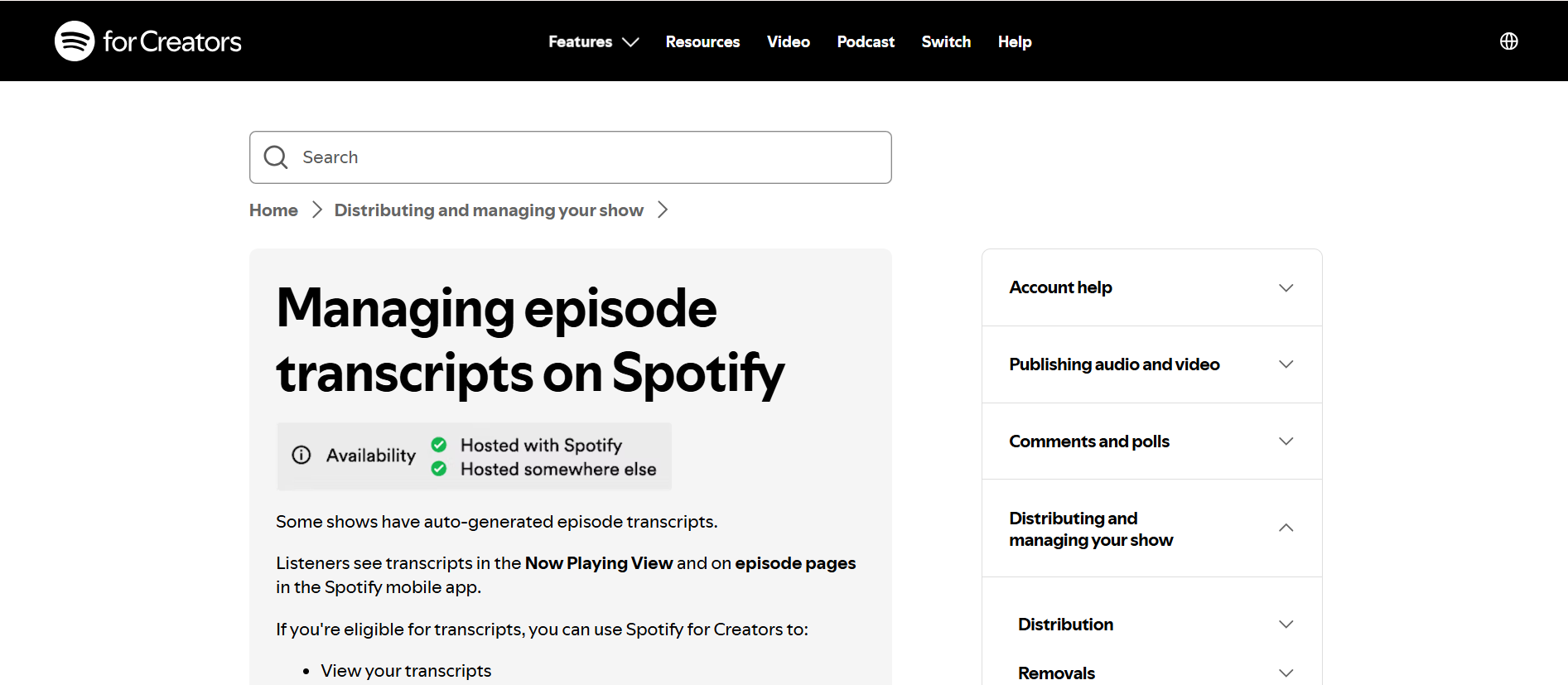
Yes, but not for every podcast or every episode.
Spotify says that some shows receive auto-generated episode transcripts. When one is available, listeners can see it in the Now Playing view or on the episode page in the Spotify mobile app. Some shows may also offer translated transcripts.
Availability can depend on the show, episode, language, region, account, and current version of the Spotify app. That is why two episodes from the same podcast may not show the same transcript options.
Spotify's transcript is mainly designed for reading along inside Spotify. It is not always the easiest option if you want to copy the complete text, clean up speaker names, export the transcript, or turn a long episode into notes.
Method 1: View a Spotify Podcast Transcript in the App
Try the native transcript first. You do not need another tool if your only goal is to read along with a supported episode.
On iPhone or Android
- Open Spotify and start playing the podcast episode.
- Tap the mini player at the bottom to open the full Now Playing screen.
- Scroll down below the episode controls and description.
- Look for Episode transcript, Transcript, or a read-along card.
- Tap the card to open the full transcript.
- Tap or scroll through the text to follow the episode. On supported transcripts, the current words may be highlighted as the audio plays.
The wording and position of the transcript control can change between app versions. If you do not see it, update Spotify and check the episode page as well as the Now Playing screen.
On Desktop or the Web Player
Transcript access is less consistent on desktop than on mobile. Open the episode, expand the Now Playing view, and look below the episode information. If no transcript appears, check the same episode in the latest Spotify mobile app before assuming that none exists.
For a transcript you can reliably edit or export, use the second method below.
Why Can't I See the Transcript on Spotify?
If the transcript section is missing, one of these is usually the reason:
- Spotify has not generated a transcript for that episode. Native transcripts are available only for some shows.
- The creator turned transcripts off. Eligible creators can control transcript display for individual episodes or an entire show.
- Your app is out of date. Update Spotify, close it completely, and reopen the episode.
- You are checking the wrong screen. Open the full Now Playing view and the episode page, then scroll down.
- Availability differs by device, account, or region. Try the mobile app if you first checked on desktop.
- The episode language or audio quality is not supported well enough. Music, overlapping speech, heavy background noise, or multiple languages may also affect automatic transcription.
There is no setting that can force Spotify to generate a missing listener transcript. If the episode still has no transcript after these checks, create one from an audio source you are permitted to use.
Method 2: Create a Spotify Podcast Transcript with AI
This method is useful when Spotify's native transcript is missing, incomplete, difficult to copy, or unavailable for download.
Before you begin, get an authorized copy of the episode audio. For your own podcast, use the original recording or the file from your podcast host. For someone else's show, look for an official download option or another source the publisher allows you to use. A Spotify episode-page URL is not necessarily a direct audio URL, so do not assume every transcription tool can import it.
Step 1: Get the Episode Audio
Use one of these legitimate sources:
- Your original podcast recording
- A file downloaded from your podcast hosting dashboard
- An official episode download supplied by the publisher
- A public, direct audio-file URL that the publisher permits you to process
Avoid unofficial downloaders and do not bypass paywalls, access controls, or platform protections. Transcribe and reuse only content you own or have permission to process.
Step 2: Upload the File
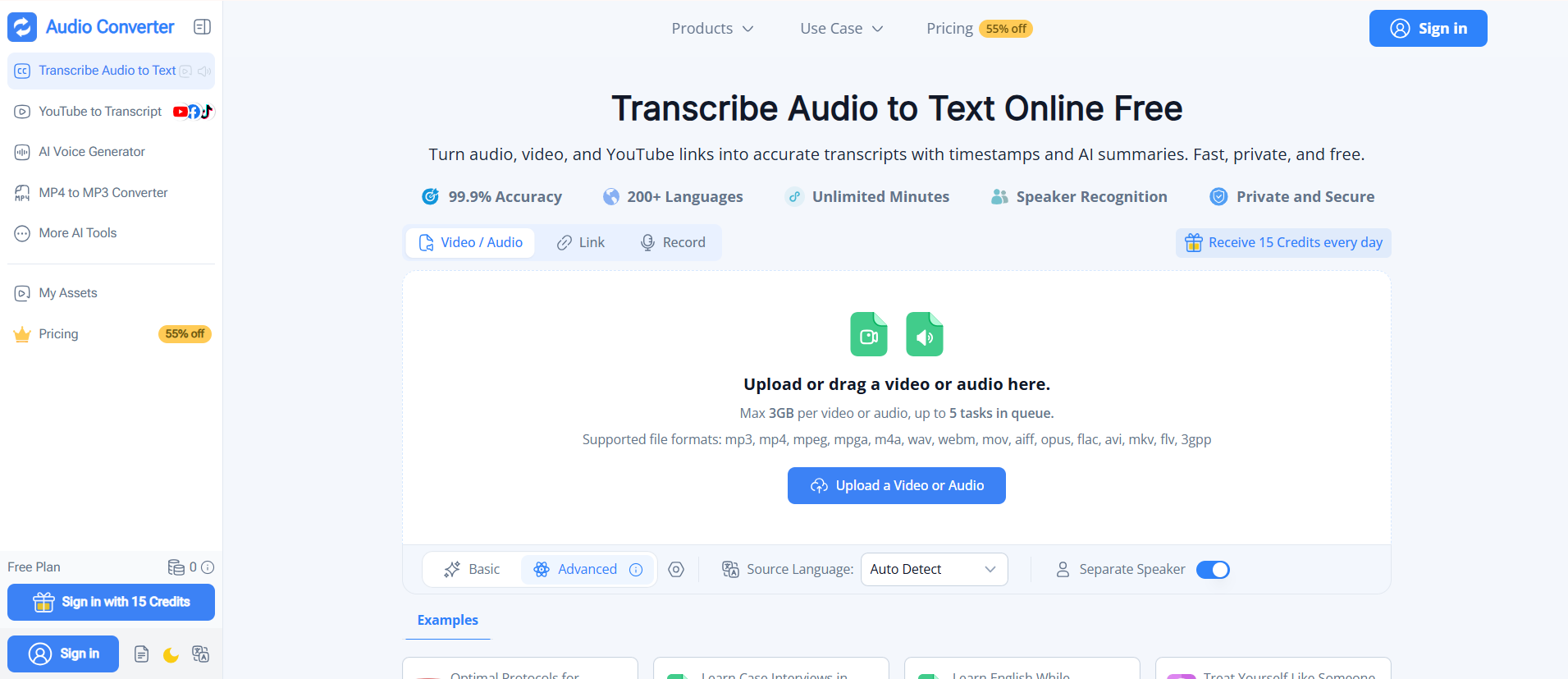
Open Audio Converter AI and upload the episode recording. The tool accepts common podcast formats, including MP3, M4A, WAV, MP4, FLAC, and more.
If your episode is already an MP3 file, the dedicated MP3 to text workflow is the most direct option. There is no need to convert it to another format first.
Step 3: Choose the Language and Speaker Settings
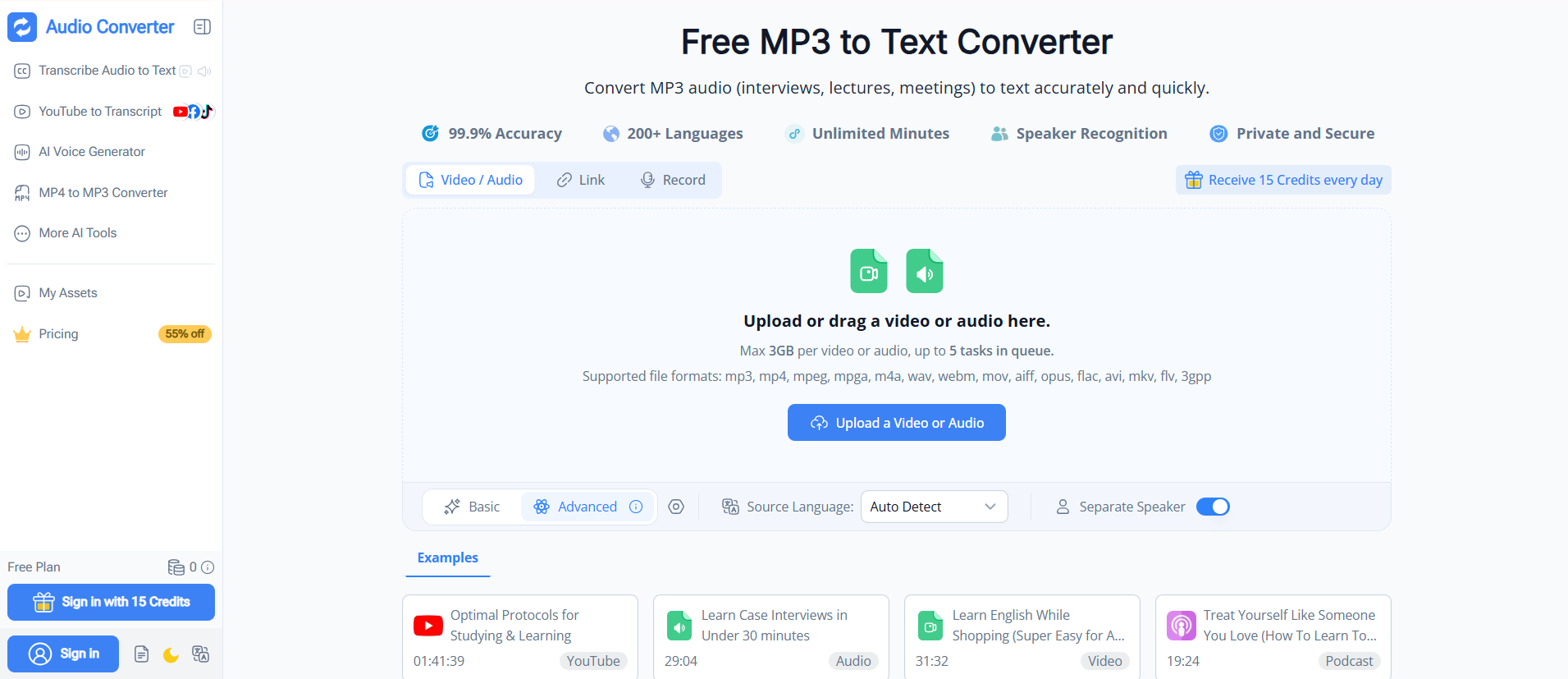
Select the spoken language or leave language detection on automatic. If the podcast has a host and one or more guests, enable speaker separation. This makes interviews and panel discussions much easier to scan after transcription.
For the cleanest result:
- Use the original audio instead of a re-recorded copy.
- Avoid highly compressed files when a better source is available.
- Choose the correct language for episodes with a strong accent or specialized vocabulary.
- Expect to review names, brands, acronyms, and technical terms manually.
Step 4: Generate and Review the Transcript
Start the transcription and review the result while listening to the difficult sections. Correct speaker names, punctuation, proper nouns, and any wording that changes the meaning.
Do not skip this review if you plan to publish the transcript. Even a strong AI transcript can mishear names, numbers, unfamiliar terminology, or overlapping speakers.
Step 5: Edit, Export, or Summarize
Once the text is ready, you can use it to:
- Find a quote without scrubbing through the whole episode
- Create show notes and chapter summaries
- Turn an interview into a blog post or newsletter
- Prepare captions or accessibility materials
- Pull highlights for social posts
- Translate the content for another audience
For long episodes, timestamps and speaker labels are more useful than a plain wall of text. They let readers jump back to the original context and help editors verify every quote.
Can You Copy or Download a Spotify Podcast Transcript?
It depends on whose episode it is and how the transcript was created.
If You Are a Listener
Spotify's in-app transcript is built for reading along. Copying or downloading options may be limited or unavailable, depending on the device and transcript. If you need a complete editable document, generate a separate transcript from an audio source you are authorized to process.
If You Are the Podcast Creator
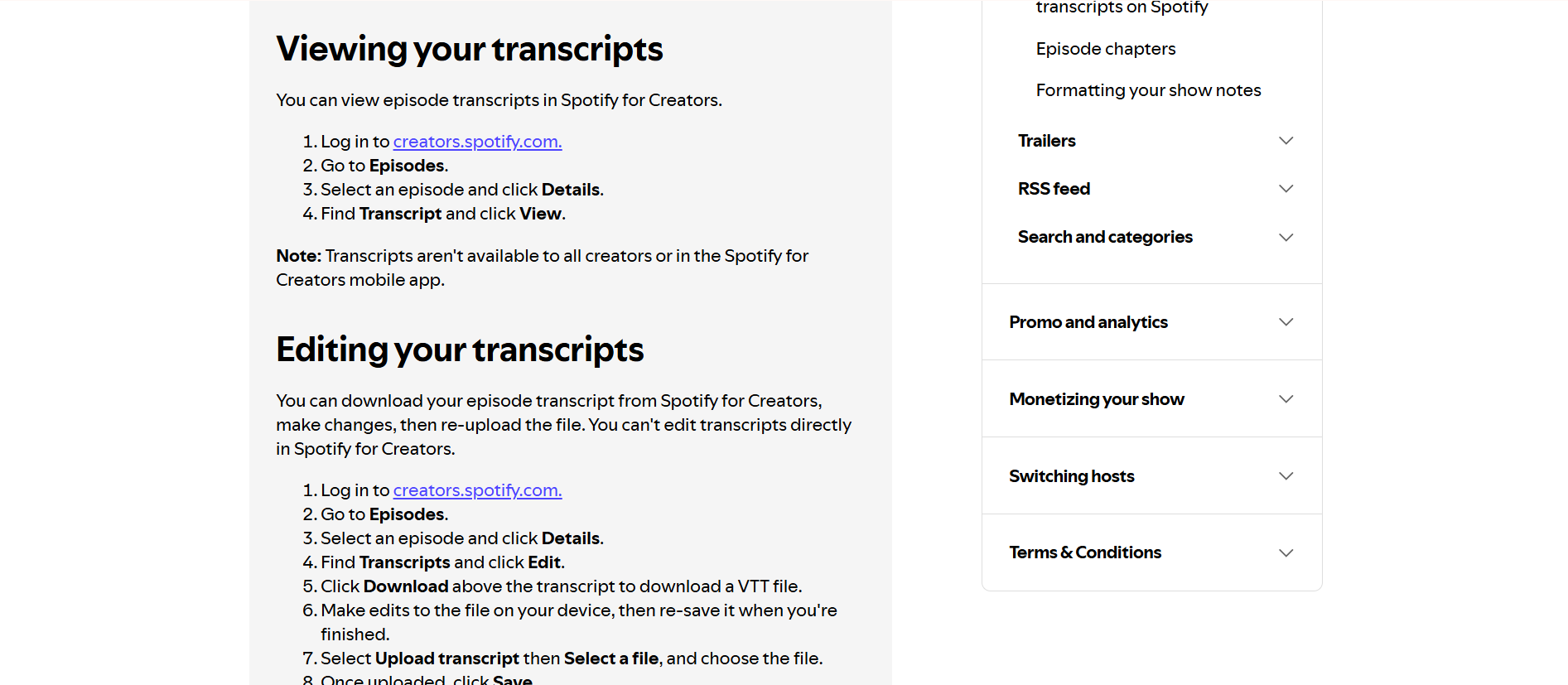
Eligible creators can manage transcripts from Spotify for Creators on the web:
- Sign in at
creators.spotify.com. - Go to Episodes.
- Select an episode and open Details.
- Find Transcript and choose View or Edit.
- Download the transcript as a VTT file, edit it on your device, and upload the revised file.
Spotify currently accepts VTT or SRT transcript files up to 5 MB. Include timestamps if you want the text to sync during playback. Spotify also notes that transcript tools are not available to every creator and cannot be managed in the Spotify for Creators mobile app.
If you need to produce the first draft before uploading it, you can transcribe audio to text from the master episode file, proofread it, and then format the approved text for your publishing workflow.
Spotify Transcript vs. AI-Generated Transcript
| Feature | Spotify built-in transcript | AI transcript from your audio |
| Setup | None when available | Requires an authorized audio file or direct media link |
| Availability | Only selected shows and episodes | Available for supported files you can legally process |
| Read along in Spotify | Yes | No, unless the creator formats and uploads it through an eligible workflow |
| Edit the text | Not for ordinary listeners | Yes |
| Export options | Limited for listeners | Designed for editing and reuse |
| Speaker labels | Varies | Can be generated for multi-speaker audio |
| AI summary | Not the main purpose | Available in Audio Converter AI |
| Best for | Listening and accessibility | Research, notes, publishing, and content repurposing |
The methods are complementary. Use Spotify's transcript for quick reading. Create an AI transcript when you need control over the final text.
How to Get a More Accurate Podcast Transcript
The source audio matters more than most settings. Start with the cleanest file you have and then use this review checklist:
- Confirm speaker names. Replace generic labels such as “Speaker 1” after identifying the host and guest.
- Check the first mention of every proper noun. Names, companies, products, and locations are common sources of errors.
- Verify numbers and quotations. Replay statistics, dates, prices, and statements you plan to quote.
- Keep timestamps. They make fact-checking and navigation faster.
- Break up long paragraphs. Use a new paragraph when the speaker or topic changes.
- Label unclear audio honestly. Use
[inaudible]with a timestamp instead of guessing.
For an MP3 episode, an MP3 to text converter gives you an editable starting point; a short human review makes that transcript safer to publish.
Frequently Asked Questions
Is there a free way to transcribe Spotify podcasts?
First check whether Spotify provides a built-in transcript for the episode. If it does, you can read it in the mobile app at no extra cost. If it does not, use an authorized episode audio file with a transcription tool that offers a free plan or credits. Limits and available features can change, so check the tool's current pricing before processing a long episode.
How do I get the full transcript of a podcast?
Open the episode's native transcript in Spotify, visit the publisher's episode page, or check the podcast's show notes. If no full transcript exists, obtain the audio legally and generate one with an AI transcription tool. Review the output before quoting or publishing it.
Does Spotify have subtitles for podcasts?
Some podcast episodes have synchronized transcripts that function like read-along captions. Spotify does not provide them for every show or episode. Video podcast caption and transcript behavior may also differ by content and device.
How do I see the words of a podcast on Spotify?
Play the episode in the Spotify mobile app, open the full Now Playing screen, and scroll down to the transcript section. You can also open the episode page and look for a transcript card. If neither location shows one, the episode may not have a Spotify transcript.
Can I paste a Spotify podcast link into a transcript generator?
Not always. A Spotify episode link points to a player page, not necessarily to a public audio file. Some services may support selected podcast links, while others require a direct media URL or an uploaded file. The reliable option is to use an audio file you own or are permitted to download and process.
Can I download a Spotify transcript as TXT or PDF?
Ordinary listeners may not have a download button for Spotify's native transcript. Eligible podcast creators can download a VTT file through Spotify for Creators. If you generate a transcript separately, the available TXT, PDF, subtitle, or document exports depend on the transcription tool you use.
Are Spotify podcast transcripts accurate?
Accuracy varies with recording quality, accents, background noise, speaker overlap, and specialized vocabulary. Treat any automatic transcript as a draft. Review names, numbers, quotations, and important claims against the original audio.
Get the Transcript You Actually Need
If Spotify already shows a transcript, use it for the fastest read-along experience. If it is missing—or you need editable text, speaker labels, timestamps, or a summary—work from an authorized audio file and create your own transcript.
That gives you more than a block of text. It gives you a searchable version of the episode that is easier to study, cite, repurpose, and share.