


TikTok is no longer just a feed of short entertainment. According to DataReportal figures cited in early 2026, it reaches roughly 1.9 to 2 billion people every month, and Pew Research Center found that 37% of U.S. adults used it in 2025. A single clip can hold a tutorial, a product review, or an idea worth building on.
The trouble starts after you save it. Finding one explanation in a pile of clips means watching them again. That is why TikTok video to text has become a practical skill, much like learning to transcribe video to text for any other source. When you transcribe TikTok video to text, spoken content becomes a searchable TikTok transcript that you can summarize, translate, and reuse.
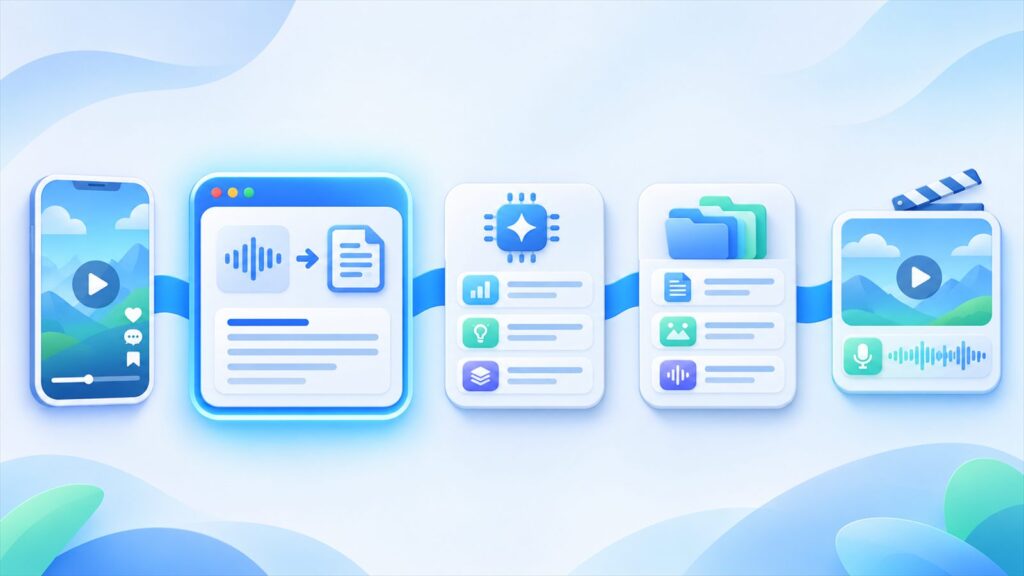
This guide walks through an AI workflow, from finding viral TikTok videos to TikTok video to text conversion, analysis, and original production. Along the way, you will see which AI tools for TikTok fit each stage.
Why TikTok Video to Text Matters for Viral Content Creation
Viral TikTok videos explain ideas fast through tutorials, demos, and personal stories. TikTok is also becoming a place where people look for information. In Pew Research Center's August 2026 survey, 20% of U.S. adults said they regularly get news on TikTok, up from 3% in 2020. Among TikTok users the share was 53%, and among adults under 30 it was 39%.
Video is not always the easiest format to work with. Verizon Media and Publicis Media surveyed 5,616 U.S. adults and found that 69% watch video with the sound off in public places, and 80% are more likely to finish a video that has captions. People value the written version of what is said, and TikTok video to text gives you that version in a form you can edit and search.
Consider these common situations:
- Learning: Students use TikTok video to text to build searchable study notes.
- Research: Marketers compare product reviews and opinions across many videos.
- Knowledge management: Users keep tutorials, recipes, and tips in one organized place.
- Content creation: Creators develop articles, scripts, and videos from topics they discover.
The goal is not just to collect a TikTok transcript. It is to make video information easier to understand and reuse.
How to Build an AI Workflow From TikTok Video to Text and Beyond
A good TikTok video to text workflow does not need dozens of applications. A few complementary tools cover the main stages.
Step 1. Discover Viral TikTok Videos and Collect Content Ideas
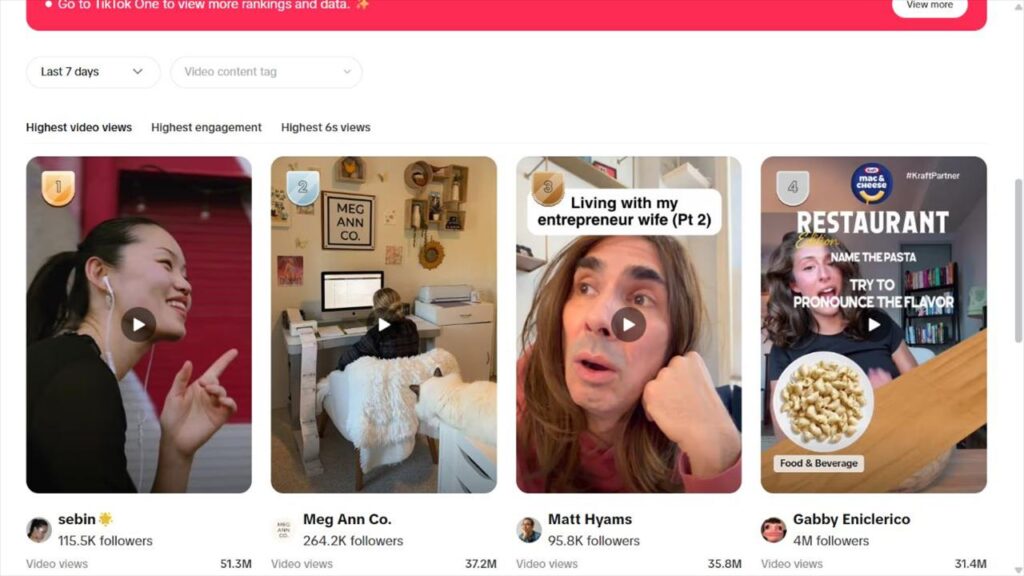
Start by choosing which videos deserve a TikTok video to text pass. TikTok Search lets you explore topics, hashtags, and creators, and TikTok Creative Center shows trends and popular creative examples.
Sort your collection by purpose instead of saving everything:
- Educational content and tutorials
- Product reviews and demonstrations
- Industry news and emerging trends
- Lifestyle tips and practical guides
- Creative storytelling and entertainment
Save the original URL with a short note on why each video matters. Favor videos with specific explanations. Views help you spot viral TikTok videos, but they do not guarantee accuracy.
Step 2. Transcribe TikTok Video to Text with Audio Converter AI
Next comes the TikTok video to text step, also called TikTok video transcription: converting the spoken content into a transcript. TikTok captions are not always a complete, editable transcript. Some videos have none, and automatic captions can contain errors. A dedicated TikTok audio to text tool gives you another way to get the words. General tools can transcribe video to text from uploaded files, but a TikTok-focused generator works from a link.
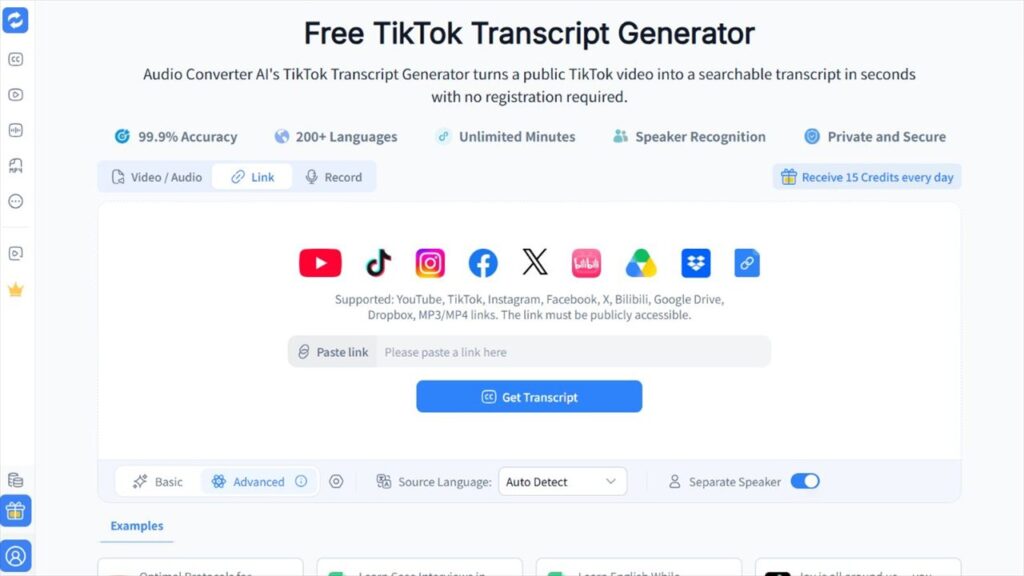
Audio Converter AI offers a TikTok Transcript Generator that can convert supported public TikTok video links into text. To convert TikTok video to text with it:
- Copy the URL of the TikTok video.
- Open Audio Converter AI's TikTok Transcript Generator.
- Paste the link into the input field.
- Start the transcription.
- Review and copy the generated transcript.
A TikTok video to text transcript works for research, study notes, summaries, and scripts, and you can search it instead of rewatching the clip. For multilingual videos, TikTok video to text is a useful starting point before translation.
One limit is worth knowing. Any TikTok video to text tool captures spoken words, not text that appears only on screen. If ingredient quantities or product labels are shown visually, check the original video or add a text-recognition tool.
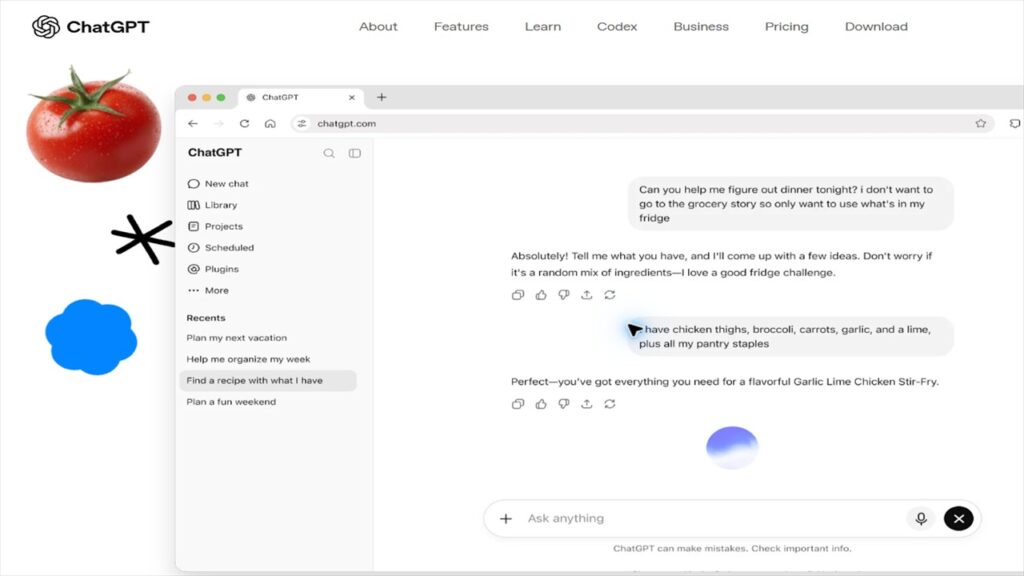
Step 3. Analyze TikTok Video to Text Results with ChatGPT
A long block of text is still hard to review. After you turn a TikTok video to text, an AI assistant such as ChatGPT can pull out what matters. You can ask it to:
- Summarize the main ideas and key details.
- Extract concepts, examples, and recommendations.
- Find recurring topics across several videos.
- Explain unfamiliar terms.
- Compare different perspectives on one subject.
Specific prompts work best:
For educational videos:
"Turn this TikTok transcript into structured study notes. Organize the key concepts, explanations, and practical takeaways."
For product research:
"Extract the product features, benefits, limitations, and opinions mentioned in this transcript. Separate direct statements from assumptions."
For content research:
"Summarize the central idea and suggest three related topics that could be explored in original content."
One TikTok video to text result can feed all of these analyses, and the same prompts work after you transcribe video to text from other sources. Always verify important facts and statistics against reliable sources instead of treating an AI summary as authoritative.
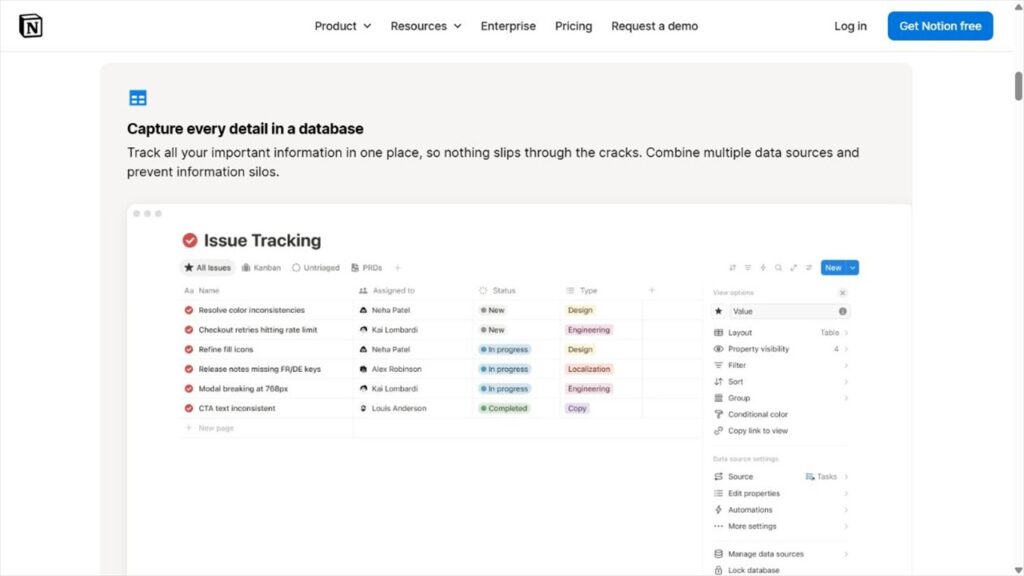
Step 4. Organize TikTok Video to Text Research with Notion
After several videos, loose transcripts get hard to manage. Notion supports pages, databases, tags, and linked content, so it can turn separate TikTok video to text results into a content library. A simple database can use these fields:
| Field | Information to Save |
| Video URL | Original TikTok link |
| Topic | Main subject or category |
| Transcript | Extracted spoken content |
| Key Insights | Important ideas and takeaways |
| Content Type | Tutorial, review, interview, or entertainment |
| Status | Saved, reviewed, or ready to use |
Someone researching digital marketing could group videos under SEO, social media, advertising, and content strategy. Keep the AI summary next to the full transcript: the transcript is there when accuracy matters, and the summary is there for quick reference. Google Docs or a spreadsheet works too.
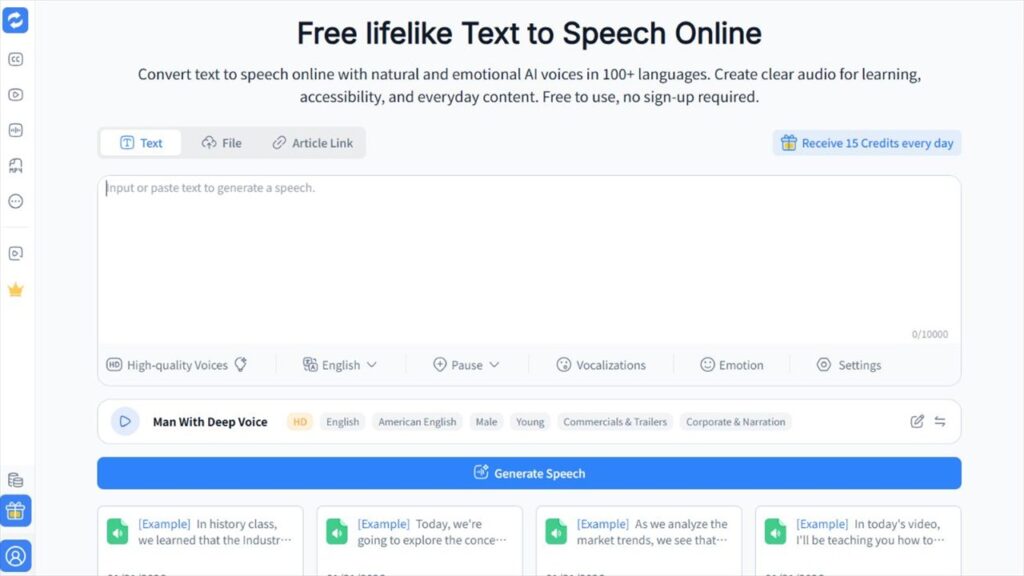
Step 5. Turn TikTok Insights Into Original Scripts and AI Voiceovers
TikTok video to text output is source material, not a script to copy. Use it to understand a subject, then build your own perspective. If several videos mention time blocking and fewer distractions, those recurring themes can shape your own angle. You can ask ChatGPT:
"Based on these research notes, create an original 60-second TikTok script about improving daily productivity. Include a clear introduction, three practical suggestions, and a concise conclusion. Do not copy the original creators' wording."
After reviewing the script, use Audio Converter AI's Text to Speech feature to generate a voiceover. This suits educational videos, faceless content, product tutorials, and multilingual narration.
The two functions play different roles. TikTok video to text helps you understand existing content, while text to speech turns your own script into audio. Together they support TikTok content repurposing without copying anyone's work.
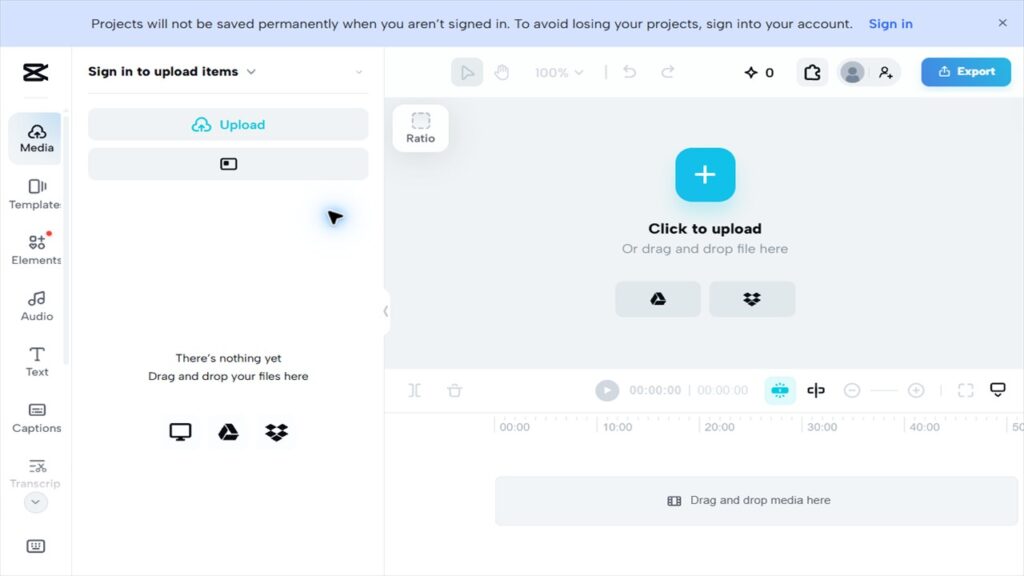
Step 6. Edit and Produce New Videos with CapCut
The last stage combines script, voiceover, and visuals into a finished video. CapCut lets creators edit short-form video without a complex professional setup:
- Import the voiceover and supporting clips.
- Arrange visuals to match the narration.
- Add or generate captions and check their timing.
- Adjust transitions, music, and pacing.
- Export in a vertical format for TikTok.
Captions matter here for the reason noted earlier: many viewers watch without sound. The full workflow starts with discovering videos, uses TikTok video to text to capture the spoken content, and ends with original work.
Best AI Tools for TikTok Video to Text and Content Creation
For TikTok video to text and the steps around it, choose by task instead of hunting for one app that does everything.
| Tool | Key Features | Best For |
| Audio Converter AI | TikTok transcription, audio-to-text, AI voice generation, text-to-speech | Transcribing videos and generating voiceovers |
| ChatGPT | Summarization, translation, research, scriptwriting | Understanding transcripts and developing ideas |
| Notion | Notes, databases, tags, knowledge organization | Building a searchable content library |
| CapCut | Video editing, captions, audio and visual adjustments | Producing short-form videos |
You do not need every tool each time, and you can transcribe video to text with just one. A student may only need TikTok video to text and an AI summary, while a frequent creator can benefit from the whole workflow.
Practical Ways to Repurpose TikTok Content with AI
The same TikTok video to text workflow supports different goals.
Turn Educational TikTok Videos Into Study Notes
Students who transcribe video to text from lessons, starting with TikTok video to text for short clips, can then use ChatGPT to organize explanations, define terms, and generate review questions. Saving the results in Notion or Google Docs makes revision easier. Language learners can also compare spoken audio with the transcript and ask AI to explain vocabulary.
Convert TikTok Tutorials Into Step-by-Step Guides
Cooking videos, home improvement tips, and software demos are full of practical instructions. After TikTok video to text conversion, ChatGPT can organize the spoken information into requirements, ordered steps, and reminders. Check the original video for details shown only on screen.
Transform TikTok Research Into Blogs and Original Videos
Creators and marketers can collect several videos on one topic, apply TikTok video to text, and compare key ideas. AI can reveal recurring themes and common questions that become starting points for blog posts, newsletters, and videos. Add your own research and analysis rather than reproducing other creators' content.
Tips for Creating Original Content from Viral TikTok Videos
A few habits keep the workflow reliable:
- Use multiple sources. Compare several TikTok video to text results instead of trusting one creator.
- Verify important information. Check statistics and claims from any TikTok video to text result against reliable sources.
- Keep original URLs. Save links next to every TikTok video to text result so you can revisit the context.
- Add your own perspective. Treat each TikTok video to text result as inspiration, then write original explanations.
- Match tools to your needs. TikTok video to text and summarization may be enough for learning, while production needs more tools.
FAQs About TikTok Video to Text and AI Content Creation
How can I transcribe TikTok video to text for free?
Use an online TikTok transcript generator such as Audio Converter AI. Copy the URL of a supported public TikTok video, paste it into the tool, and start transcription. You can then copy or save the text.
Can I convert TikTok videos to text without captions?
Yes. A TikTok video to text tool can recognize spoken words directly from a supported video even when the original has no captions. Accuracy depends on audio clarity, background noise, and speaking speed.
Can AI turn a TikTok transcript into a new video script?
Yes. Once you turn a TikTok video to text, give the transcript to ChatGPT and ask it to identify the main ideas, suggest a different angle, and draft an original script. Review the result and avoid copying the original creator's wording.
What AI tools can I use to repurpose TikTok videos?
Audio Converter AI handles TikTok video to text and AI voiceovers, ChatGPT summarizes and develops ideas, Notion organizes research, and CapCut produces the final video.
Conclusion
TikTok videos offer more than entertainment. With 20% of U.S. adults now regularly getting news there, they are a growing source of knowledge, research material, and creative inspiration. By learning to transcribe TikTok video to text and pairing it with AI assistants, Notion, and a video editor, you can build a more efficient content workflow, one that also applies when you transcribe video to text from other sources.
Start with a few useful videos, use TikTok video to text to make their spoken content searchable, and pick the next tool based on your goal. Try Audio Converter AI's TikTok Transcript Generator to convert supported TikTok videos into text and start building your own AI-powered content workflow.