


YouTube videos are useful, but they are hard to scan without youtube to text tools. A twenty-minute tutorial may hide one key answer. A podcast clip may contain a quote you need. A lecture may be easier to review as notes than as a timeline.
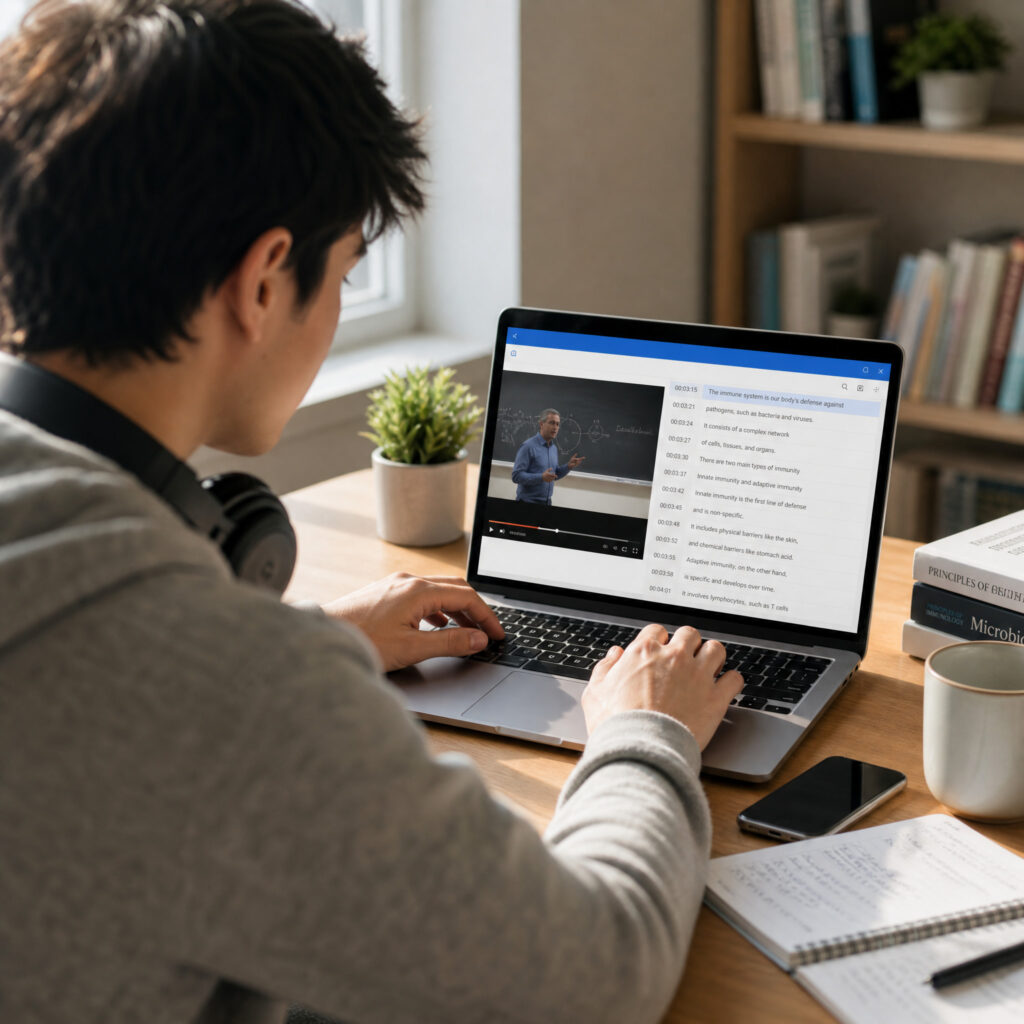
YouTube to text tools solve that problem by turning video speech into readable text. The best YouTube to text tools help students, creators, marketers, researchers, and teams extract transcripts, captions, summaries, and reusable content without replaying the same video again and again.
The right choice depends on one question first: does the video already have captions? Some YouTube to text tools only extract existing captions. Others transcribe the audio itself, which matters when subtitles are missing, disabled, inaccurate, or unavailable in your language.
This guide compares seven YouTube to text tools for 2026. It focuses on real workflows: quick copying, no-caption videos, notes, summaries, subtitles, translation, clipping, and professional transcription.
How We Ranked YouTube to Text Tools
Caption Extraction vs Audio Transcription
The first filter is simple. Some YouTube to text tools read the caption track that already exists on YouTube. They are fast, free, and useful when captions are available.
Other YouTube to text tools listen to the video audio and create a transcript from scratch. These tools are more useful for videos without captions, old uploads, podcasts, interviews, webinars, livestream recordings, and private content.
If you only need text from a captioned video once, a caption extractor is enough. If you need reliable transcripts across many videos, choose youtube to text tools that can transcribe audio directly.
Export Formats Matter
Good YouTube to text tools should not trap your transcript inside the interface. Students may need plain text. Editors may need SRT or VTT captions. Researchers may need timestamps. Marketers may need a clean draft for repurposing.
The best YouTube to text tools give you export choices. TXT is best for notes. SRT and VTT are best for subtitles. Timestamped text is best for quotes, review, and video navigation.
Before choosing a tool, decide what happens after the transcript exists. YouTube to text tools should fit the next step, not just the first extraction.
Accuracy Depends on the Source
No transcript tool can fix every bad recording. Clear speech, steady volume, low background noise, and one speaker at a time improve accuracy. Heavy accents, music, crosstalk, and poor audio lower it.
YouTube to text tools that read existing captions inherit the quality of those captions. YouTube to text tools that transcribe audio create a new draft and need review when the audio is difficult.
Treat every transcript as a draft. For study notes, a rough transcript may be enough. For publishing captions, legal review, or quotes, review the text line by line.
Pricing Should Match Frequency
Occasional users should start free. Daily users should value speed, export options, and fewer cleanup steps. Teams should consider permission, compliance, collaboration, and volume.
YouTube to text tools vary widely in cost. A free extractor can handle one quick video. A paid AI transcription workflow may save more time when you process videos every week.
Use the free tier first when possible. Then upgrade only when the limit blocks your real workflow.

7 Practical Ways to Turn Notes Into Audio
#1 Audio Converter AI: Best for No-Caption Videos
What makes it stand out:
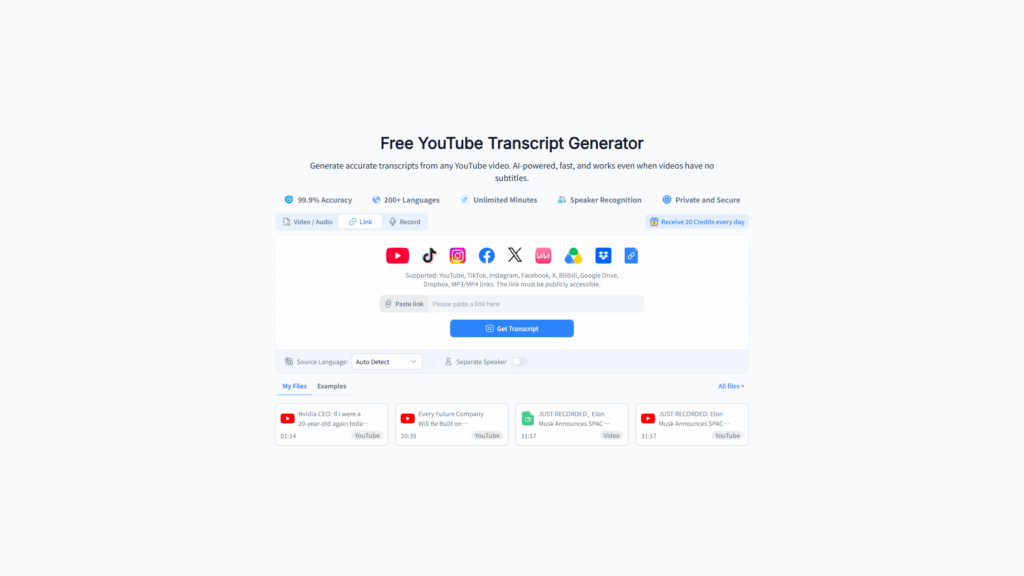
Audio Converter AI is the best starting point when captions are missing. Many YouTube to text tools depend on existing subtitles, but this workflow can transcribe the video audio itself. That makes it useful for podcasts, tutorials, interviews, webinars, and creator videos with no caption track.
Use this browser-based YouTube transcript workflow when you need more than copied captions. Paste the YouTube link, generate the transcript, and export the result for notes, captions, or editing.
Audio Converter AI also fits users who want low setup friction. You can test the workflow in the browser, use daily free credits, and work without installing a desktop app.
Key features:
- Transcribes YouTube videos even when captions are missing
- Browser-based workflow
- Timestamped transcripts for easier review
- Export options for common transcript and caption tasks
- Multilingual transcription and translation support
- Daily free credits for testing
Best for:
Audio Converter AI is best for creators, students, and researchers who need YouTube to text tools that work when the video has no usable subtitles.
It is also useful when you want one workflow for transcripts, captions, translation, and content repurposing. If your videos vary in source quality, caption availability, and language, YouTube to text tools with audio transcription are safer than caption-only extractors.
The catch:
AI transcription still needs review. Clear audio produces better drafts, while noisy videos require cleanup. That is true across all YouTube to text tools that generate transcripts from audio.
#2 YouTubeTranscript.com: Fastest Free Caption Extractor
What makes it stand out:
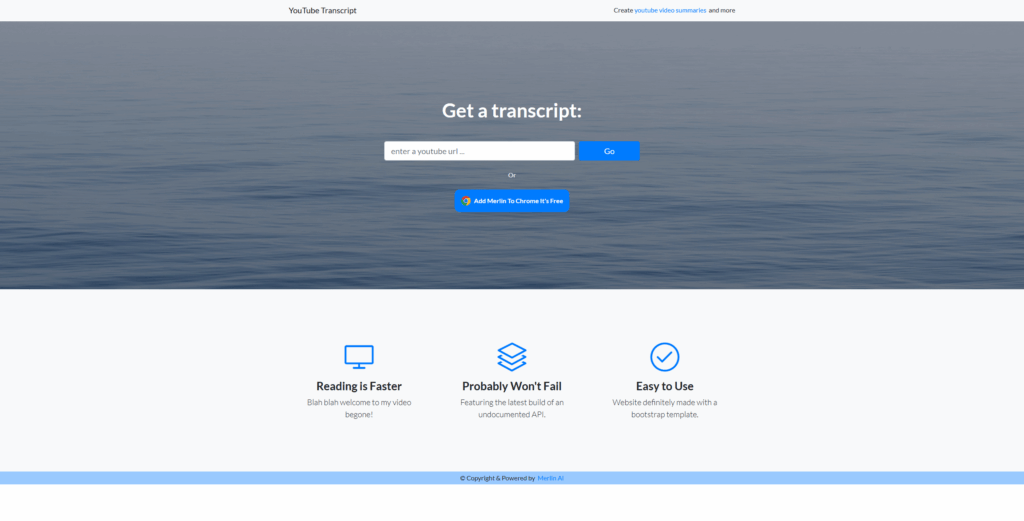
YouTubeTranscript.com is one of the fastest YouTube to text tools for videos that already have captions. Paste a video link, open the transcript, and copy the text.
The appeal is speed. There is no heavy workspace, no complex settings, and no learning curve. For a one-off research task, that simplicity is valuable.
Key features:
- Quick caption extraction
- Simple browser interface
- No editing suite required
- Useful for copying text from captioned videos
Best for:
This tool is best for students, writers, and researchers who need quick text from a video that already includes captions.
Caption-based YouTube to text tools like this are ideal for fast reference work. They are less ideal when subtitles are missing or unreliable.
The catch:
The tool depends on existing captions. If the video has no captions, poor captions, or disabled subtitles, you need YouTube to text tools that transcribe the actual audio.
#3 Tactiq: Best for AI Summaries
What makes it stand out:
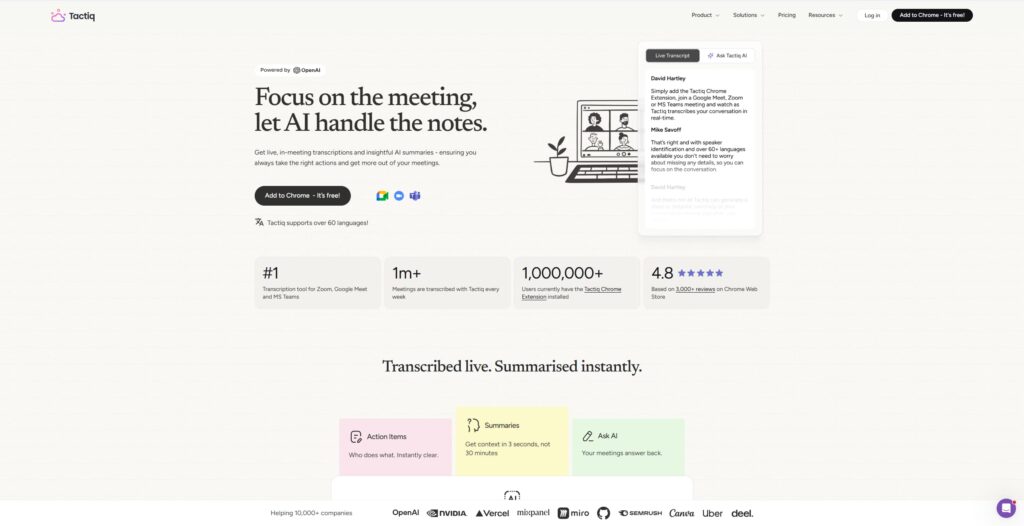
Tactiq works well when the transcript is only the first step. It focuses on turning video text into summaries, key points, action items, and study material.
For people who review educational videos, interviews, product demos, or webinar recordings, summary features can save time. YouTube to text tools with AI notes help users move from raw transcript to useful takeaways faster.
Key features:
- Transcript extraction and AI summaries
- Useful takeaways and notes
- Browser-based workflow
- Helpful for meetings, lectures, and educational content
Best for:
Tactiq is best for users who want YouTube to text tools that create summaries and structured notes from long videos.
It can help students review lectures, professionals capture webinar points, and researchers scan long interviews. The strongest use case is not just transcription. It is turning video into usable notes.
The catch:
Summary tools depend on transcript quality. If the transcript misses important lines, the summary may miss them too. For videos without captions, compare whether the tool can generate a reliable transcript or whether another audio transcription workflow is needed first.
#4 NoteGPT: Best for Study Notes
What makes it stand out:
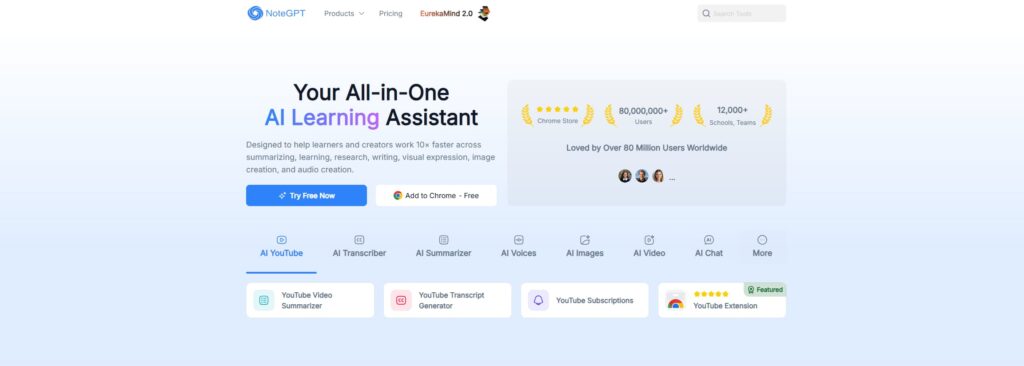
NoteGPT is built for learning workflows. It can turn video content into notes, summaries, mind maps, and study-friendly outputs.
For students, this matters. Raw transcripts are often too long to review. YouTube to text tools that organize ideas help students find definitions, steps, examples, and exam points faster.
Key features:
- Video summaries
- Study notes and learning outputs
- Helpful structure for lectures and tutorials
- Useful for students and self-learners
Best for:
NoteGPT is best for students who use YouTube as a learning platform. If you watch tutorials, lectures, course clips, or explainers, it can turn video time into review material.
Among YouTube to text tools, NoteGPT stands out when the goal is studying rather than publishing captions.
The catch:
Study-focused output can be more than you need for simple transcript copying. If you only want plain text, a simpler extractor may be faster.
#5 YouTube Transcript: Best Minimal Transcript Viewer
What makes it stand out:
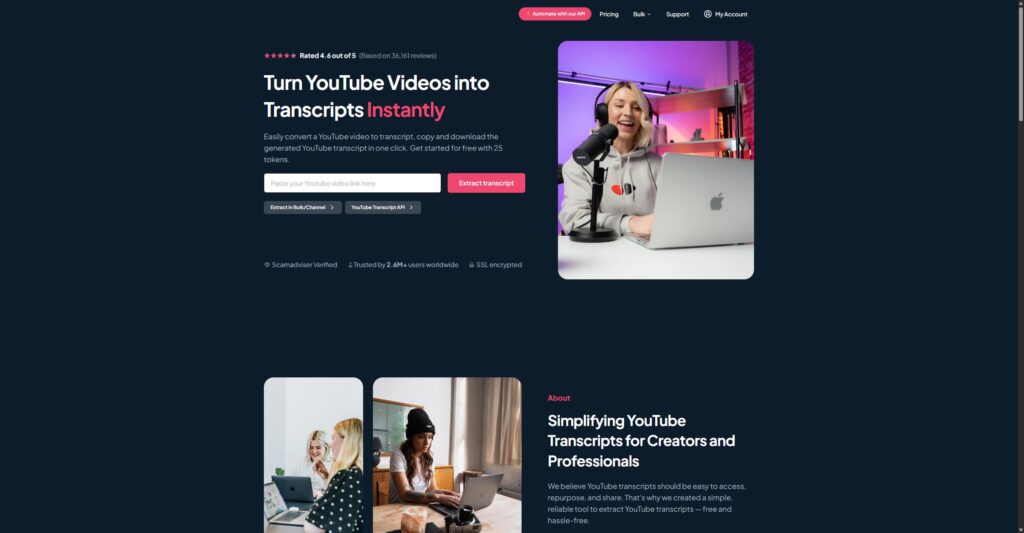
YouTube Transcript is a minimal option for quick caption copying. It removes distractions and gives users a direct way to view transcript text.
Not every task needs advanced AI. Sometimes YouTube to text tools only need to answer one question: can I get the words quickly? This tool fits that job when captions already exist.
Key features:
- Simple transcript viewing
- Fast copying
- Low-friction interface
- Good for one-off caption extraction
Best for:
YouTube Transcript is best for users who want a lightweight transcript view without summaries, translation, or editing features.
If you already know the video has captions, this type of YouTube to text tools can be the fastest option.
The catch:
It is not the best fit for missing captions, multilingual workflows, caption exports, or professional review. For those jobs, choose YouTube to text tools with more complete transcript and export support.
#6 Opus Clip: Best for Turning Videos Into Clips
What makes it stand out:
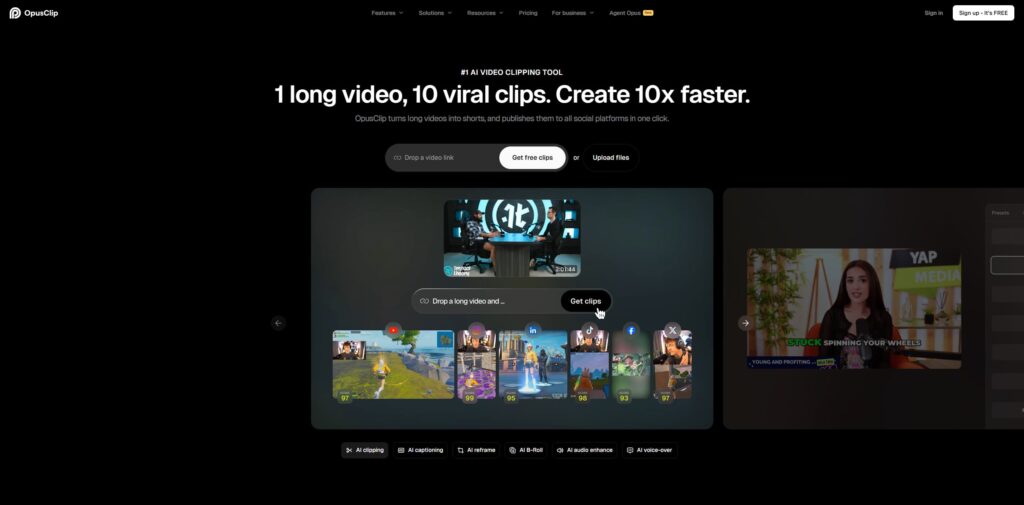
Opus Clip belongs to the creator repurposing category. It transcribes long videos, then helps cut them into short clips for platforms like Shorts, Reels, and TikTok.
This makes the transcript part of a larger editing workflow. YouTube to text tools in this category are useful when the goal is not just reading the video, but turning it into more content.
Key features:
- Long-video transcription
- AI-assisted clip creation
- Short-form repurposing workflow
- Useful for creators and marketing teams
Best for:
Opus Clip is best for creators who want YouTube to text tools that help convert long videos into short-form assets.
If you run a podcast, webinar channel, interview series, or educational channel, the transcript can guide clips, captions, hooks, and social posts.
The catch:
The clipping workflow can feel heavy if you only need a transcript. For plain extraction, simpler YouTube to text tools will usually be faster.
#7 HappyScribe: Best Professional Transcript Workflow
What makes it stand out:
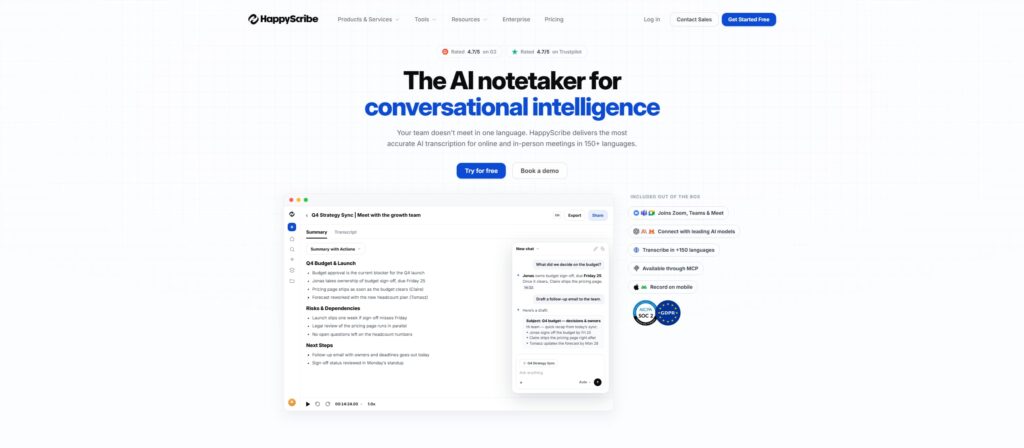
HappyScribe is the professional option in this list. It supports AI transcription, subtitle workflows, human review options, and multilingual work.
Teams choose professional YouTube to text tools when accuracy, review process, and subtitle delivery matter more than quick free access. This category is useful for media teams, agencies, educators, and organizations with recurring transcription needs.
Key features:
- AI and human transcription options
- Subtitle generation
- Multilingual support
- Professional workflow features
- Useful for teams and higher-stakes publishing
Best for:
HappyScribe is best for teams that need YouTube to text tools with review, subtitle, and professional delivery options.
It can fit agencies, course creators, media teams, and organizations that need transcripts to support publishing, accessibility, and documentation.
The catch:
Professional features cost more and can be unnecessary for casual users. If you only need one transcript from a captioned video, start with simpler YouTube to text tools first.
Quick Comparison of YouTube to Text Tools
Side-by-Side Summary
Use this table to narrow the list quickly:
| Tool | Best For | Main Strength | Main Limitation |
| Audio Converter AI | No-caption videos | Transcribes audio, not just captions | AI drafts still need review |
| YouTubeTranscript.com | Quick free copying | Very fast caption extraction | Depends on existing captions |
| Tactiq | Notes and summaries | AI takeaways from transcripts | Summary quality follows transcript quality |
| NoteGPT | Study workflows | Learning notes and structured outputs | More than needed for plain copying |
| YouTube Transcript | One-off caption viewing | Minimal interface | Limited advanced features |
| Opus Clip | Content repurposing | Transcript feeds clip creation | Heavy for transcript-only jobs |
| HappyScribe | Professional teams | Review and subtitle workflows | More expensive for casual use |
YouTube to text tools should be chosen by the job. Quick research needs speed. Study needs structure. Content creation needs captions and exports. Professional publishing needs review and consistency.
Which Tool Should You Choose First?
Choose Audio Converter AI first when captions are missing, disabled, inaccurate, or unavailable in the language you need. Use youtube to text tools when the video audio itself needs to become text.
Choose a caption extractor when the video already has subtitles and you only need a quick copy. Caption-only YouTube to text tools are enough for fast note taking, quote finding, and one-time reference.
Choose a summary-focused tool when you do not want to read the whole transcript. Tools like Tactiq and NoteGPT help when the output needs to become notes, flashcards, study guides, or meeting-style takeaways.
Choose a professional tool when the transcript will be published, reviewed, translated, or used by a team. In that case, YouTube to text tools should support quality checks and export formats, not just raw text.
How to Choose the Right YouTube to Text Tools
Do Your Videos Already Have Captions?
This question decides the category. If the video has captions, a caption extractor can be fast and free. If the video has no captions, caption extractors cannot create words that are not there.
Use YouTube to text tools with audio transcription for no-caption videos. That includes older uploads, private recordings, podcast videos, livestream replays, tutorials without subtitles, and niche channels.
When in doubt, test one video. If the caption panel is missing or incomplete, choose YouTube to text tools that can listen to the audio directly.
How Often Do You Need Transcripts?
Frequency changes the best answer. If you need one transcript a month, free YouTube to text tools may be enough. If you need transcripts every day, speed and export quality matter more.
Daily users should look for saved workflows, clean exports, timestamp control, and fewer manual cleanup steps. A tool that saves ten minutes per video can be worth more than the cheapest option.
Teams should also consider who uses the transcript. Editors, writers, support teams, course teams, and marketers may need different formats from the same video.
What Will You Do With the Text?
The final use should guide the tool. Plain text works for notes. SRT and VTT work for captions. Timestamped transcripts work for quotes and review. Summaries work for fast understanding.
If you plan to repurpose videos into blogs, newsletters, social posts, or course notes, choose YouTube to text tools that produce clean, structured text. Messy transcripts create more editing work later.
If you plan to publish captions, review accuracy carefully. Accessibility depends on captions that match the audio, not just text that looks close.
Do You Need Translation?
Translation matters when the video language and your target audience differ. Some YouTube to text tools can translate after transcription. Others only extract existing captions.
For multilingual work, choose YouTube to text tools that support both transcription and translation. That helps when a video has no translated captions or when the existing subtitles are incomplete.
Review translated transcripts before publishing. Names, technical terms, slang, and cultural references often need human judgment.

Best Workflows for Different Users
Students and Researchers
Students need YouTube to text tools that make videos easier to study. A transcript lets you scan definitions, copy quotes, search key terms, and review lectures without replaying the full video.
For study, start with a clean transcript. Then highlight definitions, steps, dates, formulas, and claims. YouTube to text tools become more useful when the transcript becomes active notes.
If the video is long, generate a summary after the transcript. Then use the full text only for important sections. That keeps review focused.
Creators and Editors
Creators use YouTube to text tools for captions, scripts, repurposing, and editing decisions. A transcript can become social captions, a blog outline, a newsletter draft, or a searchable archive.
Use youtube to text tools when you need transcript output from a video that does not already include usable captions. That is common with raw edits, interviews, screen recordings, and podcasts.
Editors should keep timestamps. Timestamps make it easier to find the moment behind a quote, cut, hook, or caption correction.
Marketers and Content Teams
Marketing teams often need more than a transcript. They need quotes, themes, short clips, captions, blog drafts, and campaign assets. YouTube to text tools can turn one long video into several content pieces.
Build a simple process. Transcribe the video, mark the best sections, summarize the main points, export captions, and hand the clean text to writers. This makes YouTube to text tools part of the content pipeline.
For brand content, review claims before publishing. A transcript may capture spoken claims that need context, edits, or approvals.
Accessibility and Localization Teams
Accessibility teams use transcripts and captions to make video content easier to access. Localization teams use transcripts as the base for translation and subtitling.
YouTube to text tools help both groups when they create clean text with timestamps. Good transcripts support viewers who are deaf or hard of hearing, people watching without sound, and users who prefer reading.
For localization, keep terminology consistent. A transcript glossary can prevent product names, acronyms, and technical words from changing across languages.
Common Mistakes With YouTube to Text Tools
Choosing a Caption Extractor for a No-Caption Video
This is the most common mismatch. A caption extractor works only when captions exist. If the video has no captions, the tool has nothing useful to copy.
Choose YouTube to text tools with audio transcription when captions are missing. The tool needs to listen to the video itself, not scrape a subtitle track.
This distinction saves time. Many failed transcript attempts come from choosing the wrong category, not from a bad video.
Trusting the First Draft Too Much
AI transcription is useful, but it is still a draft. Names, numbers, technical terms, and fast speech can be wrong. Captions generated by YouTube can also contain mistakes.
Review transcripts before publishing. YouTube to text tools should speed up the workflow, not remove judgment from it.
For quotes, replay the original video. For captions, check timing. For summaries, verify that the main points survived the compression.
Ignoring Export Format
Many users choose a tool before deciding the final format. That creates extra work later. A clean transcript is not the same as a caption file.
Pick YouTube to text tools based on the export you need. TXT works for notes. SRT works for captions. VTT works for web video. CSV can help with structured review when available.
If a tool cannot export the format you need, it may not be the right tool even when the transcript quality is good.
Overpaying for Simple Jobs
Professional transcription platforms are valuable, but not every task needs them. A one-time transcript from a captioned video does not require a team platform.
Start with free YouTube to text tools for simple jobs. Move to paid tools when you need no-caption transcription, batch processing, better exports, translation, collaboration, or higher review quality.
The best tool is the one that matches the job without adding unnecessary setup.
FAQ
What are YouTube to text tools?
YouTube to text tools turn video speech into readable text. Some copy existing captions. Others transcribe the audio directly. The best YouTube to text tools match the video source, export format, and review needs.
What are the best YouTube to text tools in 2026?
The best YouTube to text tools include Audio Converter AI, YouTubeTranscript.com, Tactiq, NoteGPT, YouTube Transcript, Opus Clip, and HappyScribe. The right choice depends on captions, summaries, exports, and review needs.
Can YouTube to text tools transcribe videos without captions?
Yes, but only if the tool transcribes audio directly. Caption-only YouTube to text tools cannot create a transcript when subtitles are missing. Use youtube to text tools for no-caption videos.
Are YouTube to text tools free?
Many YouTube to text tools offer free access for simple caption extraction or limited AI transcription. Free options work best for occasional users. Paid plans make more sense for batch work, exports, translation, and professional review.
How accurate are YouTube to text tools?
Accuracy depends on audio quality, speaker clarity, captions, background noise, and language. YouTube to text tools can produce strong drafts from clear speech, but important quotes, captions, and public transcripts need review.
Can YouTube to text tools export captions?
Some YouTube to text tools export SRT or VTT caption files. Others only provide copyable text. Check export formats before choosing a tool, especially if the transcript will become subtitles.
Do YouTube to text tools support translation?
Some YouTube to text tools support translation after transcription. This is useful when videos lack translated captions. Review translated output before publishing because names, slang, and technical terms can need correction.
Which YouTube to text tools are best for students?
Students should choose YouTube to text tools that create clean text, timestamps, and summaries. Note-focused tools help with lectures and tutorials. Audio transcription matters when class videos or saved content have no captions.
Which YouTube to text tools are best for creators?
Creators should choose YouTube to text tools that support captions, exports, repurposing, and no-caption transcription. Use an audio transcription workflow when raw videos need transcripts before editing.
Conclusion
YouTube to text tools save time because they turn hard-to-scan videos into searchable text. They help students review lectures, creators make captions, marketers repurpose interviews, and teams build accessible content.
The best YouTube to text tools in 2026 depend on your source. Captioned videos can use quick extractors. No-caption videos need audio transcription. Summary workflows need AI notes. Professional publishing needs review and export control.
Start with one real video. Test the transcript, check the export format, and compare the cleanup time against your normal process. If the video has no usable captions, use youtube to text tools and build from the audio itself.