


You finish recording an interview, a lecture note, or a voice memo, and everything seems fine until you try to use the file somewhere else. It takes longer than expected to upload, feels too large to store comfortably, or does not play as smoothly as you want across different devices. The audio itself is still useful. The format is what starts getting in the way.
In moments like this, the simplest fix is often to convert audio file to MP3. A more practical format can make the file easier to share, easier to store, and easier to play without turning a small task into a frustrating one.
This guide looks at when it makes sense to convert audio file to MP3, what makes a good online converter, and which free tools are worth trying if you want a smoother workflow in 2026.
Why Converting Audio to MP3 Still Matters
The need to convert audio file to MP3 usually appears when the original file becomes less practical in real use. A WAV file may sound excellent, but still feel too heavy for sending or uploading. An M4A or OGG file may work in one app, then feel less convenient when it needs to move into another device, platform, or workflow. In many cases, the problem is not quality. It is usability.
That is why it still makes sense to convert audio file to MP3. MP3 remains one of the most practical formats for everyday listening, storage, and sharing because it is lighter, easier to handle, and more widely supported across phones, laptops, browsers, cloud storage, car systems, and older media players.
It is especially useful to convert audio file to MP3 when:
- The file is larger than it needs to be: Heavier audio files can be slower to upload, send, and store. A smaller MP3 file is often easier to manage in daily use.
- Playback needs to be simpler: MP3 is still one of the most widely supported audio formats, which makes it more convenient across devices and platforms.
- The audio needs to be shared: When you send a file to someone else, a familiar format usually reduces friction and makes access easier.
- The workflow needs to stay light: MP3 is often the more practical choice when you want to organize, move, archive, or reuse audio without extra complications.
To convert audio file to MP3 is often not about changing the content. It is about making the file easier to work with in real situations.
What Makes the Best MP3 Converter
Once you decide to convert audio file to MP3, the next step is choosing a tool that actually makes the process easier. Not every converter is useful for the same reason. Some are better for speed, some are better for settings, and some are better when you want to work across different devices.
A good tool to convert audio file to MP3 should make the process feel simple from start to finish. These are the main things worth checking:
- Wide format support: A strong converter should handle common input formats such as WAV, M4A, FLAC, AAC, and OGG. Some tools also support video files when you want to extract audio and save it as MP3.
- A clear online workflow: The best way to convert audio file to MP3 is usually the one with the fewest unnecessary steps. Upload, choose MP3, convert, and download should feel straightforward.
- Fast conversion for everyday use: When you only need to finish the task quickly, speed matters. A lightweight online tool is often the most practical option.
- Useful output settings when needed: If file size or audio quality matters, it helps to use a converter that gives you some control over the result instead of locking you into a default output.
- Cross-device convenience: A browser-based tool makes it easier to convert audio file to MP3 across desktop and mobile without needing extra software.
- Clear file handling: If you are uploading personal, school, or work-related audio, it is worth checking whether the platform explains privacy, encryption, or file deletion clearly.
The best tool to convert audio file to MP3 is not always the one with the longest feature list. It is the one that fits your situation with the least friction.
Top 8 Best Free Online Tools to convert audio file to MP3 in 2026
Once you decide to convert audio file to MP3, the next question is not just which tool is popular, but which one fits the way you actually work. Some tools are best when you want the fastest possible result. Some are better when you care about output quality or file size. Others are more useful when you switch often between desktop and mobile, or when your source files come in many different formats.
The tools below are worth comparing because they do not all solve the same problem in the same way. To make the list easier to scan, each one follows the same format: a short summary, key features, and the type of user it suits best.
1. Audio Converter AI - Best for the Fastest No-Login Workflow
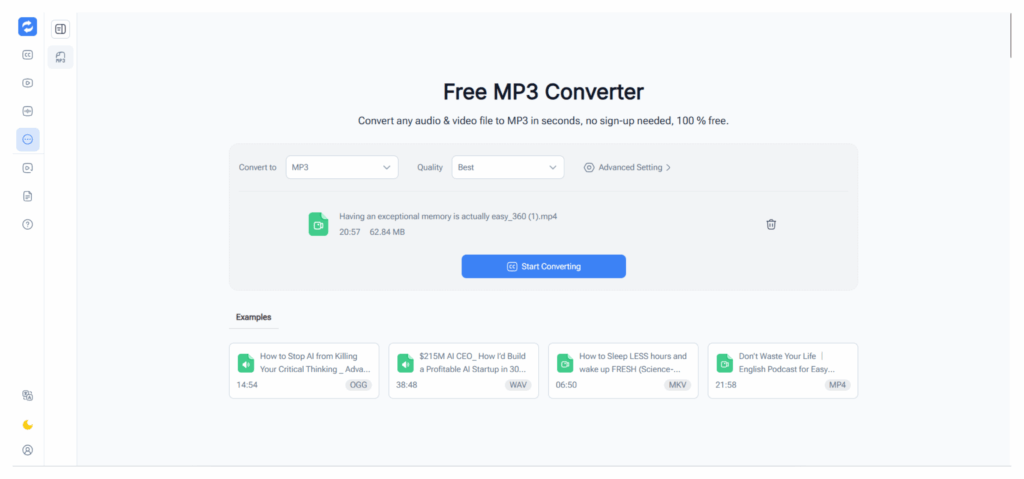
Audio Converter AI is the most direct option for people who simply want to convert audio file to MP3 without extra friction. Its MP3 Converter focuses on fast, free conversion from formats like WAV, M4A, MP4, OGG, and FLAC to MP3, with no login required. That makes it especially practical for everyday tasks where convenience matters more than a long settings panel.
Key features
- Converts common audio and video formats to MP3.
- No login required.
- Built for a fast browser-based workflow.
Best for
People who want the quickest way to convert audio file to MP3 online and move on.
2. CloudConvert - Best for Quality and File-Size Control
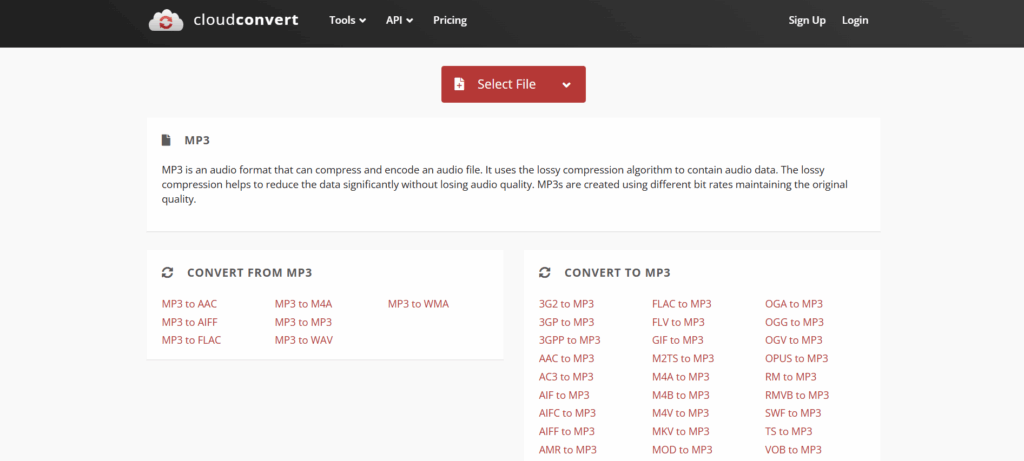
CloudConvert is a stronger fit when you want more say over the result as you convert audio file to MP3. Its audio converter supports formats such as MP3, M4A, WAV, and WMA, and it highlights controls for audio quality and file size. That makes it especially useful for users who want to convert audio file to MP3 without giving up control over compression and output quality.
Key features
- Supports several major audio formats.
- Lets users control audio quality and file size.
- Works fully online.
Best for
Users who want to convert audio file to MP3 while keeping more control over compression, quality, and final output size.
3. FreeConvert - Best for Flexible Input Support
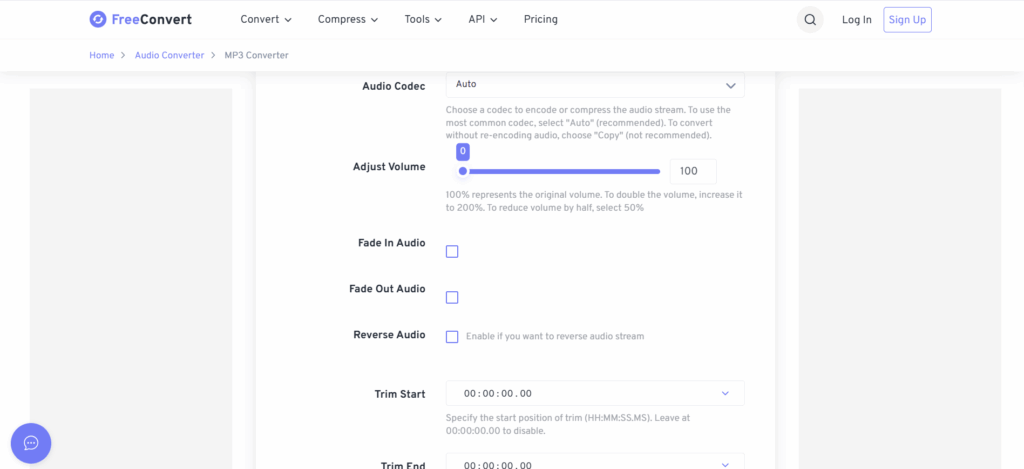
FreeConvert is useful when your source files vary a lot and you need a flexible way to convert audio file to MP3. Its MP3 converter says it supports audio and video inputs including WAV, FLAC, WMA, M4A, ALAC, OGG, AAC, AMR, AIFF, MP4, MOV, MKV, AVI, and more, and its audio converter pages emphasize free browser use, SSL protection, and automatic deletion after a few hours. This makes it a practical choice for users who want to convert audio file to MP3 from many different formats in one place.
Key features
- Accepts a very broad range of input formats.
- Supports online audio and video to MP3 conversion.
- Uses 256-bit SSL encryption and auto deletion.
Best for
Users who need to convert audio file to MP3 from many different file types and want a little more flexibility in the workflow.
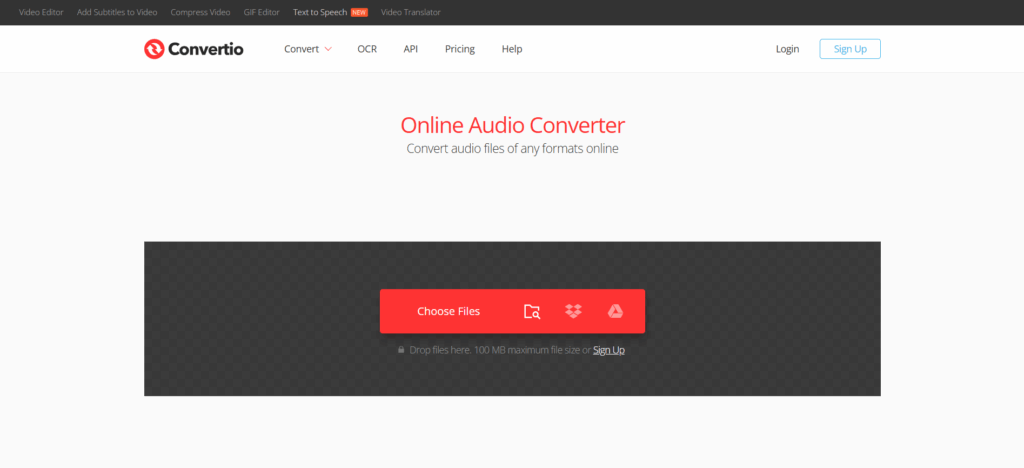
4. Convertio - Best for Cross-Device Convenience
Convertio is especially practical when you move between devices and still want a simple way to convert audio file to MP3. Its audio converter says it supports popular formats like MP3, OGG, WAV, and WMA, works in any browser on Mac, Windows, Linux, Android, or iPhone, and deletes input files right after editing while deleting output files after 24 hours. That makes it a convenient choice for people who want to convert audio file to MP3 across desktop and mobile without changing tools.
Key features
- Works in any browser on desktop and mobile.
- Supports popular audio formats.
- Includes clear file deletion policies.
Best for
People who want to convert audio file to MP3 on Mac, Windows, iPhone, or Android without switching between different converters.
5. Online Audio Converter - Best for Speed and Large Free Jobs
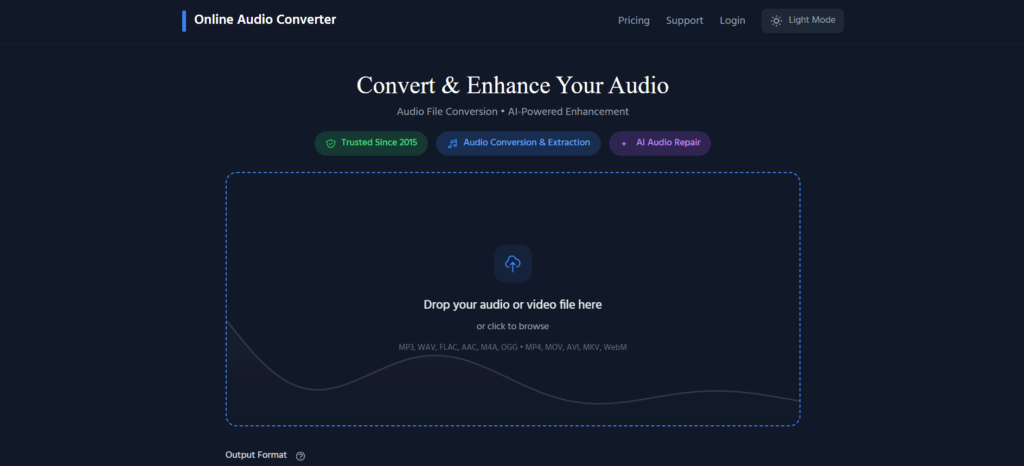
Online Audio Converter stands out for a very simple reason: it is built to feel fast and lightweight when you need to convert audio file to MP3. Its site says files up to 1 GB are supported, conversions run in the browser, files are deleted within hours, and there is no sign-up required. It also says there are no limits on how many files you can convert, which makes it especially useful for people who want to convert audio file to MP3 again and again without extra setup.
Key features
- Browser-based conversion with no software install.
- Supports files up to 1 GB.
- No sign-up and no stated file-count limit.
Best for
Users who want to convert audio file to MP3 quickly and repeatedly without creating an account.
6. Zamzar - Best for a Familiar All-Purpose Converter
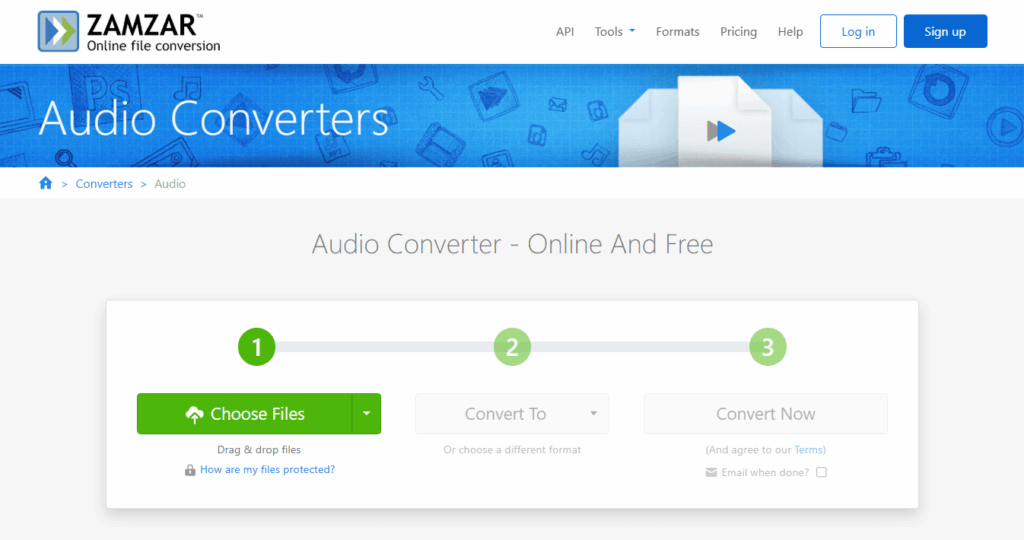
Zamzar is a good choice for people who want one familiar tool for more than just audio while still being able to convert audio file to MP3 whenever needed. Its site says it supports more than 1100 formats, and its audio converter pages describe free online conversion without downloading software. Because it is cloud-based, it can fit well into lighter browser workflows and give users another way to convert audio file to MP3 alongside many other file tasks.
Key features
- Designed as a broad file converter, not just an audio tool.
- Supports many file types across categories.
- Works online without desktop installation.
Best for
Users who want to convert audio file to MP3 but also expect to handle other file formats in the same place.
7. WaveSpeed Audio Converter - Best for Local In-Browser Privacy
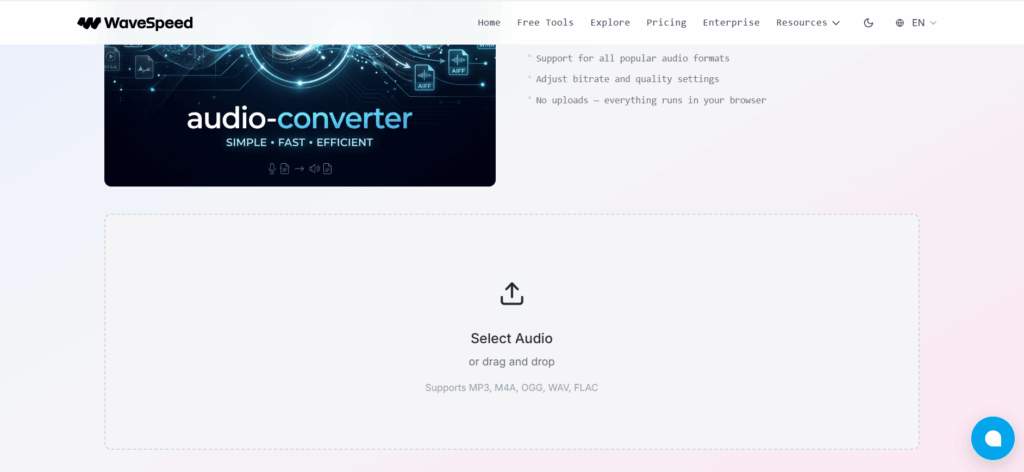
WaveSpeed takes a different angle from most online converters by helping users convert audio file to MP3 with local browser processing instead of standard uploads. Its landing page says all processing happens locally in your browser, with support for popular formats like MP3, M4A, OGG, WAV, and FLAC, plus adjustable bitrate and quality settings. That makes it appealing for users who want to convert audio file to MP3 with more privacy and more control over the final result.
Key features
- Processing happens locally in the browser.
- Supports popular audio formats.
- Includes bitrate and quality settings.
Best for
Users who want to convert audio file to MP3 with a privacy-first workflow and no uploads.
8. Media.io - Best for Converter Plus Extra Media Tools
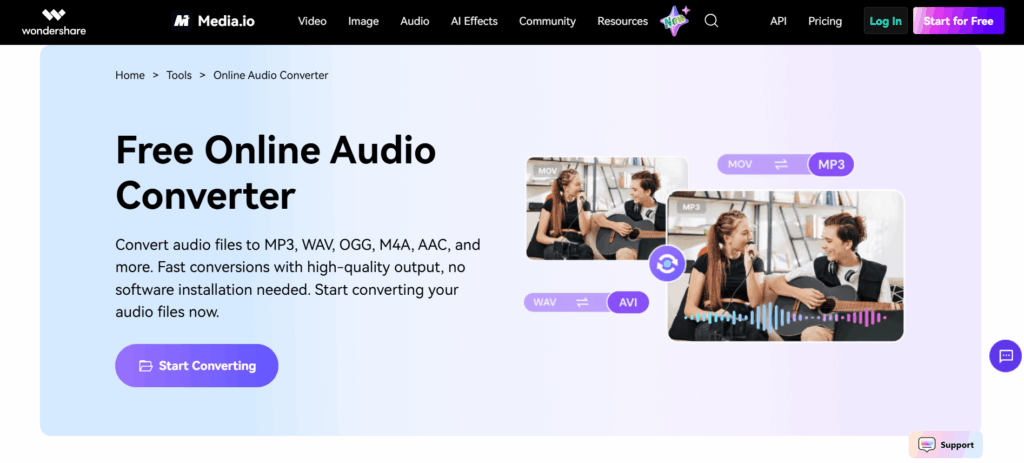
Media.io is useful when you want a converter that sits inside a broader media toolkit but still gives you a convenient way to convert audio file to MP3 online. Its online audio converter page says it can transform music files, recordings, and podcasts into MP3, WAV, OGG, M4A, and more without software downloads, while the wider site includes additional media and AI tools. That makes it a practical option for users who want to convert audio file to MP3 now and keep other browser-based media tools within reach.
Key features
- Converts audio into MP3 and other common formats.
- Designed for browser use without software downloads.
- Fits into a wider online media-tool workflow.
Best for
Users who want to convert audio file to MP3 now but may need other browser-based media tools later.
Quick Comparison Table
| Tool | Strongest advantage | Best for | Workflow style |
| Audio Converter AI | No-login simplicity | Fast everyday conversion | Clean and direct |
| CloudConvert | Quality and file-size control | Users who want more output control | Configurable |
| FreeConvert | Broad input support | Mixed audio and video files | Flexible |
| Convertio | Cross-device use | Desktop and mobile workflows | Accessible |
| Online Audio Converter | Speed and repeated free use | Frequent quick conversions | Lightweight |
| Zamzar | All-purpose conversion | Users handling many file types | General-purpose |
| WaveSpeed Audio Converter | Local browser processing | Privacy-focused users | Local-first |
| Media.io | Converter plus extra tools | Users in broader media workflows |
How to Convert Audio File to MP3 Online
If you want to convert audio file to MP3 online, most tools follow the same basic flow. First, upload your source file. Next, choose MP3 as the output format. Then adjust any optional settings if needed, and download the converted file. The process to convert audio file to MP3 is usually simple, but the experience can still vary depending on the tool you choose.
Some tools make it easier to convert audio file to MP3 with fewer steps, while others focus more on output control, privacy, or device flexibility. Audio Converter AI is built for users who want to convert audio file to MP3 quickly through a fast no-login workflow. CloudConvert is a better fit when you want more control over file size and quality. Convertio is convenient when you need to convert audio file to MP3 across different devices, and WaveSpeed stands out for users who want to convert audio file to MP3 with local browser processing instead of standard uploads.
If your priority is speed, a simpler converter is usually the best option to convert audio file to MP3 without extra friction. If your priority is output control, it is better to convert audio file to MP3 with a tool that gives you bitrate or file-size settings. If privacy matters most, the best way to convert audio file to MP3 may be a local-first tool rather than a standard upload-based workflow.
Frequently Asked Questions
Q1: Is there a free way to convert audio file to MP3?
Yes. There are several free ways to convert audio file to MP3 online, although usage limits depend on the service. CloudConvert says it is free for up to 10 conversions per day, while Online Audio Converter says there is no limit on how many files you can convert. If you want to convert audio file to MP3 for basic everyday use, free browser-based tools are often enough.
Q2: Can I convert audio file to MP3 without installing software?
Yes. You can convert audio file to MP3 without installing software by using a browser-based converter. Audio Converter AI, Convertio, Online Audio Converter, CloudConvert, FreeConvert, and Media.io all offer online workflows that let users convert audio file to MP3 directly in the browser.
Q3: Which tool is best for quick everyday use?
Audio Converter AI is one of the strongest choices when the goal is to convert audio file to MP3 quickly with minimal friction. Its MP3 Converter page emphasizes fast, free conversion and no login, which makes it especially practical for people who want to convert audio file to MP3 in the simplest possible way.
Q4: Which tool is best if I care about quality or file size?
CloudConvert is one of the clearest choices if you want to convert audio file to MP3 while keeping more control over output quality and file size. WaveSpeed can also be useful if you want to convert audio file to MP3 with local browser processing plus bitrate and quality settings.
Q5: Which tool is best for mobile use?
Convertio is one of the better options if you want to convert audio file to MP3 on mobile devices. Its audio converter says it works in any browser and supports devices including Android and iPhone, which makes it easier to convert audio file to MP3 without switching to desktop software.
Conclusion
A good MP3 converter should solve a practical problem, not add more steps to it. The strongest tools in 2026 all help you convert audio file to MP3, but they do so with different priorities. Some are built for speed, some for output control, some for broader compatibility, and some for privacy-conscious workflows.
For most people, the best choice is the one that feels easiest to use in real life. If you want a clean, direct, no-login workflow, Audio Converter AI is the strongest place to start. If you need more settings, CloudConvert or FreeConvert may suit you better. If you care most about using the same workflow across devices, Convertio is especially convenient. The right tool depends on what kind of friction you want to remove first.