


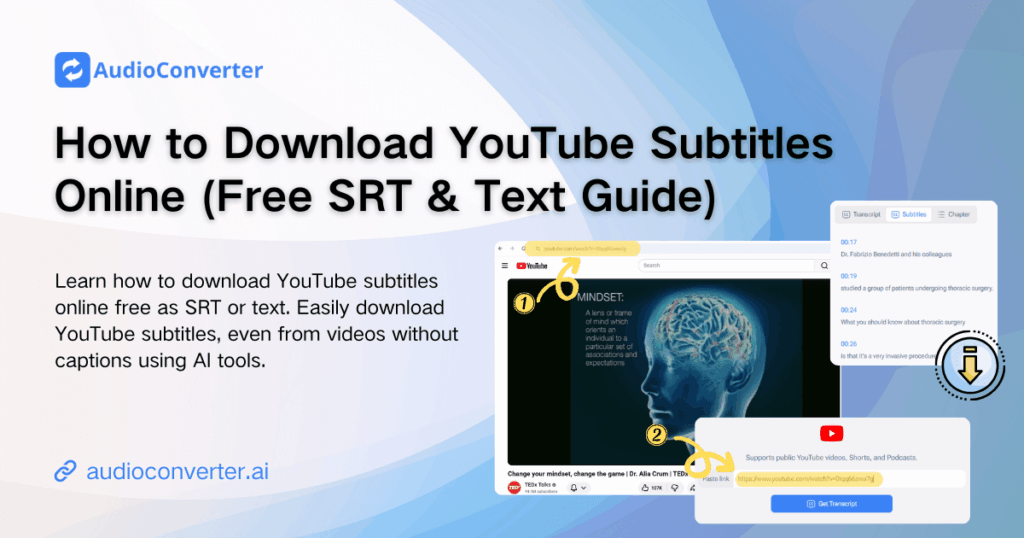
You don’t always need the video — you need the words. That’s why millions of users search for ways to download YouTube subtitles quickly and efficiently.
When you download YouTube subtitles online free, a long video instantly becomes searchable, editable text. Instead of scrubbing through hours of footage, you can scan, copy, translate, and reuse the content in seconds.
Even better, you’re no longer limited to videos with built-in captions. Today, you can download YouTube subtitles without captions and even generate subtitles from YouTube video audio automatically using AI-powered tools.
In this guide, you’ll learn exactly how to download subtitles from YouTube, how to download YouTube subtitles SRT or text format, and how to download YouTube subtitles online free — even if no captions are available.
Why Download YouTube Subtitles?
YouTube videos often come with subtitles, but what if they don’t? Maybe you want to keep a transcript of the video or even translate it into another language. Downloading subtitles can help in many ways:
- Accessibility: Subtitles allow users who are deaf or hard of hearing to enjoy YouTube videos.
- Language Learning: Downloading subtitles allows you to follow along with the spoken words, which is useful for learning a new language.
- Content Analysis: Researchers or educators may want to extract the text of a video for further analysis or study.
- Offline Use: Sometimes, you might want to view the video content later, but the subtitles can be more helpful offline as a separate document.
Now, let’s explore how you can download YouTube subtitles for free, even if the video does not have them.
What Subtitle Formats Can You Download?
When you download YouTube subtitles online, you will typically encounter two file formats:
- SRT (SubRip Text) — The most widely supported subtitle format. Each entry includes a sequence number, a start/end timestamp, and the subtitle text. SRT files work with virtually every video player, editor, and transcription platform. Choosing to download YouTube subtitles SRT format is ideal whenever you need the file for video editing or offline playback.
- TXT (Plain Text) — A clean transcript without timestamps, perfect for reading, searching, or publishing as written content. If you want to download YouTube subtitles as text for a blog post or study notes, the TXT format is the better choice.
Top 7 Tools to Download YouTube Subtitles Online Free
If you want to download YouTube subtitles online free, the right tool depends on one key question:
Are you trying to extract existing captions, or generate subtitles from YouTube video audio?
Below are 7 YouTube subtitle downloader online tools, each with a clearly defined strength — from simple caption extraction to AI-powered transcription that lets you download YouTube subtitles without captions.
1. Audio Converter AI — Best for Download YouTube Subtitles Without Captions
Audio Converter AI stands out because it doesn’t rely on existing captions. If a video has no subtitles, it can generate subtitles from YouTube video audio automatically.
This solves one of the biggest user problems: how to download YouTube subtitles without captions.
Why It’s Different:
- Uses AI transcription to analyze video audio
- Allows you to download YouTube subtitles SRT or TXT
- Works even when no captions exist on YouTube
- Browser-based, no sign-up required
Best For:
Users who need to extract subtitles from YouTube video content that has no official captions — especially for research, repurposing, or translation.
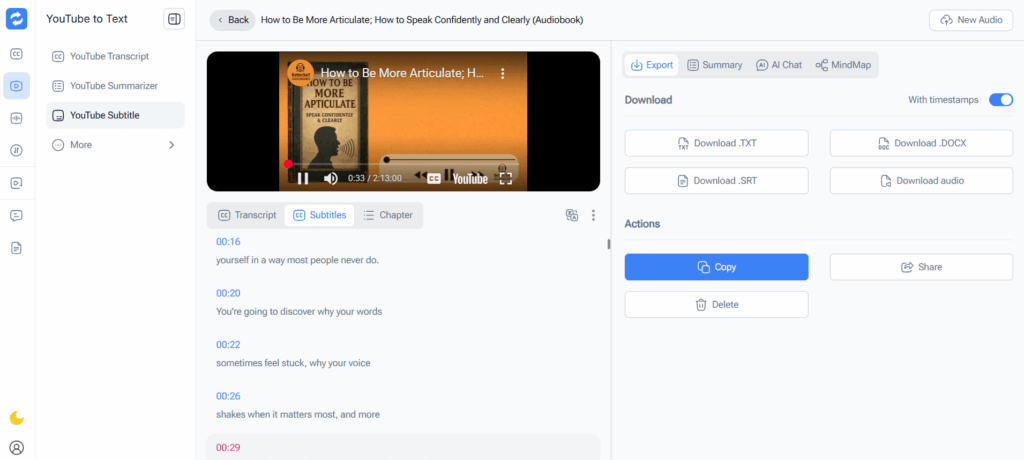
2. NoteGPT — Best for Multi-Format & Subtitle Translation
NoteGPT is ideal if you want to download YouTube subtitles online free and quickly convert them into structured text for summarizing or translation.
Why It’s Different:
- Supports subtitle translation across multiple languages
- Clean transcript formatting
- Fast bulk processing
- Allows download YouTube subtitles as text or SRT
Best For:
Language learners and global teams who need translated subtitle files after downloading subtitles from YouTube.
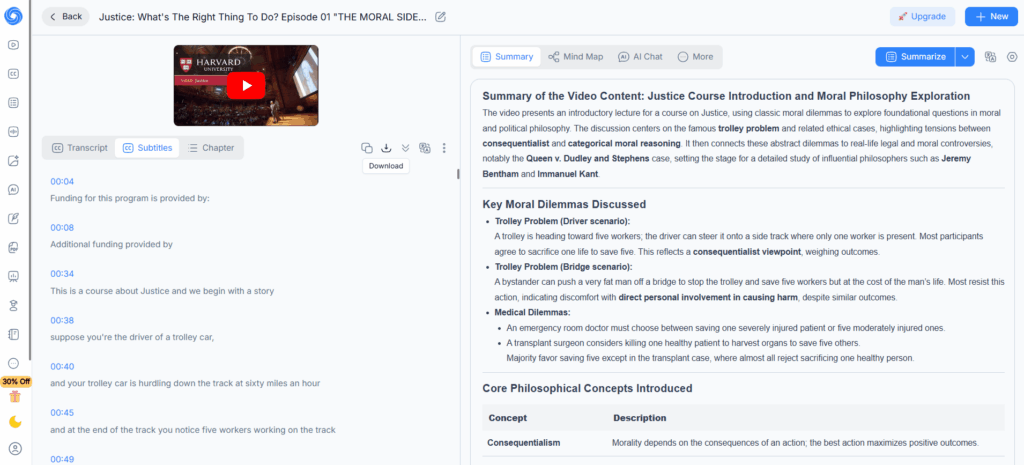
3. DownSub — Best for Fast Extraction of Existing Captions
DownSub is one of the most well-known tools to download subtitles from YouTube when captions already exist.
Why It’s Different:
- Extremely fast processing
- Supports both manual and auto-generated captions
- Direct SRT download
- Minimal interface, no distractions
Limitation:
Cannot generate subtitles if the video has no captions.
Best For:
Users who only need to download YouTube subtitles from videos that already have captions.
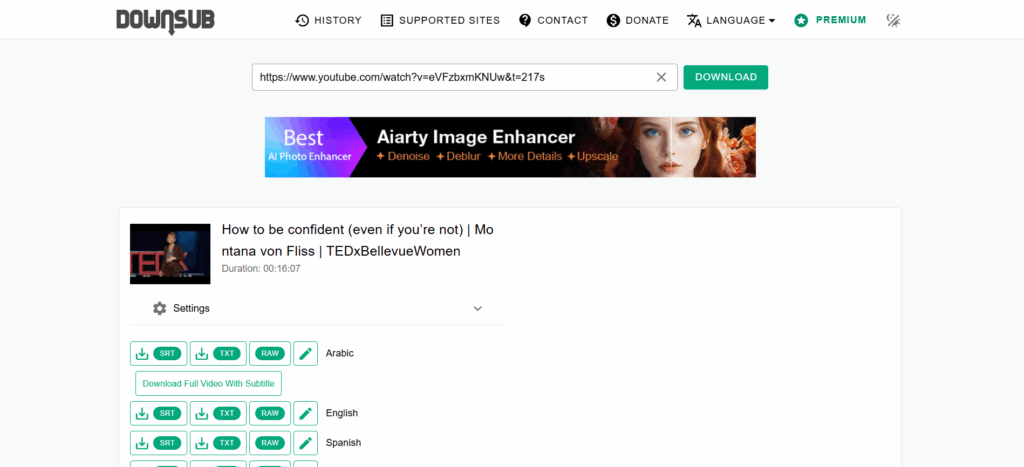
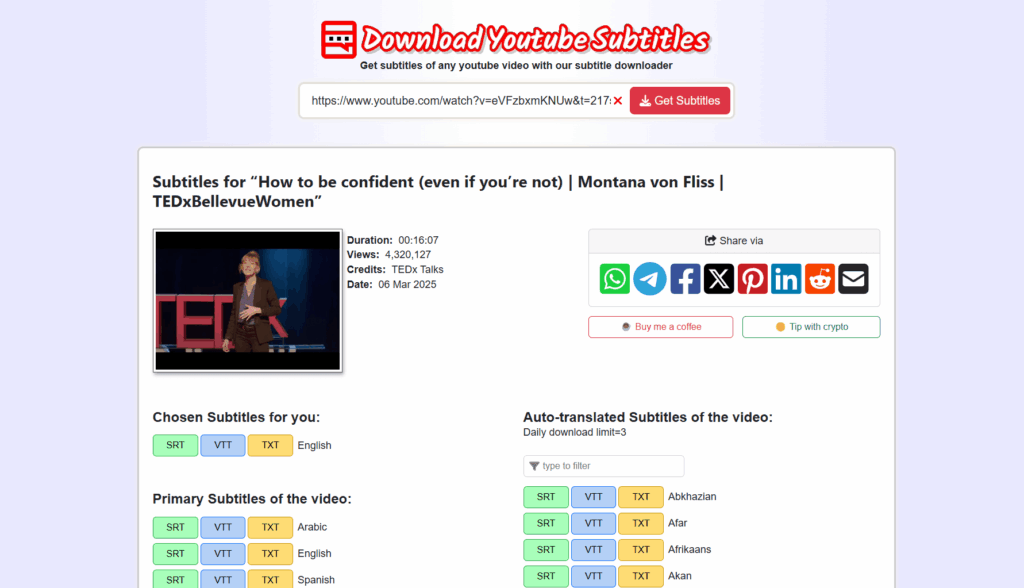
4. DownloadYouTubeSubtitles.com — Best for Instant One-Click Downloads
This tool is optimized purely for speed. Paste a link and instantly download YouTube subtitles online without additional features.
Why It’s Different:
- Instant URL-to-file processing
- Clean SRT output
- Lightweight page loads quickly
- No registration required
Best For:
Quick downloads when you need subtitles immediately and the video already contains captions.
5. DeCopy AI — AI-Focused Subtitle Generator
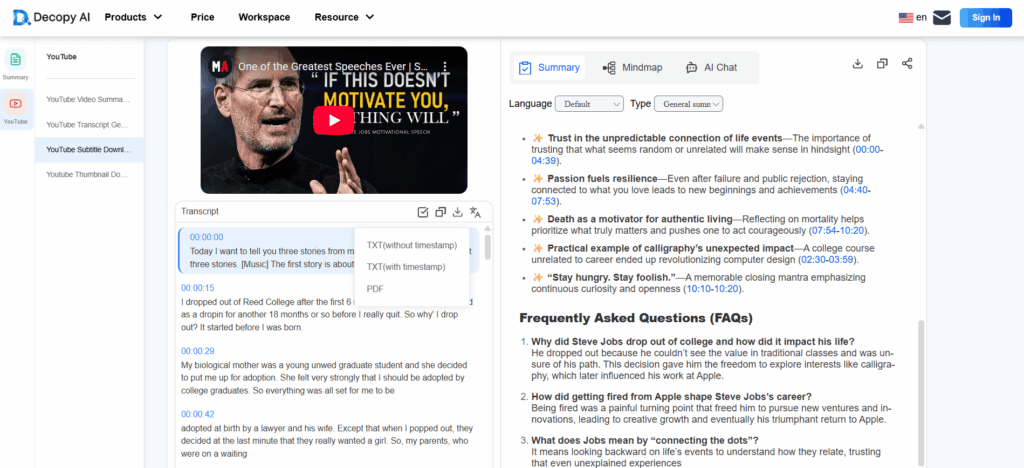
DeCopy AI focuses on helping users generate subtitles from YouTube video audio when captions are missing.
Why It’s Different:
- AI-powered subtitle creation
- Supports SRT and TXT export
- Designed for non-technical users
- Clean dashboard-style interface
Best For:
Creators who frequently need to download YouTube subtitles without captions and want automated transcription.
6. Video Transcriber AI — Best for High-Accuracy SRT Output
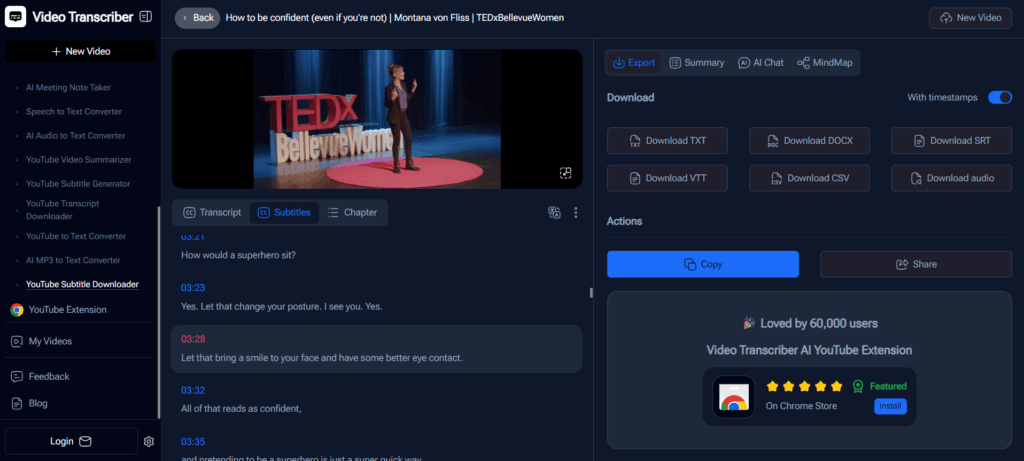
If accuracy matters — for legal, academic, or client work — Video Transcriber AI is strong when you need to download YouTube subtitles SRT with precise timing.
Why It’s Different:
- High-accuracy AI speech recognition
- Timestamp-optimized SRT files
- Multi-language audio support
- Browser-based processing
Best For:
Users who require highly accurate subtitle extraction from YouTube video content for professional use.
7. SaveSubs — Best for Cross-Platform Subtitle Extraction
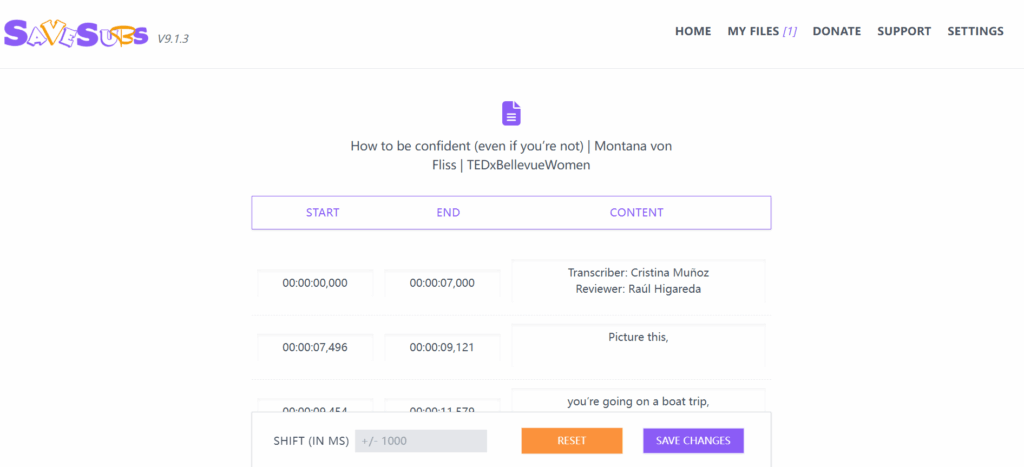
Unlike tools that focus only on YouTube, SaveSubs supports subtitle extraction from multiple video platforms, making it more versatile than standard YouTube subtitle downloader online tools.
It’s particularly useful when you want to download YouTube subtitles online free but also need flexibility beyond a single platform.
Why It’s Different:
- Supports subtitle extraction from multiple platforms (not just YouTube)
- Displays available subtitle tracks before download
- Allows direct subtitle preview and copy
- Download YouTube subtitles SRT or TXT
- Works entirely in-browser with no registration
Best For:
Users who want a more flexible subtitle extraction tool that works across platforms and prefer previewing subtitle tracks before downloading.
Quick Comparison Overview
| Tool | Extract Existing Captions | Works Without Captions | SRT Download | TXT Download | Translation Support | Best Use Case |
| Audio Converter AI | ✅ | ✅ | ✅ | ✅ | ✅ | AI subtitle generation for any video |
| NoteGPT | ✅ | ✅ | ✅ | ✅ | ✅ | Multi-language subtitle & transcript export |
| DownSub | ✅ | ❌ | ✅ | ❌ | ❌ | Fast download of existing captions |
| DownloadYouTubeSubtitles.com | ✅ | ❌ | ✅ | ✅ | ❌ | Instant caption extraction |
| DeCopy AI | ✅ | ✅ | ✅ | ✅ | Limited | AI-powered subtitle creation |
| Video Transcriber AI | ✅ | ✅ | ✅ | ✅ | ✅ | High-accuracy professional transcription |
| SaveSubs | ✅ | ❌ | ✅ | ✅ | ✅ | Flexible multi-platform extractor |
How to Download YouTube Subtitles Online — Step by Step
Regardless of which YouTube subtitle downloader online you choose, the process to download YouTube subtitles is the same across all tools. The entire workflow takes under a minute:
- Copy the YouTube video URL from your browser address bar.
- Open your chosen subtitle downloader and paste the URL into the input field.
- Select your preferred language if multiple caption tracks are available.
- Choose your output format: SRT (timestamped, ideal for video editors and media players) or TXT (plain transcript, ideal for reading, publishing, or research).
- Click download — the subtitle file saves to your device instantly.
Pro Tip — Video has no captions?
Standard extractors only work when captions already exist on the video. If the tool returns an error or an empty file, switch to an AI-powered generator such as Audio Converter AI or NoteGPT. These tools transcribe the video audio directly and let you download YouTube subtitles without captions in SRT or TXT format — no existing caption track required.
Frequently Asked Questions About How to Download YouTube Subtitles
Can I download YouTube subtitles for free?
Yes. All eight tools in this guide let you download YouTube subtitles online free — no paid subscription needed. Tools including Audio Converter AI, NoteGPT, and Video Transcriber AI offer completely free subtitle downloads.
How do I download YouTube subtitles in a different language?
Use a multi-language tool such as NoteGPT or Video Transcriber AI. These YouTube subtitle downloader online tools support numerous languages and let you select your preferred subtitle language before downloading.
Can I download YouTube subtitles without captions being on the video?
Yes. AI-powered tools like Audio Converter AI and DeCopy AI can generate subtitles from YouTube video audio even when no captions exist on the platform. These tools transcribe the spoken content and let you download the result as SRT or TXT.
What is the best format when I download subtitles from YouTube?
Choose SRT if you need timestamped subtitles for a video player or editor. Choose TXT if you only need the transcript text, for example when you want to download YouTube subtitles as text for reading or publishing. Both formats are broadly compatible with common software.
Do I need to install software to download YouTube subtitles online?
No. Every tool in this guide is a web-based YouTube subtitle downloader online. You only need a browser and the video URL. There is nothing to install.
Are downloaded YouTube subtitle files compatible with video editors?
Yes. SRT files downloaded from YouTube are compatible with most professional video editors — including Adobe Premiere Pro, DaVinci Resolve, Final Cut Pro, and CapCut — as well as media players such as VLC and MX Player.
Conclusion
To truly unlock the value of any video, the first step is to download YouTube subtitles and turn spoken content into usable text. Once you can download YouTube subtitles in a clean, structured format, it becomes easier to study, repurpose, translate, summarize, or archive content. The ability to download YouTube subtitles without captions and automatically generate accurate transcripts is no longer a luxury — it’s a productivity advantage.
If you want a faster, smarter way to download YouTube subtitles, extract subtitles from YouTube video, and even generate them when none exist, Audio Converter AI offers a powerful all-in-one solution. Instead of juggling multiple tools, you can download YouTube subtitles online free, export them in SRT or text format, and instantly transform any video into searchable, editable content. For creators, students, and professionals who rely on video insights, it’s one of the most efficient ways to turn YouTube into structured knowledge in seconds.