


How Does MP3 to Text Work? A Complete Beginner's Guide
You recorded a lecture. A client interview. A podcast episode. Now you have an MP3 file sitting on your device, and you need every word in text form.
You could play it back and type. At normal speaking speed, that takes about four hours per one hour of audio. You could pay a professional transcriber. Standard rates start around $1.50 per minute, which means $90 for that single hour.
Or you could let software handle it in minutes, often for free. That third option is what an MP3 to text converter does, and it is easier to use than most people expect.
This article explains how MP3 to text works, from the speech recognition technology behind it to what determines accuracy. No jargon. No fluff. Just the details that matter when you turn speech into searchable text.
What Is MP3 to Text? A Simple Definition
MP3 to Text, Explained in Plain English
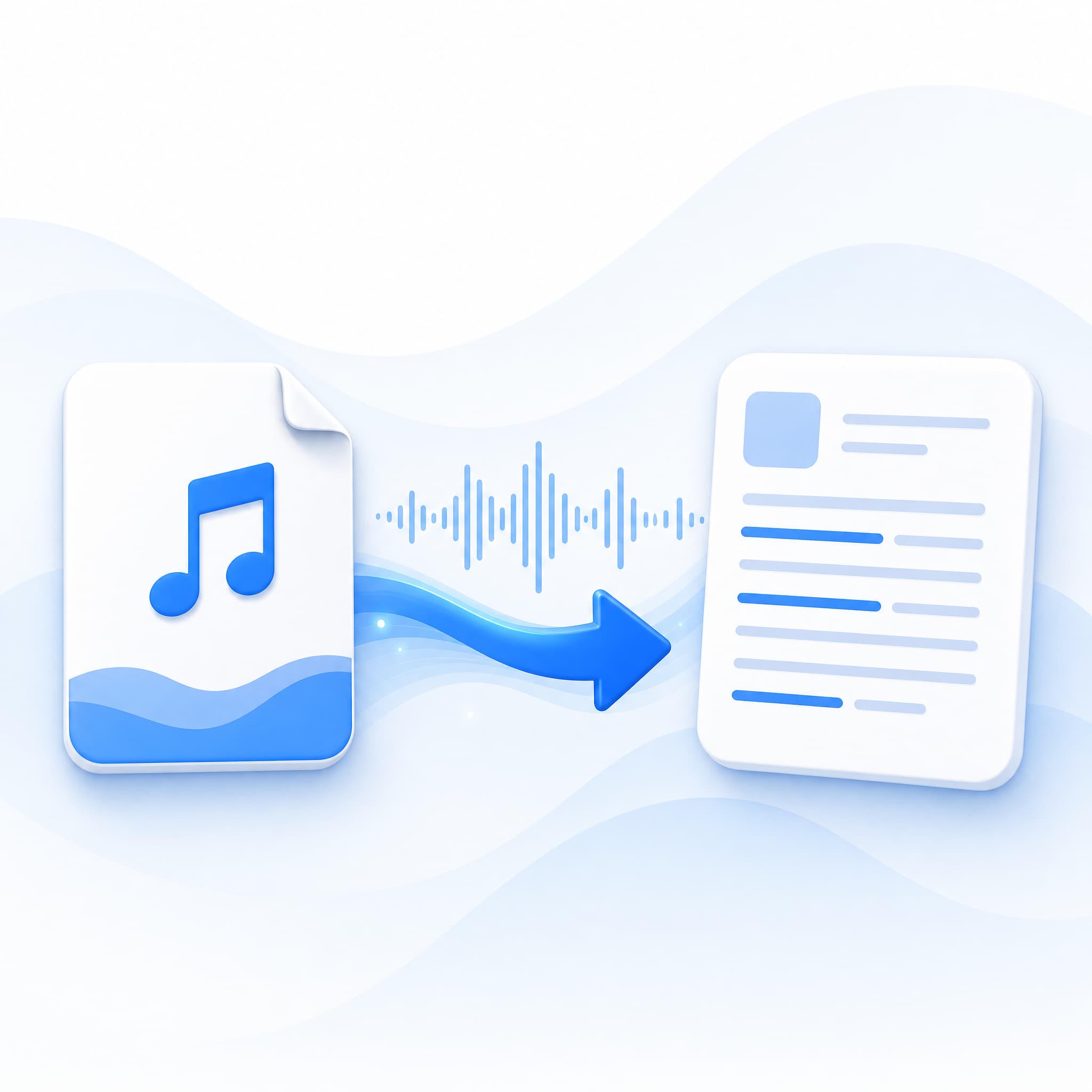
MP3 to text means taking an audio file in the MP3 format and converting its spoken content into written words. The output is not a rough transcript. It includes proper punctuation, capitalization, and sentence breaks. The final result looks like something a person typed while listening carefully. That is the short answer to the question: how does MP3 to text work.
The term covers a few related ideas. "Audio transcription" refers to the same process for any audio format. "Speech to text" describes the broader technology that powers it. And "automatic transcription" means software handles the conversion without human involvement.
Behind each of these phrases sits the same goal that MP3 to text conversion delivers: turning sound into readable, searchable, editable text.
How MP3 to Text Conversion Works
Understanding how MP3 to text works starts with knowing the technology behind it. The system is called Automatic Speech Recognition, or ASR. Modern ASR systems use deep learning models trained on millions of hours of human speech. These models do not simply match words to a dictionary. They analyze the relationship between sound and meaning.
The process follows four stages:
First, the system breaks your MP3 file into short segments. Each segment is measured in milliseconds. This creates a stream of tiny audio chunks the model can process one at a time.
Second, an acoustic model examines each chunk. It identifies individual sounds called phonemes. These are the smallest units of speech: the "k" sound in "cat," the "sh" sound in "ship." The model maps audio waveforms to these phonetic units, even when speakers have different accents or speech patterns.
Third, a language model takes over. It evaluates possible word sequences and picks the combination that makes the most linguistic sense. This step catches homophones. For example, the model determines whether the audio contains "their," "there," or "they're" based on surrounding context, not just sound.
Fourth, a decoder assembles everything into a final transcript. It adds punctuation, capitalizes proper nouns, and formats the text for readability. The output is not a raw string of words. It is a structured MP3 to text transcript ready for editing, sharing, or publishing.
Why MP3 to Text Matters: Real-World Use Cases
Different people ask how does MP3 to text work for different reasons. Understanding how the technology applies to real situations clarifies whether it is worth using.
Students and Lecture Recordings
Students record hours of lectures every semester. The problem starts when exam week arrives. Playing back a 90-minute lecture to find one concept wastes time that should go toward studying.
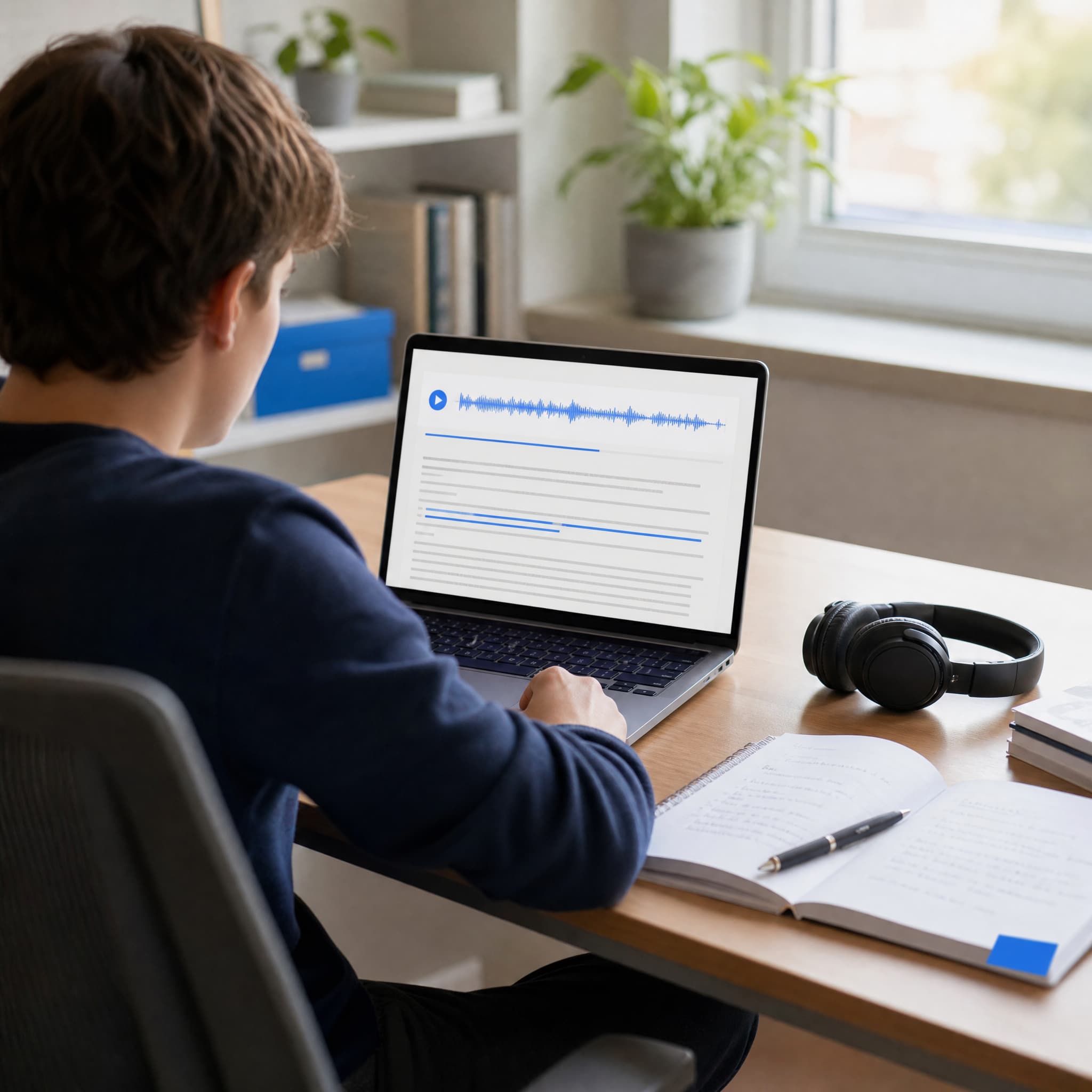
Converting lecture audio to text solves this immediately. Once you understand how MP3 to text works, the benefit is clear. A searchable transcript lets you find specific topics in seconds instead of scrubbing through a timeline. The text also works as study material. You can highlight key points, add notes in the margins, and review at your own pace. Just clean, searchable text from every recording, courtesy of a quick MP3 to text conversion.
Journalists, Researchers, and Interview Transcription
Interviews produce the raw material for articles, papers, and reports. But raw audio is not useful until someone extracts the quotes.
Manual interview transcription remains common in journalism. A 45-minute interview takes roughly three hours to transcribe by hand. That is three hours not spent writing, editing, or chasing the next source.
MP3 to text tools cut that time to minutes. The transcript arrives with timestamps. You can click any sentence and jump to that exact moment in the audio. Verifying a quote takes seconds instead of replaying an entire file. Researchers processing multiple interviews benefit the most. What used to take days now finishes in under an hour.
Content Creators and Podcast Repurposing
Podcasters and video creators face a unique challenge. Audio and video content ranks poorly in search engines. Google cannot watch a video or listen to a podcast. It indexes text.
Converting podcast episodes to text opens three doors at once. First, the transcript becomes a blog post. Search engines index it. Readers discover it. Second, the text feeds social media. Pull quotes become Twitter threads. Key insights become LinkedIn posts. Third, transcripts make the content accessible to deaf and hard-of-hearing audiences. One audio file becomes multiple content assets, each serving a different audience and platform. Creators who run every episode through an MP3 to text workflow get the most out of this. The same technology powers general MP3 to text conversion across all audio formats, not just MP3.
MP3 to Text vs Manual Transcription: What's the Difference?
Both automated and manual transcription convert audio to text. The real question behind how does MP3 to text work is about the tradeoffs: speed, cost, and when each approach delivers the best result.
| Factor | Automated MP3 to Text | Manual Transcription |
| Speed | Minutes per hour of audio | 3 to 4 hours per hour of audio |
| Cost | Free or low subscription | $1.00 to $2.00 per audio minute |
| Accuracy (clear audio) | 95% to 99% | 99%+ |
| Accuracy (noisy audio) | 80% to 90% | 95%+ |
| Speaker identification | Automatic labels | Manual notation |
| Turnaround | Near-instant | Hours to days |
| Best for | Volume, speed, tight budgets | Legal records, verbatim requirements |
Automated Transcription vs Typing by Hand
Automated transcription wins when speed and volume matter more than perfection. A one-hour podcast episode produces roughly 8,000 to 10,000 words. Typing that by hand takes half a workday. Software finishes in under ten minutes. The output might need light proofreading for names and technical terms, but the heavy lifting is done.
The tradeoff is clear. MP3 to text tools save time but occasionally miss proper nouns or stumble on heavy accents and background noise. Manual transcription is more precise but costs significantly more and takes far longer. For most everyday use, automated tools deliver enough accuracy to be practical.
When Manual Transcription Still Makes Sense
Manual transcription remains the right choice in specific situations. Legal depositions need verbatim accuracy because a single misheard word changes a case. Medical dictation requires domain expertise that general-purpose AI does not yet match. Highly sensitive content may call for a human transcriber bound by confidentiality agreements.
For everything else, automated MP3 to text covers the need. Podcasts, lectures, meetings, interviews, and voice memos do not demand word-for-word perfection. They demand a readable transcript, delivered fast, at a price that makes sense.o not demand word-for-word perfection. They demand a readable transcript, delivered fast, at a price that makes sense.nd word-for-word perfection. They demand a readable transcript, delivered fast, at a price that makes sense.

What to Look for in an MP3 to Text Tool
Not all MP3 to text tools deliver the same results. Four criteria separate the ones worth using from the rest.
Transcription Accuracy
Accuracy is the most important metric. It determines whether you spend minutes proofreading or hours rewriting. Modern ASR systems achieve 90% to 96% accuracy on clear audio with a single speaker. The best tools push closer to 99% under ideal conditions.
What affects accuracy has less to do with the tool and more to do with the recording. Audio captured with a decent microphone in a quiet room transcribes cleanly. Audio recorded in a coffee shop with background chatter produces more errors. Heavy accents, overlapping speakers, and low-bitrate compression also reduce accuracy. No MP3 to text tool overcomes bad source audio. The solution is improving the recording, not chasing a better transcription engine.
Supported Formats and File Size
Your MP3 to text tool should accept the formats you actually record in. Most tools support MP3, WAV, M4A, and AAC out of the box. Video formats like MP4 and MOV matter if you need to extract audio from video files, and a good transcription tool handles those uploads without extra steps.
File size limits matter for long recordings. A one-hour MP3 at standard quality is roughly 50 to 60 MB. A three-hour lecture is around 180 MB. Some free tools cap uploads at 100 MB, which excludes longer content without splitting files. Others support files up to several gigabytes, which handles extended recordings, multi-hour meetings, and full podcast episodes without breaking them into pieces. If you record long sessions, check the file size limit before committing to a platform.
Language and Multi-Speaker Support
Language support varies widely between tools. Some handle only English. Others support dozens of languages with decent accuracy. The best tools recognize hundreds of languages and can even handle mixed-language audio. If you record content in multiple languages or interview multilingual speakers, this capability is not optional.
Speaker recognition, also called speaker diarization, labels who said what in the transcript. This matters for interviews, panel discussions, and meetings with multiple participants. Without it, the transcript becomes one undifferentiated wall of text. With it, each speaker's words appear under their name or a label like "Speaker 1" and "Speaker 2." The feature works better with clear audio separation between speakers. It struggles when people talk over each other.
Export Options and Data Privacy
The MP3 to text transcript format affects how you use the output. TXT files work for quick copy and paste. SRT and VTT files add subtitles to videos. DOCX exports feed into document editors for further formatting. A tool that limits you to one format forces extra steps in your workflow.
Data privacy matters when the audio contains sensitive information. Check whether the service retains your files after processing. Some platforms keep audio for model training unless you opt out. Others delete everything immediately after the transcript is generated. For business meetings, client calls, and research interviews that involve confidential material, choose a service that processes files in encrypted environments and removes them afterward.
How Audio Converter AI Handles MP3 to Text
Audio Converter AI takes a straightforward approach to MP3 to text conversion. No account required. No credit card. No file retention.
99.9% Accuracy with Speaker Recognition
The platform achieves up to 99.9% transcription accuracy for clear recordings. It identifies individual speakers automatically and labels them in the transcript. Each transcript includes timestamps, so you can click any sentence and hear the corresponding moment in the original audio. The AI also generates a summary with key points extracted from the recording, which saves time when you need notes instead of a full transcript.
The MP3 to text tool supports over 200 languages. It handles MP3, WAV, M4A, AAC, FLAC, and video formats like MP4 and MOV. Files up to 5GB upload directly from your browser. Processing runs in encrypted environments, and the platform deletes all files automatically after transcription completes.
Free, No Signup, Export Ready
Every transcript downloads as TXT or SRT. Edit the text in the built-in editor before exporting, or download immediately and refine later. The whole process works on mobile devices, so you can upload a voice memo from your phone and get a transcript without touching a laptop.
For students reviewing lectures, journalists processing interviews, and creators repurposing podcasts, Audio Converter AI removes the friction that makes transcription feel like a chore. No setup. No subscription walls. No waiting.
Common Questions About MP3 to Text
How long does MP3 to text conversion take?
Most MP3 to text conversions finish in under five minutes. A one-hour recording typically processes in two to three minutes. Longer files may take proportionally longer in most MP3 to text tools. The system processes audio in parallel segments, so a three-hour file does not take three times as long as a one-hour file.
Can MP3 to text handle background noise?
Yes, to a point. Modern ASR models filter mild background noise like typing, air conditioning, and street sounds. Accuracy drops when noise drowns out the speaker. A recording in a quiet room with a decent microphone will transcribe far more cleanly than a recording from the back of a lecture hall.
Does MP3 to text work with multiple speakers?
Yes. Speaker recognition labels different voices in the transcript. The feature works best when speakers take turns and do not overlap. Overlapping speech, where two or more people talk at once, reduces accuracy for that segment regardless of the MP3 to text tool you use.
Can I use MP3 to text for languages other than English?
Most modern MP3 to text tools support multiple languages. Audio Converter AI handles over 200 languages with built-in translation. Some tools specialize in English only. Check language support before uploading non-English content.
Is MP3 to text output accurate enough to publish?
For most use cases, yes. Understanding how does MP3 to text work also means knowing its limits. Automated transcription at 95% to 99% accuracy needs light proofreading for proper nouns and technical terms. Blog posts based on podcast transcripts, study notes from lectures, and meeting summaries from recorded calls require minimal editing. Content destined for publication should always get a human review pass.
What is the difference between MP3 to text and video to text?
The underlying ASR technology is the same for both. The difference is the input format. MP3 to text works with standalone audio files. Video to text extracts the audio track from a video file first, then transcribes it. Many tools support both, so you can transcribe video files without extracting the audio yourself.
Do I need to install any software?
No. Browser-based MP3 to text tools work without downloads, installations, or plugins. You upload the file through your browser. The processing happens on remote servers. The transcript appears in the same browser window. This works on phones and tablets too.
Will my audio files be kept after transcription?
It depends on the service. Some platforms store audio for model training or quality assurance. Others delete files immediately after processing. Audio Converter AI removes all uploaded files automatically after transcription completes. Check the privacy policy of any tool before uploading sensitive recordings.
Is MP3 to Text Right for You?
MP3 to text fits most situations where you need written content from audio, and you need it fast. It is not the right choice when absolute precision is non-negotiable, such as legal transcripts or medical records that require certified human transcription.
For everyone else, the math is simple. Software transcribes faster than humans at a fraction of the cost. Modern ASR models produce output accurate enough for study, publishing, documentation, and content creation. The technology has matured to the point where the main question is not how does MP3 to text work. It is which MP3 to text tool fits your workflow.
Try Audio Converter AI's MP3 to Text tool. Upload a file. Get a transcript. No account needed.