


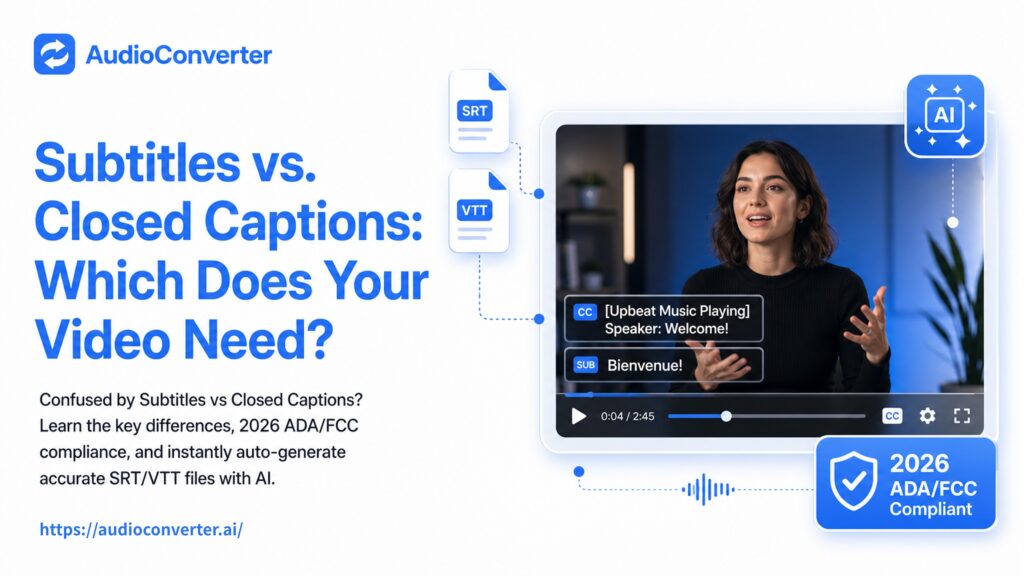
Closed captions transcribe dialogue and sound effects in the same language, mainly for viewers who are deaf, hard of hearing, or watching on mute. Subtitles translate dialogue into a different language for viewers who don't speak the original one. Use captions for accessibility; use subtitles for reaching international audiences.
Open the Settings menu on any YouTube video and scroll to the caption controls. The option you will see is labeled "Subtitles/CC", one button, one label, two genuinely different functions merged into a single interface element. YouTube, the platform millions of people use to watch billions of hours of video every day, doesn't bother to separate them. So it's honestly no surprise that most viewers, and plenty of content creators, have been using "subtitles" and "closed captions" interchangeably for years.
But the confusion isn't just a vocabulary mix-up. If you are a content creator, a marketer, an educator, or anyone who publishes video online, getting this wrong can mean falling short of ADA compliance requirements, accidentally shutting out an international audience, or paying for the wrong service entirely. By the end of this article, you will know exactly which one your video needs, and how to generate accurate captions or subtitles with AI in minutes.
What's the Difference?
Here is the core distinction at a glance:
| Attribute | Closed Captions | Subtitles |
| Purpose | Accessibility for deaf or hard-of-hearing viewers | Translation for viewers who don't speak the source language |
| Language | Same as the spoken audio | Different from the spoken audio |
| Includes sound effects & speaker cues | Yes (e.g., [door slams], [music playing]) | Typically no |
| Assumes viewer can hear audio | No | Usually yes |
| Can be toggled on/off | Yes (that's the \"closed\" in closed captions) | Varies by platform |
| Regulatory driver | ADA, CVAA, FCC, Section 508 | Not typically regulated; market-driven |
If you remember only one thing from this table, make it this: captions assume you can't hear; subtitles assume you can't understand the language. It is not about which one is "better" in a vacuum, it is about which scenario you are solving for. A video that is perfectly captioned in English is useless to a Spanish-speaking audience. A beautifully translated subtitle track that doesn't include "[phone ringing]" will leave a deaf viewer confused about why a character suddenly picked up their phone. They serve fundamentally different viewers with fundamentally different needs.
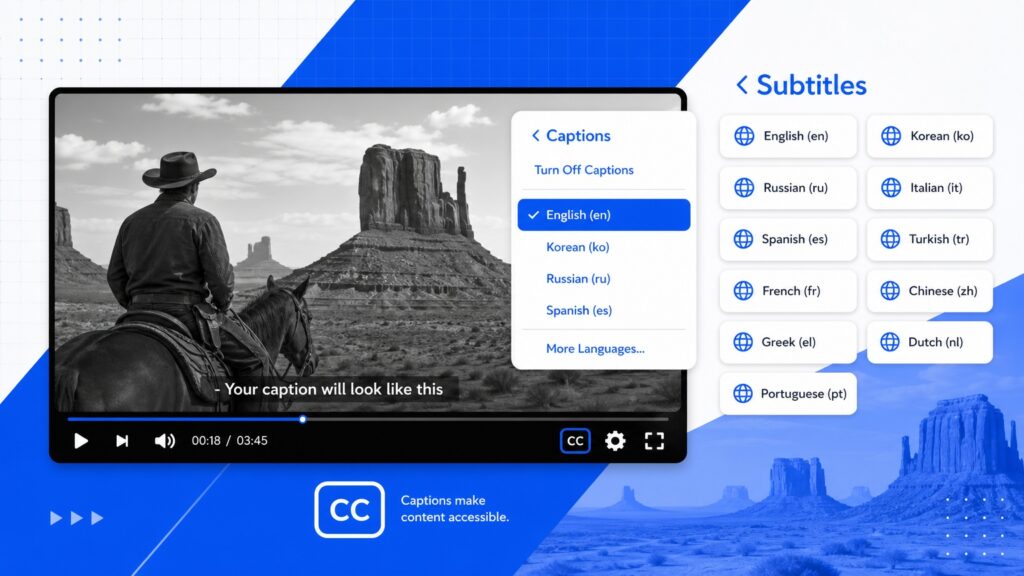
Why Use Closed Captions?
The compliance angle (that most blogs get wrong)
If you publish video in the United States, "accessibility" is not just a nice-to-have, it is a regulatory requirement with real enforcement weight behind it. The chain of authority runs from the Americans with Disabilities Act (ADA), to the 21st Century Communications and Video Accessibility Act (CVAA), to Section 508 of the Rehabilitation Act of 1973, and the bar keeps rising.
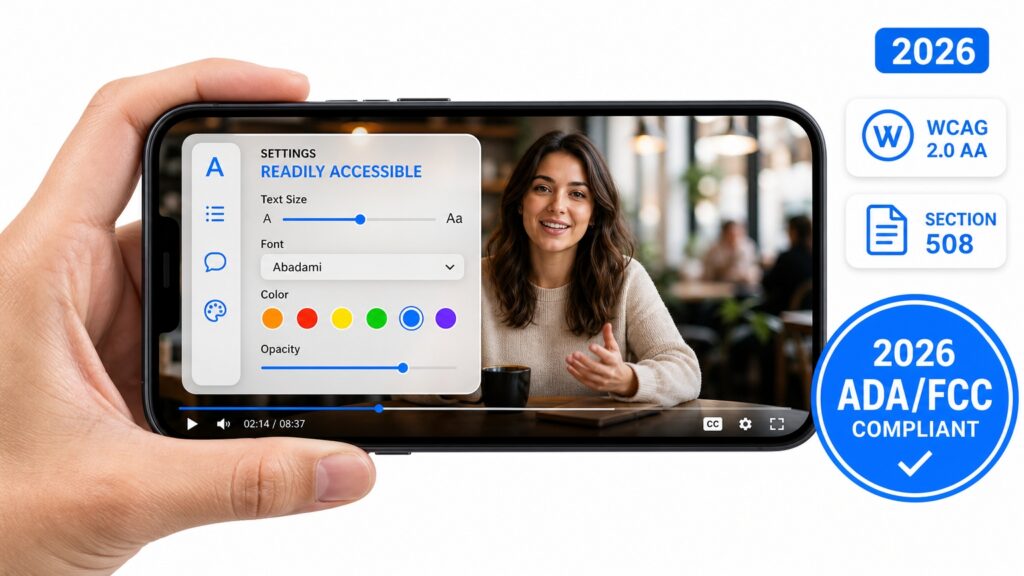
Here is the part most competing articles miss: the FCC just raised the bar again. Under a new rule taking effect August 17, 2026, covered devices and multichannel video programming distributors must ensure that captioning controls meet a "readily accessible" standard, meaning viewers must be able to find, preview, and adjust caption settings easily and consistently across devices. It is no longer just about whether captions exist; it is about whether a viewer can actually use them without digging through menus.
Scope note that builds trust: FCC rules primarily cover content that aired on U.S. television and is later delivered online. Purely web-only video is not automatically covered by that specific FCC rule, but depending on who you are (a government agency, a federally funded institution, a business serving the public), your content may still fall under ADA or Section 508 requirements, plus a growing number of state-level laws. When in doubt, caption.
The silent-viewing reality
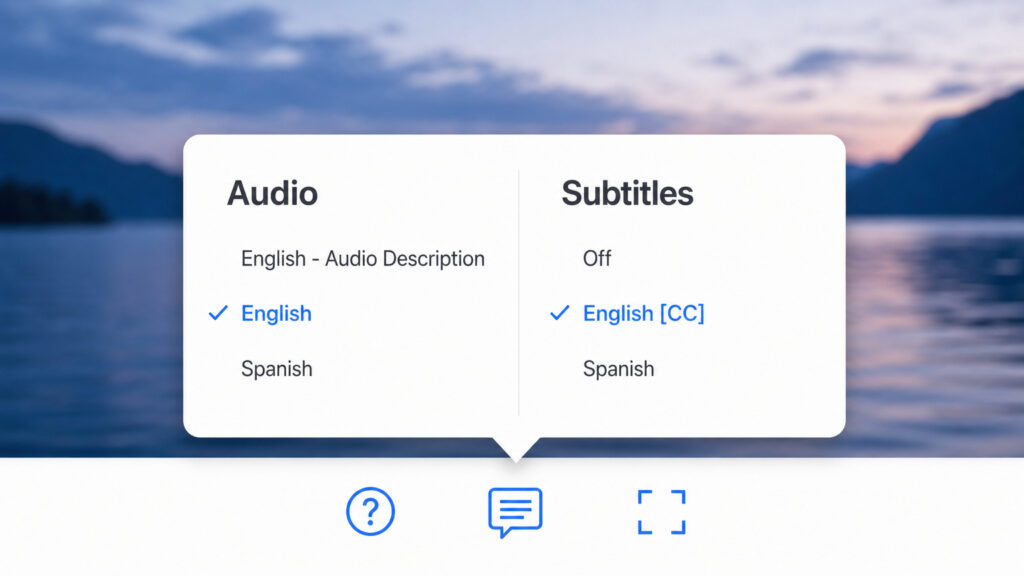
Beyond regulation, there is a pure audience-behavior case: people watch video without sound. According to Sharethrough's research, three out of four people say they often keep their phone on mute even while a video is playing, and 72% say they are more likely to watch a video on mobile if it has captions. If your video relies on audio to communicate its message and you are not captioning it, you are leaving roughly three-quarters of your potential mobile audience with a silent, meaningless feed.
The SEO and engagement byproduct
Captions are also a quiet SEO multiplier. Search engines cannot "watch" your video, but they can read the text file that accompanies it. A properly captioned video gives Google a crawlable transcript of everything spoken, improving your chances of ranking for the exact keywords your audience is searching for. Platform analytics consistently show that captioned videos retain viewers longer, and higher watch time signals to algorithms that your content is worth recommending.
Bottom line: if your audience includes anyone who can't or won't turn on sound, and in 2026, that is essentially everyone, captions are not optional.
Why Use Subtitles?
Market expansion without dubbing costs
Subtitles open your content to a fundamentally different audience: people who don't speak the language your video was recorded in. That audience is enormous. English-language video with Spanish, French, German, Japanese, or Mandarin subtitle tracks can reach viewers who would otherwise scroll past. Compared to dubbing, which requires voice actors, studio time, and lip-sync editing, subtitling costs a fraction of the price and can be turned around in hours rather than weeks. For independent creators, small businesses, and publishers testing international markets, subtitles are the most cost-efficient path to global distribution.
Language learning at scale
Subtitles are among the most widely used language-learning tools on the planet. Learners routinely pair audio in a target language with subtitles in their native language (or the same language) to build listening comprehension and vocabulary. A well-subtitled video is not just entertainment, it is a free learning resource that learners will actively seek out and share. Platforms like YouTube and Netflix have entire communities built around content with high-quality multilingual subtitle tracks for this exact reason.
Platform incentives and requirements
Global streaming platforms and content marketplaces increasingly reward, or outright require, multilingual subtitle tracks. Whether it is Amazon Prime's published subtitle requirements for creators, Netflix's language localization standards, or platforms that surface content with subtitles to broader audience segments, the push toward multilingual accessibility is accelerating. If you are distributing video to platforms beyond your own website, assume subtitles will be expected, not optional.
Which Is Better?
This is the wrong question, but it is the one everyone asks. The right question is: what job are you hiring this text track to do?
Here is a quick decision framework:
- Accessibility or compliance is your priority → use closed captions. If your video must serve viewers who are deaf or hard of hearing, captions are the only correct answer.
- International or multilingual reach is your priority → use subtitles. If your audience speaks a different language than your video, subtitles are what they need.
- Both are true: run captions and subtitles simultaneously. Caption your video in the source language for accessibility, then add subtitle tracks in every target language. The two are complementary, not mutually exclusive.
Many professional video workflows already do both. A single video can ship with English closed captions for domestic accessibility and Spanish, French, and German subtitle tracks for international distribution, and an AI-powered audio and video platform can produce all of them from the same source file.
How to Add Accurate Captions or Subtitles to Your Video
You have a few options, ranging from manual to fully automated, and the right choice depends on your accuracy requirements, timeline, and budget.
1. Platform auto-captioning (fast, free, inconsistent). Most video platforms offer built-in auto-captioning, which uses speech recognition to generate captions automatically. It is free and instant, but it frequently misidentifies proper nouns, technical terms, and accented speech, and it rarely includes speaker labels or sound-effect descriptions. If accuracy matters at all, this is a starting point, not a finished product.
2. Manual transcription (accurate, slow, expensive). You can write every line of dialogue yourself and time it to the video frame by frame. A 10-minute video might take two hours to caption manually. Human transcription services are an option at a higher price point, but turnaround is measured in hours or days, not minutes.
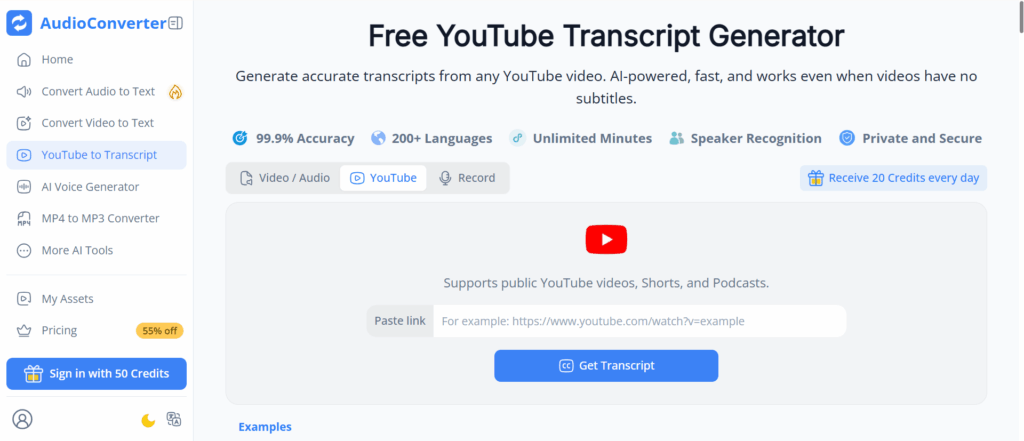
3. AI-powered caption and subtitle generation (accurate, fast, affordable). Modern AI speech recognition tools, including audioconverter.ai, can generate captions and subtitles from an audio or video file in minutes with high accuracy. AI YouTube transcript generation works the same way: upload or link your video, and the tool returns a timestamped text file you can edit, export as SRT or VTT, and upload to your platform. For full ADA compliance, a quick human review pass is recommended, but the heavy lifting is done by AI.
Which option you pick really depends on your context, but for most creators and businesses publishing video in 2026, AI generation plus a light human review hits the sweet spot between speed, accuracy, and cost that neither pure automation nor pure manual work can match.
Whether you need captions, subtitles, or both, audioconverter.ai converts your audio and video into accurate, ready-to-use caption and subtitle files in minutes.
Sources & references:
- FCC Closed Captioning of Video Programming, fcc.gov
- Americans with Disabilities Act (ADA), ada.gov
- Section 508 of the Rehabilitation Act, section508.gov
- FCC "Readily Accessible" Captioning Rule (effective August 17, 2026), confirmed February 21, 2025
- Sharethrough, Caption Consumption & Mobile Viewing Behavior Research
- WCAG 2.0 Level A & AA: Pre-recorded video requires captions and audio description; live video requires live captions