


Students do not only read textbooks anymore. They read lecture slides, PDFs, class notes, research articles, group documents, emails, and saved web pages. The pile grows quickly because most study material still expects quiet screen time.
Text to speech for students gives that material another path into the day. Use text to speech for students when you want notes, articles, or study documents to become audio you can review while walking, commuting, exercising, or resting your eyes.
The goal is not to replace reading. The goal is to make review easier to repeat. Text to speech for students works best when students listen once for the big idea, then replay difficult sections while scanning the original notes.
This article is structured around seven practical ways to turn notes into audio. That matters because text to speech for students is a study workflow, not just a list of apps to compare.
Why Students Use Text to Speech for Study
Reading Time Is Hard to Protect
Reading needs a screen, a desk, and focused attention. Student life rarely gives that combination for long. Classes, part-time work, commuting, clubs, labs, and exams split the day into small blocks.
Text to speech for students fits those small blocks. A ten-minute walk can become vocabulary review. A bus ride can become lecture-note review. A cleaning break can become a second pass through a chapter summary.
The benefit is simple: the same study material becomes easier to revisit. Text to speech for students helps students turn passive notes into repeatable audio.
Audio Helps When Eyes Are Tired
Screens wear students down. After hours of reading slides, writing papers, and checking class portals, another PDF can feel impossible. Audio gives tired eyes a break without abandoning the material.
Text to speech for students is useful for review sessions at the end of the day. You can listen to your notes at a slower speed, catch missed concepts, and mark topics to revisit tomorrow.
This is especially helpful before exams. Repetition matters, but visual reading is not always the easiest form of repetition.
Listening Can Support Active Recall
Audio alone is not magic. Text to speech for students becomes powerful when it leads to active recall. Listen to one section, pause, and explain the idea from memory.
For formulas, definitions, and argument outlines, replay the same short audio segment more than once. Then check your notes. That loop turns text to speech for students into a study routine instead of background noise.
7 Practical Ways to Turn Notes Into Audio
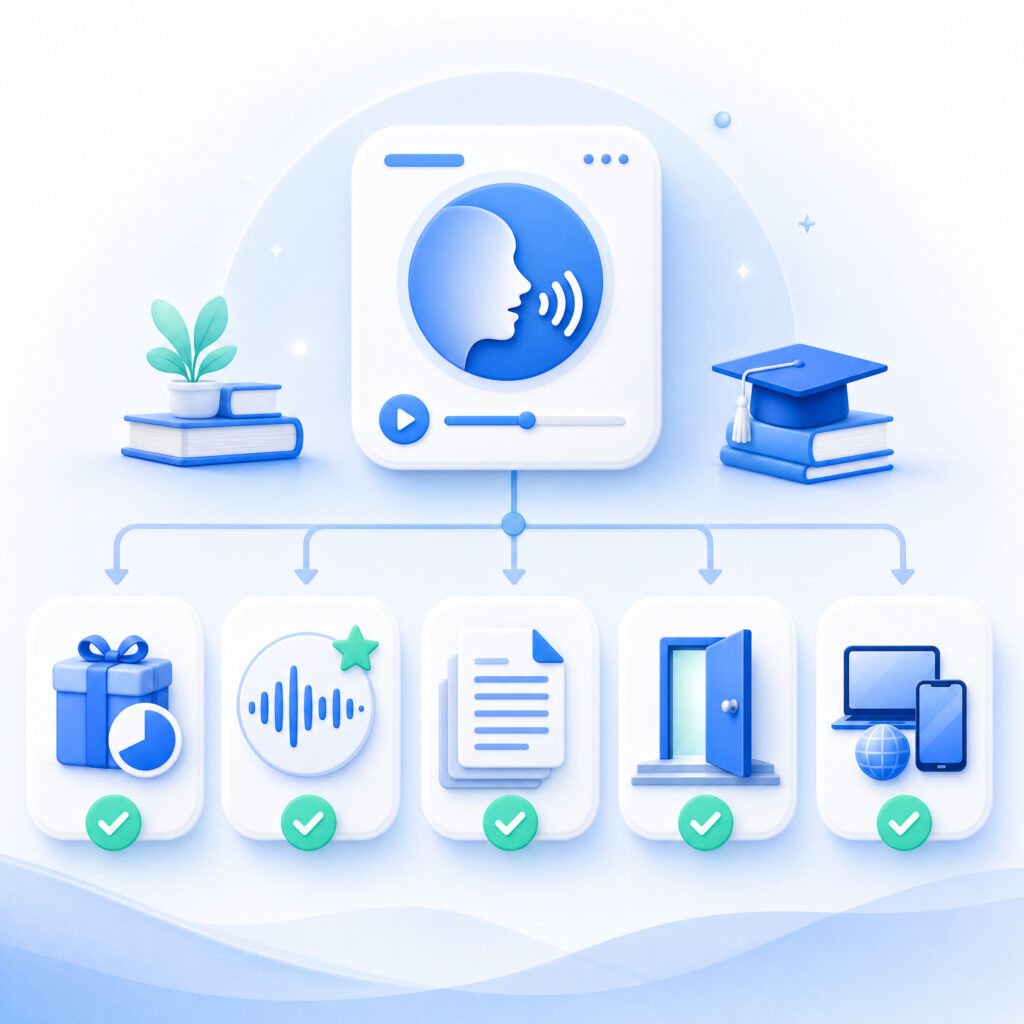
The seven options below are organized as study workflows. Each one answers a different student need, from quick browser listening to scanned textbook review.
1. Use Audio Converter AI for Daily Notes and Downloads
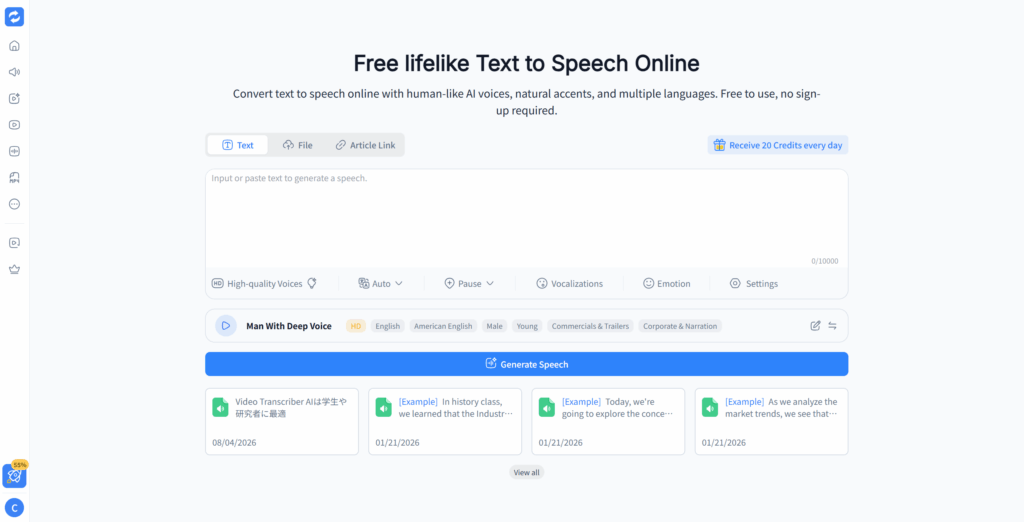
Audio Converter AI is the best starting point for students who want a simple browser workflow. It lets you paste text, generate natural voice audio, listen online, and download the result for later.
Use text to speech for students when your study material is already digital. Lecture notes, article excerpts, class summaries, essay drafts, and vocabulary lists all fit this workflow.
This option works well because setup stays light. Students can test text to speech for students without installing an app or rebuilding their study system. The practical path is short: paste text, choose a voice, generate audio, and review.
Best use cases:
- Turning lecture notes into audio after class
- Reviewing essay outlines before writing
- Listening to saved article excerpts
- Creating short exam-review audio files
- Downloading study audio for offline review
Text to speech for students works best here when each audio file stays focused. One file for definitions, one for formulas, and one for essay evidence is easier to review than one long recording.
Text to speech for students also helps when students need the same notes in more than one format. The written version stays available for marking, while the audio version makes review easier to repeat.
2. Use Microsoft Edge Read Aloud for Web Pages and PDFs
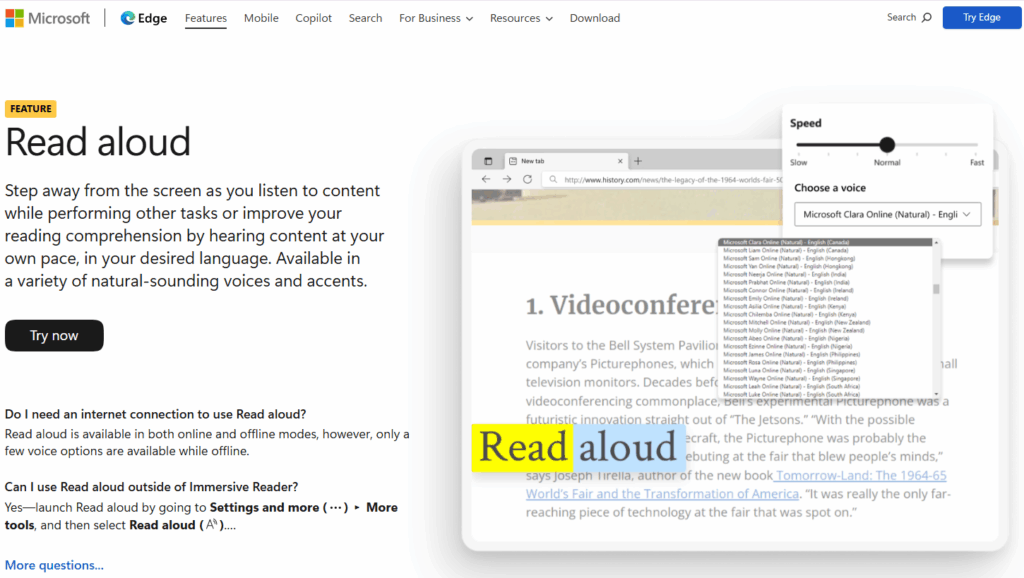
Microsoft Edge Read Aloud is useful when the material is already open in the browser. It can read many web pages and readable PDFs without a separate tool.
This type of text to speech for students is good for quick review. If a professor assigns an online article or a digital handout, Edge can help you listen while following the highlighted text.
The limitation is export. Browser reading is convenient, but it usually does not create a downloadable audio file. Students who need offline review may prefer a tool that generates audio.
Best use cases:
- Reading online assignments aloud
- Listening while following highlighted text
- Reviewing readable PDFs quickly
- Avoiding app installation for a one-time task
Text to speech for students inside a browser can be enough when the goal is immediate listening rather than building an audio library.
Text to speech for students in this form is especially useful for quick assignments. Open the page, start playback, and follow the highlighted text.
3. Use Speechify for Printed Pages and Scans
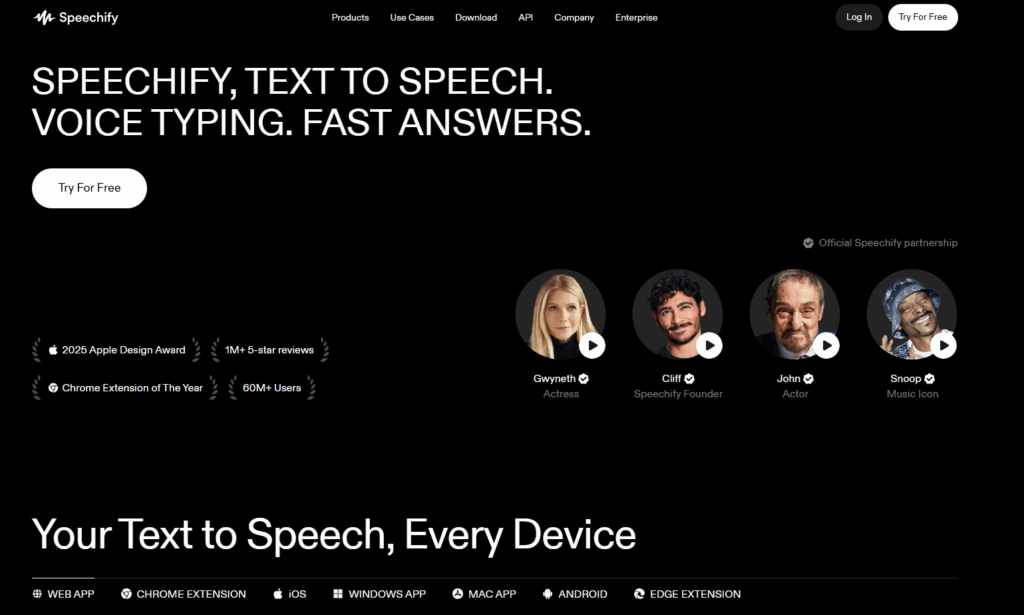
Speechify is useful when students need OCR. OCR turns images of text into readable text, which matters for printed textbook pages, photographed handouts, and scanned PDFs.
This text to speech for students workflow starts with the camera. Scan the page, let the app recognize the text, then listen. That helps when course material is not available as clean digital text.
The main tradeoff is cost. Strong voices, speed options, and heavier usage often sit behind paid plans. Students should test whether OCR is truly needed before paying.
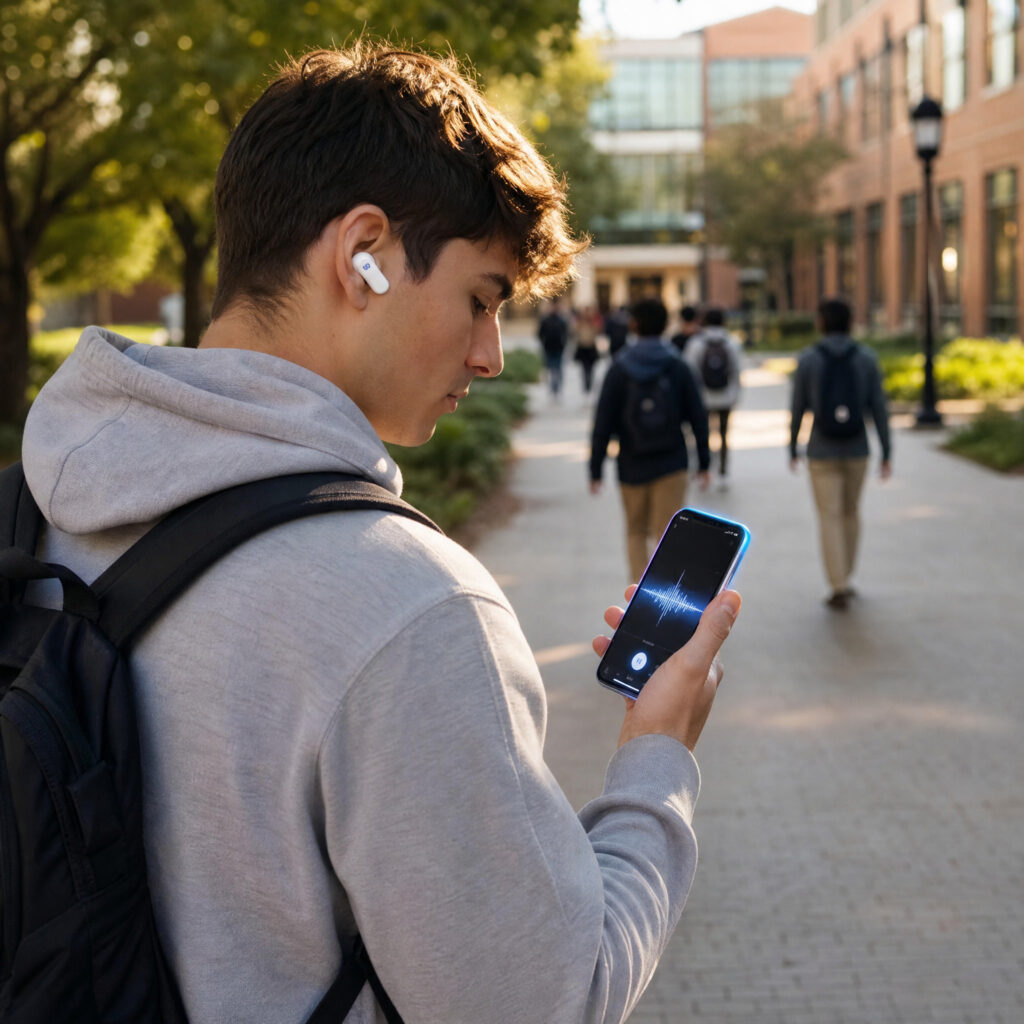
Best use cases:
- Printed textbook sections
- Photocopied course packets
- Image-based PDFs
- Handouts that cannot be copied as text
Text to speech for students with OCR is most valuable when the alternative is typing everything manually.
Text to speech for students with scanning support also helps students who receive printed packets, lab instructions, or image-heavy handouts.
4. Use NaturalReader for Scanned Course Readings
NaturalReader is another strong option for OCR-heavy coursework. It is helpful when professors upload readings as scanned PDFs instead of selectable text.
For students, the value is cleanup. A good reading interface can reduce clutter before audio playback. That makes text to speech for students easier to follow when the source page includes headers, footnotes, or extra page elements.
NaturalReader can fit long reading sessions, but voice access and usage limits vary by plan. Check the free tier against your weekly reading load.
Best use cases:
- Scanned PDF chapters
- Course-pack readings
- Long academic articles
- Clean reading mode before listening
Text to speech for students works better when the reader removes distracting text before the audio starts.
5. Use Voice Dream Reader for Accessibility-Focused Study
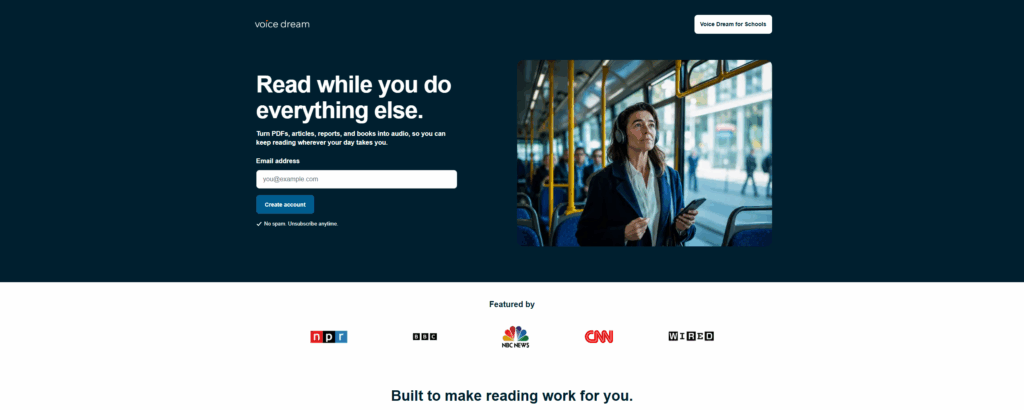
Voice Dream Reader is built for students who need deeper control. It can adjust text size, spacing, colors, highlighting, voices, and speed.
This matters for accessibility. Students with dyslexia, ADHD, low vision, eye strain, or focus challenges often need text to speech for students that adapts to their reading style.
The app is less about quick one-off conversion and more about a stable reading environment. Students who use audio every day may benefit from that control.
Best use cases:
- Dyslexia-friendly reading
- Eye-strain support
- Offline reading sessions
- Long-term study routines
- Visual and audio customization
Text to speech for students should feel comfortable enough to use repeatedly. Accessibility controls can make that possible.
Text to speech for students becomes more sustainable when students can control both the voice and the reading layout.
6. Use @Voice Aloud Reader for Android Documents
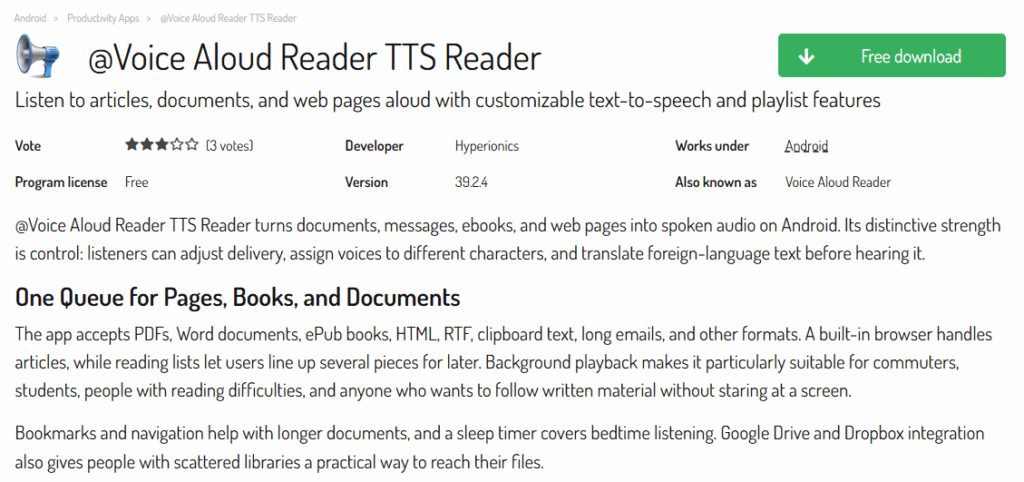
@Voice Aloud Reader is a practical Android option for document reading. It can open formats such as PDF, EPUB, DOC, HTML, and TXT, depending on the file and device setup.
This text to speech for students workflow is useful when your phone is the main study device. You can save documents, open them on Android, and listen during travel or chores.
Because it uses device voices, the experience depends on the voices installed on the phone. Still, it can be a useful free starting point.
Best use cases:
- Android-first study workflows
- EPUB and document review
- Offline listening on a phone
- Long saved articles
Text to speech for students on Android is strongest when the file is already on the device and the student wants a no-cost reader.
7. Use Built-In Phone Tools for Quick Listening
Before installing anything, students should check the accessibility tools already built into their phones. iOS Spoken Content and Android Select to Speak can read selected content aloud across many apps.
Built-in text to speech for students is best for short sessions. It can read a paragraph, email, assignment page, or note without opening a dedicated study tool.
The tradeoff is control. Built-in options may not offer the same voice quality, file export, or study organization as dedicated tools.
Best use cases:
- Quick paragraph review
- Reading assignment instructions aloud
- Short notes on mobile
- Emergency listening without setup
Text to speech for students does not always need a full workflow. Sometimes the fastest option is the tool already on the phone.
Text to speech for students at phone level is best for quick support, not full exam preparation.
Quick Comparison
Use this table to match each workflow to the right study problem:
| Option | Best Study Use | Main Strength | Main Limitation |
| Audio Converter AI | Daily notes and downloadable audio | Fast browser workflow | Long batches may need more credits |
| Microsoft Edge Read Aloud | Web pages and readable PDFs | Built into the browser | Limited audio export |
| Speechify | Printed pages and scans | Strong OCR workflow | Best features often require paid access |
| NaturalReader | Scanned course readings | OCR plus clean reader view | Free limits may restrict heavy use |
| Voice Dream Reader | Accessibility-focused reading | Deep visual and audio controls | Dedicated app setup |
| @Voice Aloud Reader | Android document listening | Free phone-based document reader | Voice quality depends on device voices |
| Built-in phone tools | Quick mobile listening | Already installed | Limited study organization |
For most students, the best text to speech for students option depends on the source material. Digital notes fit browser tools. Printed pages need OCR. Accessibility needs deeper layout control. Quick mobile tasks can use built-in phone features.
Use text to speech for students as the first test when your material is already digital and you want audio quickly.
How to Choose the Right Text to Speech for Students Workflow
Start With Your Source Material
The source decides the tool. If your notes are in Google Docs, PDFs, slides, or plain text, a browser workflow is usually enough. If your readings are printed or scanned, choose OCR first.
Use text to speech for students when your study material is easy to copy and you want downloadable audio. This is the cleanest fit for lecture notes, article excerpts, and exam summaries.
Text to speech for students should match the file in front of you. Do not choose a complex OCR app for copyable text. Do not choose a simple browser reader for photographed pages.
Decide Whether You Need Downloads
Downloads matter when study time happens away from stable internet. Commutes, flights, campus walks, and low-signal routes all make offline audio useful.
If you only listen at your desk, online playback can be enough. If you review while moving, choose text to speech for students that lets you save the result.
This one choice changes the workflow. A downloaded audio file becomes part of your study queue, while live playback stays tied to the page or tool.
Use Natural Voices for Long Study Sessions
Voice quality matters more as the file gets longer. A robotic voice may be fine for one paragraph, but it becomes tiring across a chapter summary or lecture outline.
Text to speech for students should sound clear, steady, and comfortable. Choose a voice you can listen to for at least fifteen minutes without wanting to stop.
If the voice feels distracting, try another one before changing your whole study routine.
Keep the Workflow Small
Students often overbuild their study systems. A complex workflow can feel productive, but it may reduce actual review time.
Start with one use case. Convert one lecture summary. Listen once. Mark what you missed. Then decide whether text to speech for students deserves a permanent place in your routine.
Small workflows survive exam weeks better than complicated systems.
Text to speech for students should remove work from the study process, not create another system to maintain.
Study Routines That Make Text to Speech for Students More Useful
Convert Notes After Class
The best time to create audio is soon after class. The topic is still fresh, and you can catch confusing sections before they harden into gaps.
Convert one page of notes into audio. Listen at normal speed while walking or commuting. Then replay the hardest section while looking at the original notes.
Text to speech for students turns that second pass into a habit. The value comes from repetition while the material is still active.
Build Short Exam Review Files
Long audio files are harder to use. Short files give students more control. Create one file for definitions, one for formulas, and one for essay arguments.
Use text to speech for students to make focused review clips. A five-minute audio file is easier to replay than a forty-minute recording.
Before an exam, rotate through those clips during small gaps in the day.
Pair Listening With Recall
Listening should lead to action. Pause after one section and explain the idea from memory. Then check your notes.
This is where text to speech for students becomes more than convenience. It helps students repeat the material, test recall, and find weak spots.
If you cannot explain the section after listening, mark it for visual review later.
Use Audio for Language Practice
Language learners can use audio to hear rhythm, pronunciation, and sentence stress. This is useful for vocabulary lists, short readings, and translated notes.
Text to speech for students supports language practice when students replay short passages at a slower speed. Listening and reading together can make unfamiliar phrasing easier to notice.
Use natural voices and avoid overly long files. Language practice works better in short loops.
FAQ
Is text to speech free for students?
Yes. Several text to speech for students options are free or free to start. Browser tools, built-in phone features, and some document readers can cover light study needs without a paid plan.
What is the best text to speech for students?
The best text to speech for students depends on the material. Audio Converter AI is a strong starting point for digital notes and downloadable audio. OCR tools are better for printed or scanned pages.
Can text to speech for students read PDFs?
Yes, but the PDF type matters. Clean digital PDFs usually work well. Scanned PDFs need OCR because the words are stored as images rather than selectable text.
Does text to speech for students help with studying?
Yes, when students use it actively. Text to speech for students works best with replay, note marking, recall checks, and short review files.
What speed should students use?
Start at 1.0x for new or dense material. Move to 1.25x for review. Use faster speeds only when the content is familiar.
Do students need a paid app?
Not always. Many students can start with free text to speech for students tools. Upgrade only when a limit blocks your workflow, such as OCR, longer text, better voices, or downloads.
How should students avoid passive listening?
Use short audio files, pause after each section, and summarize from memory. Text to speech for students should support active recall, not become background noise.
Conclusion
Text to speech for students turns study material into audio that fits real student schedules. It helps notes, PDFs, readings, and summaries become easier to review during small gaps in the day.
The structure matters. This is not only a tool comparison. It is seven practical ways to turn notes into audio, then choose the right workflow for the material in front of you.
Start with one set of notes. Use text to speech for students, generate a short audio file, and listen before your next class. If the material sticks better, repeat the workflow with your next reading.